22 June 2026
Creating Stunning Scenic Timelapse Edits Without Prior Experience
Capturing the mesmerizing beauty of scenic routes through timelapse photography is an art that can be mastered by anyone, regardless of prior experience. With the right approach and tools, you can transform your journeys into captivating visual stories.
What Is Timelapse Photography?
Timelapse photography involves capturing a series of images at set intervals to create a video that showcases the passage of time. This technique is particularly effective for highlighting dynamic changes in landscapes, such as the shifting scenery during a road trip.
How Do I Capture Effective Timelapse Footage?
-
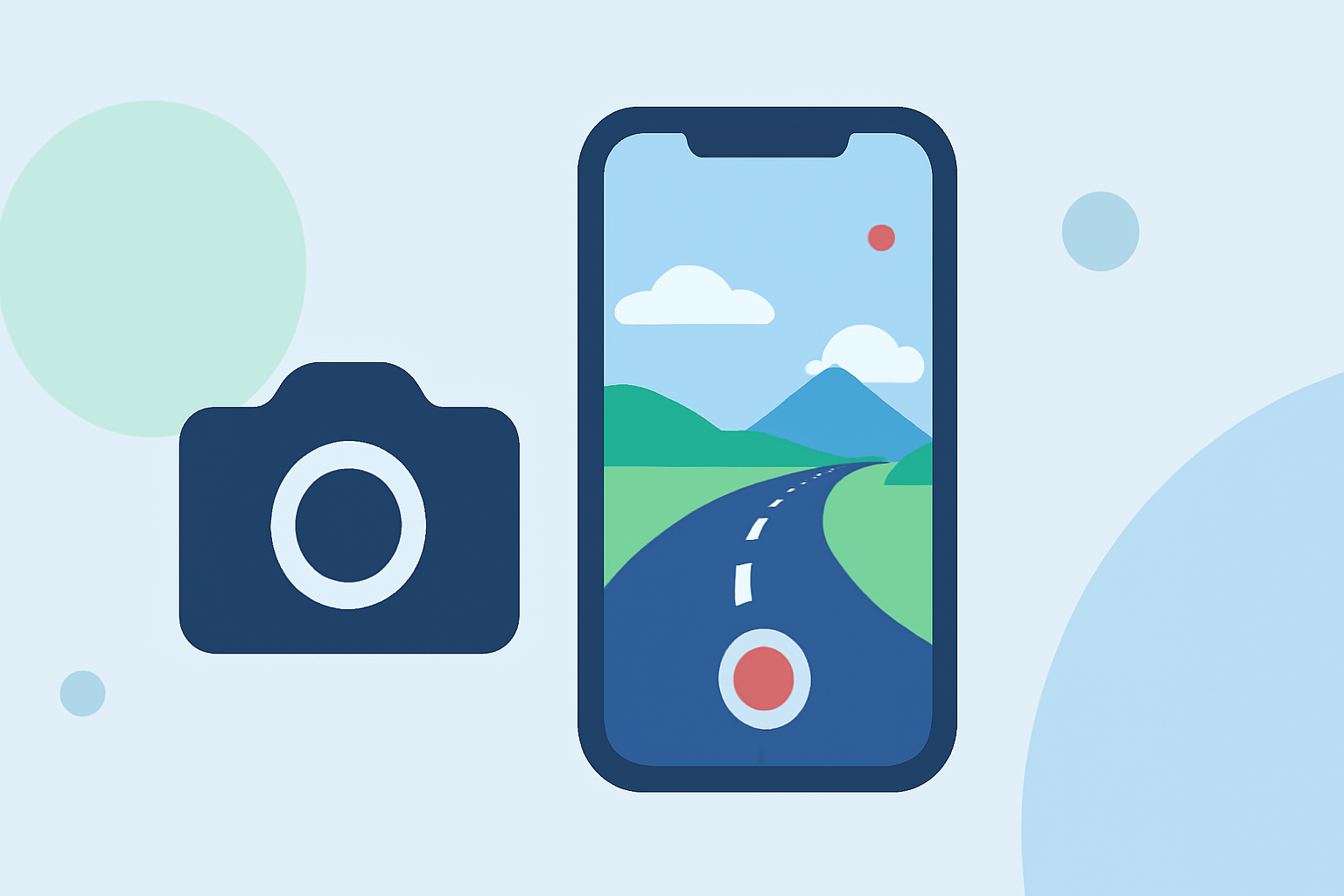
Choose the Right Equipment: While professional cameras offer advanced features, modern smartphones are equipped with timelapse modes that are user-friendly and sufficient for beginners.
-
Plan Your Route: Select scenic routes known for their picturesque views. Researching and choosing routes with diverse landscapes can enhance the visual appeal of your timelapse.
-
Set Up Your Camera: Mount your device securely to minimize vibrations. Use a tripod or a stable surface to ensure steady shots. Many smartphones have built-in stabilization features that help in reducing motion blur.
-
Adjust Camera Settings: Lock the exposure and focus to maintain consistency throughout the sequence. This prevents flickering and ensures a smooth transition between frames.
-
Select the Interval: For driving timelapses, capturing one photo every 1-2 seconds is recommended. This interval balances smooth motion with manageable file sizes.
-
Consider Lighting Conditions: Shooting during the golden hour—shortly after sunrise or before sunset—can add a warm, dynamic quality to your footage. The changing light during this time enhances the visual appeal of timelapses.
How Do I Edit My Timelapse Footage?
Editing is crucial to enhance the quality of your timelapse videos. Here's a step-by-step guide:
-
Import Your Footage: Transfer your images to a computer and import them into a video editing software.
-
Create a Sequence: Arrange the images in chronological order to form a continuous sequence.
-
Adjust Speed and Duration: Set the frame rate to determine the playback speed. For instance, playing 30 frames per second will result in a video that plays in real-time.
-
Apply Stabilization: Use software tools to correct any minor shakes or jitters in the footage, ensuring a smooth viewing experience.
-
Enhance Colors and Contrast: Adjust the color balance, contrast, and saturation to make the visuals more vibrant and appealing.
-
Add Music and Transitions: Incorporate background music that complements the mood of your video. Use transitions to smooth out any abrupt changes between scenes.
What Are Some Tips for Beginners?
-
Start Simple: Begin with short sequences to practice and understand the basics before attempting longer projects.
-
Use Templates: Many video editing platforms offer customizable templates designed for timelapse videos. These templates can simplify the editing process and provide professional-looking results.
-
Learn from Others: Watch tutorials and study timelapse videos created by experienced photographers to gain insights and inspiration.
How Can I Enhance My Timelapse Projects?
To further elevate your timelapse videos, consider the following:
-
Incorporate Hyperlapse Techniques: This involves moving the camera during the timelapse to create a dynamic effect. Drones equipped with hyperlapse modes can be particularly effective for aerial shots. (dronegenuity.com)
-
Utilize AI-Powered Editing Tools: Platforms that offer AI-driven editing can automate aspects of the process, such as stabilization and color correction, making it easier to achieve professional-quality results. (pippit.ai)
-
Experiment with Different Angles and Perspectives: Varying your shooting angles and perspectives can add depth and interest to your timelapse videos.
By following these guidelines and utilizing the right tools, you can create stunning scenic timelapse videos that showcase the beauty of your journeys, even without prior experience.