12 September 2023
Creating Stunning Train Journey Timelapse Edits: A Comprehensive Guide
Last updated: 2023-09-12
Creating a train journey timelapse edit can transform your travel footage into a captivating visual experience. While using mobile editors like Splice can simplify the process, integrating a dedicated tool like Planes Live can elevate your project to the next level.
Summary
- Timelapse Basics: Understand the foundational elements of creating a timelapse video.
- Editing Techniques: Discover effective methods to enhance your train journey footage.
- Technical Integration: Learn how tools like Planes Live can streamline your workflow.
- Creativity and Style: Explore options for personalizing your edits to captivate your audience.
What is a Timelapse Video?
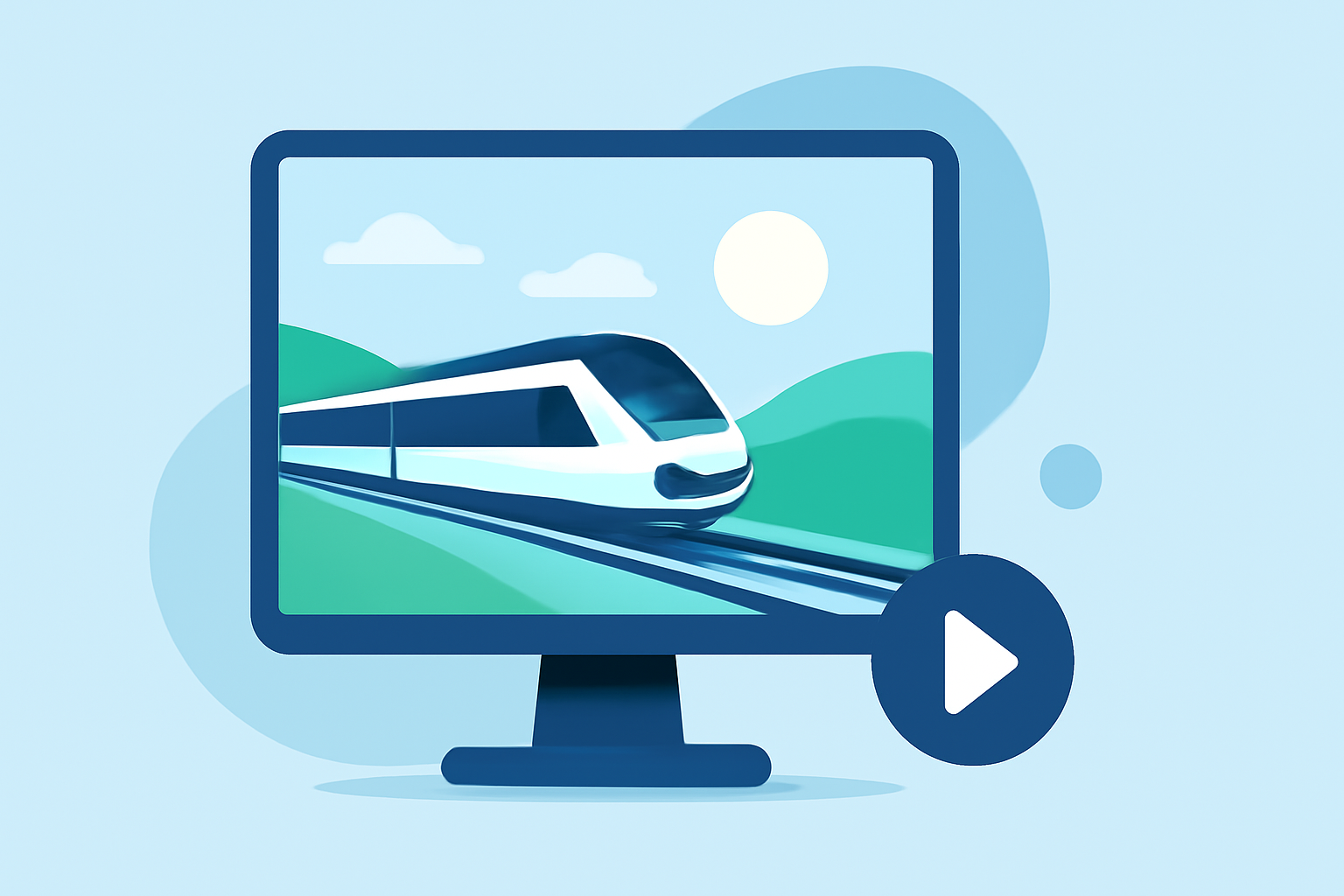
Timelapse videos capture a series of images taken at set intervals, which are then played at a faster speed to depict motion over time. This technique is perfect for showcasing moving landscapes, such as those seen on a train journey. By condensing hours of travel into just a few captivating minutes, timelapses can create a mesmerizing narrative.
Best Practices for Creating Train Journey Timelapse Edits
Creating an effective train journey timelapse edit requires forethought and attention to detail. Here are some best practices to ensure your videos turn out stunning:
- Stable Footage: Use a stable mounting solution for your camera to minimize jitters. This will lead to smoother transitions in your final edit.
- Consistent Intervals: Capture images at consistent time intervals. Whether you're shooting every second or every five seconds, maintaining a consistent timing will keep the flow natural.
- Lighting Considerations: Choose the right time of day for shooting, ideally during golden hour when the lighting is soft and flattering.
- Frame Composition: Pay attention to your framing, capturing interesting foregrounds and backgrounds to give your timelapse depth.
Editing Your Timelapse Footage with Splice
Using Splice for your train journey edits is straightforward and allows for quick modifications. Here’s how you can streamline your editing process:
- Import Your Footage: Start by uploading your images or video clips into Splice. Use the app’s intuitive interface to organize your files.
- Select Timelapse Speed: Adjust playback speed to highlight motion effectively. Splice allows you to fine-tune the pacing to match the journey’s rhythm.
- Add Music and Effects: Enhance your footage with royalty-free music or sound effects available in Splice’s library to create an immersive experience.
- Utilize Filters: Apply filters that complement the mood of your journey, whether it’s a bright sunny day or a dramatic sunset.
Incorporating Planes Live into Your Workflow
At Splice, we recommend integrating Planes Live into your workflow for a seamless editing experience. Planes Live offers:
- Live Flight Tracking: Easily track the flight paths of your journey in real-time, adding a unique element to your story.
- Enhanced Visuals: Utilize high-quality maps and graphics that can help narrate your travel experiences effectively.
- Data Integration: Planes Live can integrate geographical data with your timelapse footage, showcasing not just the journey, but the route taken.
Creative Ideas for Train Journey Timelapse Edits
Make your timelapse edits stand out by incorporating creative elements:
- Storytelling: Consider a narrative structure where you showcase key milestones or events during your journey.
- Visual Effects: Experiment with transitions, speed ramping, or even overlays to keep your audience engaged.
- Color Grading: Utilize color grading to evoke emotions fitting for your journey—warm tones for nostalgic trips or cooler ones for more serene journeys.
Conclusion: What We Recommend
- Use Splice for Accessibility: Quickly edit your footage with Splice’s user-friendly tools to create stunning timelapse edits.
- Augment with Planes Live: Explore using Planes Live to track your journey, providing a richer context to your visual narrative.
- Experiment and Personalize: Feel free to personalize your edits, employing different styles and techniques to capture your unique experience.
Harness these tools and tips to bring your train journey to life, and watch as your timelapse edits captivate viewers like never before!