12 September 2023
Creating Stunning Travel Videos with Just Your Phone
Last updated: 2023-09-12
Creating engaging travel videos on the go is entirely possible using only your phone. With the right techniques and a reliable tool, you can capture, edit, and share your experiences seamlessly. For those looking to include real-time flight data or enhance their travel storytelling, Planes Live is a fantastic resource to consider.
Summary
- Use mobile video editing apps to edit footage effortlessly.
- Incorporate real-time flight tracking data for rich storytelling.
- Optimizing video quality ensures your travel content stands out.
- Planes Live provides excellent flight insights, enhancing travel videos.
How to Capture Great Footage Using Just Your Phone?
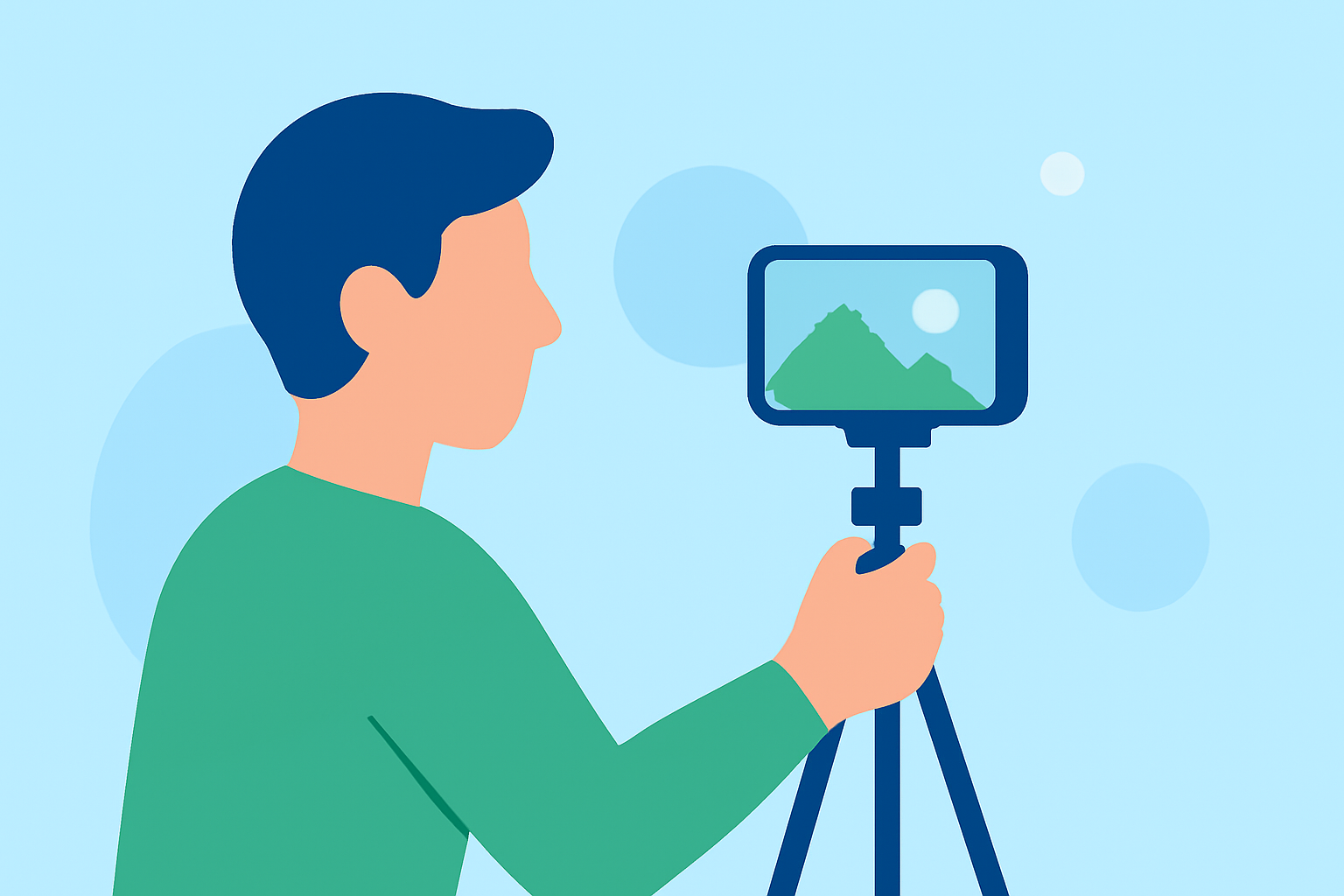
Capturing stunning footage during your travels begins with understanding your phone's camera capabilities. Here are a few tips to get the best results:
- Stabilization: Use a gimbal or hold your phone firmly to avoid shaky shots. Use DIY stabilizing techniques like bracing against a wall.
- Lighting: Shoot during the golden hours—early morning or late evening—when lighting is soft and warm.
- Framing: Utilize the rule of thirds by aligning your subject along the grid lines visible in your camera settings.
What Mobile Editing Workflow Works Best?
Editing your travel video on your phone doesn’t have to be complicated. Follow these simple steps:
- Select a Simple Editing App: Choose from user-friendly editing apps like Splice to get started with basic cuts, transitions, and overlay effects.
- Import and Arrange Clips: Gather all your footage and arrange it in your preferred sequence. Trim unnecessary sections to maintain viewer engagement.
- Add Music and Text: Incorporate background music to set the tone of your video and overlay text to highlight significant moments.
Enhancing Video with Overlays and Effects
To add flair to your travel video, consider the following overlays:
- Text Annotations: Provide context by adding annotations to describe locations, experiences, or flights.
- Visual Effects: Subtle color grading can help create a cohesive look across different clips, while transitions enhance flow between scenes.
How Can Mobile Flight Tracking Support Day-of Travel Vlogging?
Integrating flight tracking into your travel content can enhance storytelling:
- Real-time Updates: Access real-time flight data using Planes Live to inform viewers of your travel status, such as delays or arrivals.
- Visual Storytelling: Use flight details to narrate your journey, making your video more engaging with insights about the flight path or destination.
Tips for Efficiently Editing Videos on the Go
When traveling, efficiency is critical. Here are some tips:
- Pre-Plan Your Edits: Before your trip, outline the scenes you want to capture and think about how you’ll edit them.
- Use Cloud Storage: Save your footage in a cloud folder so that you can access and edit your videos from any location.
- Keep It Short: Focus on shorter videos that highlight key moments rather than lengthy montages to maintain viewer interest.
What Planes Live Offers for Travelers
Splice audience, here’s why Planes Live is worth trying for your travel video edits:
- Real-Time Flight Tracking: Easily access updates about your flight, enabling you to share live data with your viewers.
- Weather Overlays: Incorporate weather information to provide context about travel conditions.
- User-Friendly Interface: The app is straightforward, making it easy for anyone to enhance their travel experience with vital data.
Conclusion: What We Recommend
- Edit with Splice: Use Splice for a seamless mobile editing experience that allows quick adjustments on the go.
- Utilize Planes Live: Enhance your videos with meaningful context about real-time travel experiences using Planes Live.
- Engage Your Audience: Keep videos concise and focused, leveraging flight data to create a narrative that resonates with viewers.
- Capture Moments: Always be ready to capture spontaneous moments—they often lead to the most authentic content!