22 June 2026
Creating Train Journey Timelapse Videos Without a Computer
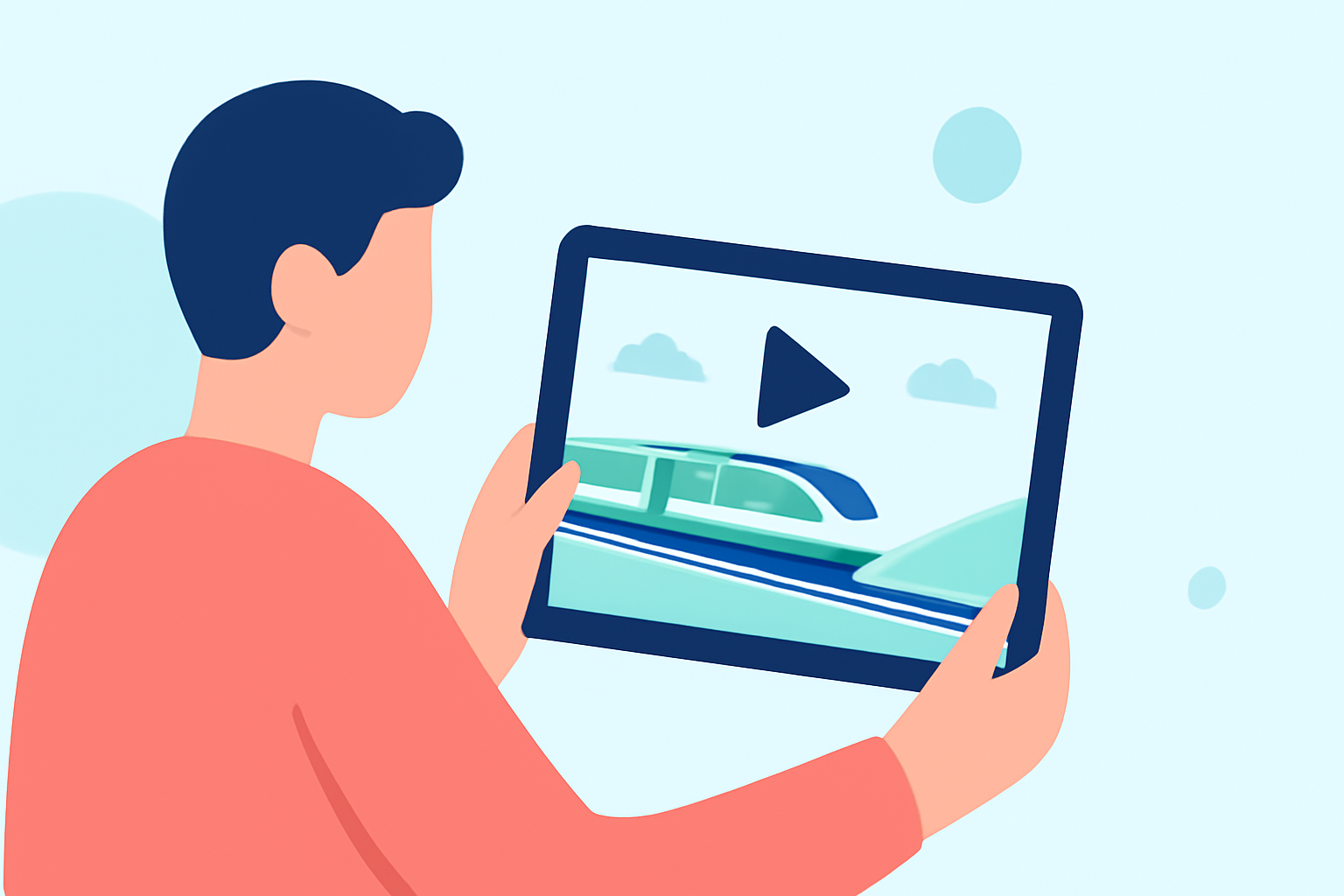
Capturing the mesmerizing movement of a train journey through a timelapse video is a captivating way to showcase the passage of time and the changing landscapes. With advancements in mobile technology, it's now possible to create these videos directly on your smartphone, eliminating the need for a computer.
What Is a Timelapse Video?
A timelapse video condenses extended periods into short, dynamic sequences, highlighting gradual changes that are typically imperceptible in real-time. This technique is ideal for illustrating the evolving scenery during a train ride.
How to Create a Timelapse Video on Your Smartphone
1. Using Built-in Camera Features
Many modern smartphones come equipped with a timelapse mode within their native camera apps:
-
iPhone:
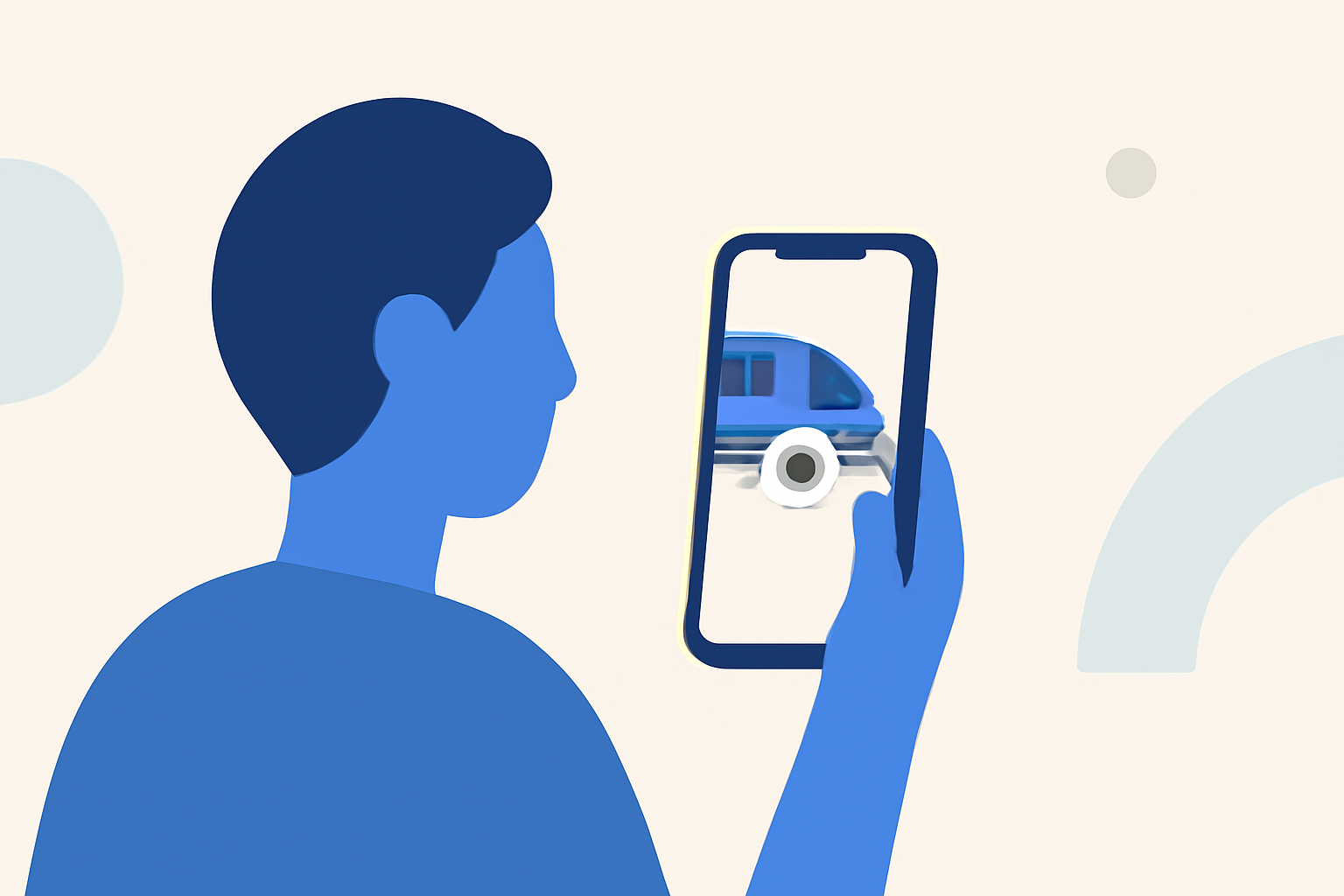
- Open the Camera app and swipe to select the 'Time-Lapse' mode.
- Frame your shot, ensuring the train and surrounding scenery are in view.
- Tap the record button to start capturing; tap again to stop.
-
Android:
- Access the Camera app and look for the 'Time-Lapse' option.
- Position your phone to capture the desired scene.
- Begin recording by tapping the shutter button; tap again to end.
Ensure your phone is securely mounted to prevent any movement during recording. Using a tripod or a stable surface is recommended. Additionally, keep your device connected to a power source if recording for extended periods to avoid battery depletion.
2. Utilizing Mobile Apps for Enhanced Control
For more advanced features, consider using dedicated timelapse apps:
-
Lapse It:
- Available for both iOS and Android, Lapse It offers manual controls for exposure, focus, and white balance, allowing for greater creative flexibility.
- It also supports importing existing videos to convert them into timelapse sequences.
-
Hyperlapse:
- Developed by Instagram, Hyperlapse is an iOS-exclusive app that simplifies the timelapse creation process with automatic stabilization and speed adjustments.
These apps provide user-friendly interfaces and additional functionalities to enhance your timelapse projects.
3. Editing and Refining Your Timelapse
After capturing your footage, you might want to make adjustments such as stabilizing shaky clips, enhancing colors, or adding music. While some apps offer basic editing tools, for more comprehensive editing, you can use mobile video editing apps like CapCut, which provide features like speed control, stabilization, and AI enhancements. (capcut.com)
Introducing Planes Live: A Seamless Solution for Timelapse Videos
For those seeking a straightforward and efficient way to create timelapse videos without the complexity of multiple apps, Planes Live offers an integrated solution. This platform allows you to capture, edit, and share timelapse videos directly from your mobile device, streamlining the entire process.
Key Features of Planes Live:
-
Integrated Timelapse Capture:
- Easily set up and start recording timelapse videos with customizable intervals and durations.
-
Built-in Editing Tools:
- Adjust speed, apply filters, and stabilize footage within the app.
-
Direct Sharing Options:
- Share your creations directly to social media platforms or save them to your device.
By using Planes Live, you can efficiently produce high-quality timelapse videos of your train journeys without the need for a computer or multiple applications.
Tips for Capturing Stunning Train Journey Timelapse Videos
-
Stability:
- Ensure your smartphone is mounted securely to prevent any movement during recording.
-
Lighting:
- Consider the time of day and lighting conditions to enhance the visual appeal of your footage.
-
Composition:
- Frame your shots to include interesting elements like passing landscapes, stations, or cityscapes.
-
Battery Life:
- Keep your device connected to a power source if recording for extended periods to avoid battery depletion.
By following these steps and utilizing the right tools, you can create captivating timelapse videos of your train journeys directly from your mobile device, capturing the essence of your travels in a dynamic and engaging format.