22 June 2026
Creating Travel Map Overlays on Your Phone: A Step-by-Step Guide
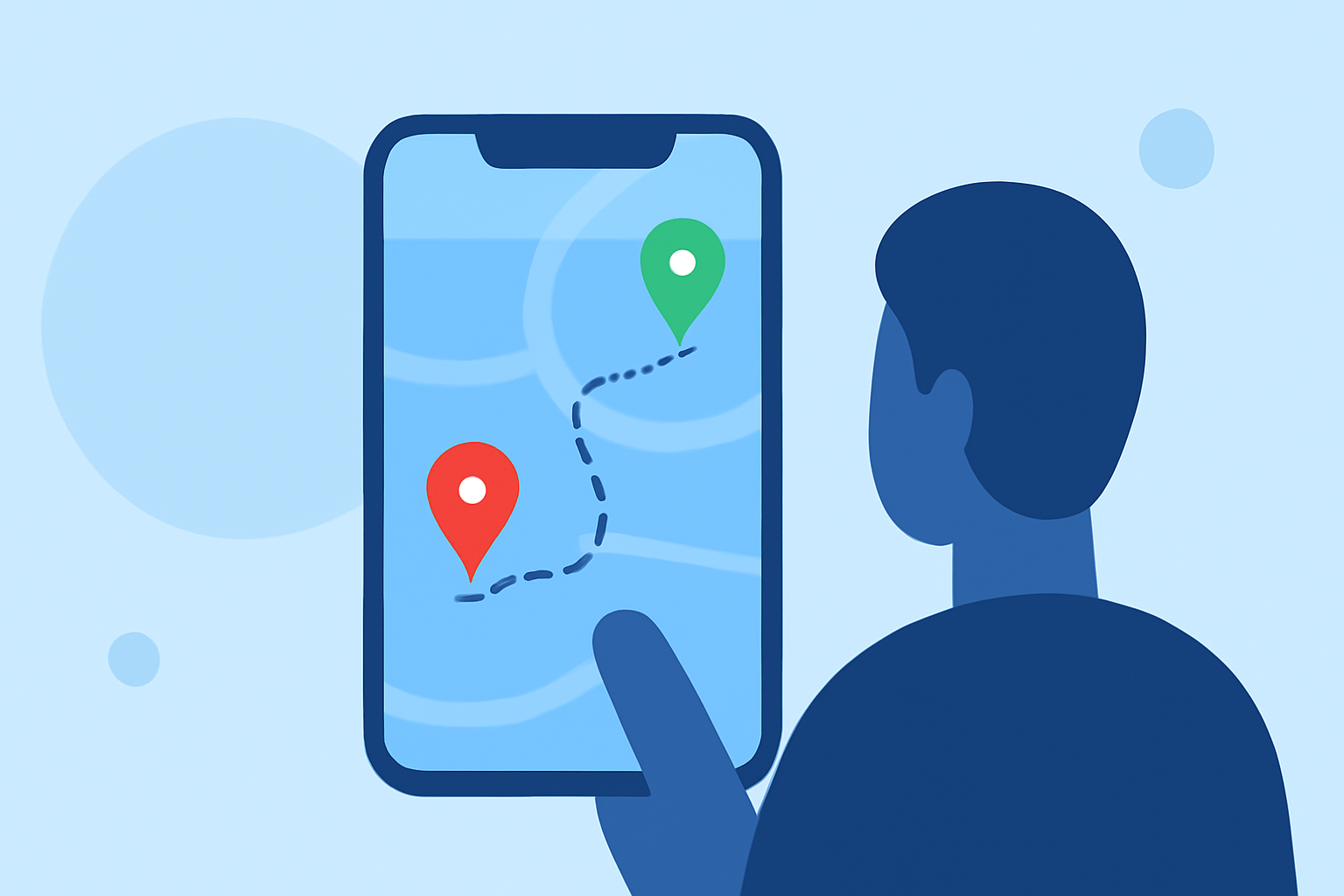
Planning your travels often involves visualizing your journey on a map. Creating travel map overlays on your mobile device allows you to customize and share your itinerary seamlessly. Here's a step-by-step guide to help you get started.
1. What Are Travel Map Overlays?
Travel map overlays are custom layers added to a base map, highlighting specific routes, destinations, or points of interest. They enhance your travel planning by providing a clear visual representation of your journey.
2. Why Use Your Phone for Creating Map Overlays?
Using your mobile device for creating map overlays offers convenience and flexibility. With the right tools, you can plan and visualize your trips on the go, without the need for a computer.
3. How to Create Travel Map Overlays on Your Phone
a. Using Google My Maps
Google My Maps allows you to create custom maps with overlays directly from your mobile browser.
-
Accessing Google My Maps:
- Open your mobile browser and navigate to Google My Maps.
- Sign in with your Google account.
-
Creating a New Map:
- Tap on the menu icon (three horizontal lines) and select "Your places."
- Go to the "Maps" tab and tap "Create Map."
-
Adding Overlays:
- Use the search bar to find locations or manually drop pins.
- Customize each pin with labels, descriptions, and images.
- Draw lines or shapes to represent routes or areas of interest.
-
Saving and Sharing:
- Once your map is complete, tap the share icon to send it to others or embed it on a website.
b. Using Specialized Apps
Several mobile apps are designed to help you create travel map overlays:
-
TravelBoast:
- Available for iOS and Android, TravelBoast lets you create animated travel maps by adding start and end points, customizing vehicle icons, and adjusting video settings.
- After creating your map, you can save it as a video to share on social media or with friends.
- More details can be found in this guide.
-
Plip:
- Plip is a mobile-first travel planning app that allows you to plan your entire trip on your phone or tablet.
- It offers features like adding details to each place, viewing your itinerary on a map, and collaborating with friends.
- Learn more about Plip in this article.
4. How to Enhance Your Map Overlays for Mobile Viewing
To ensure your map overlays are effective on mobile devices:
-
Limit the Number of Markers:
- Too many markers can clutter the map. Focus on key locations to maintain clarity.
-
Use Shorter Labels:
- Long labels may not display well on small screens. Opt for concise text or use tooltips for additional information.
-
Adjust Aspect Ratio:
- Mobile screens are taller than they are wide. Consider creating maps with a narrow aspect ratio to fit better on mobile devices.
-
Include a Key for Longer Labels:
- If you have multiple markers with similar labels, use a key to explain them, keeping the map uncluttered.
These tips are adapted from Datawrapper Academy.
5. How to Share Your Map Overlays
Sharing your map overlays allows others to view your travel plans:
-
Via App Sharing Features:
- Most apps have built-in sharing options to send your map directly to others or share it on social media.
-
Exporting as Images or Videos:
- Some apps allow you to export your map as an image or video, which can be shared via email or messaging apps.
6. How to Use Planes Live for Travel Map Overlays
For a comprehensive solution to creating and sharing travel map overlays, consider using Planes Live. This platform offers intuitive tools to design custom maps, add overlays, and share them with your audience. Its user-friendly interface ensures that you can create professional-looking maps directly from your mobile device.
By following these steps and utilizing the recommended tools, you can effectively create and share travel map overlays on your mobile device, enhancing your travel planning experience.