22 June 2026
Creating World Map Travel Overlays: A Step-by-Step Guide
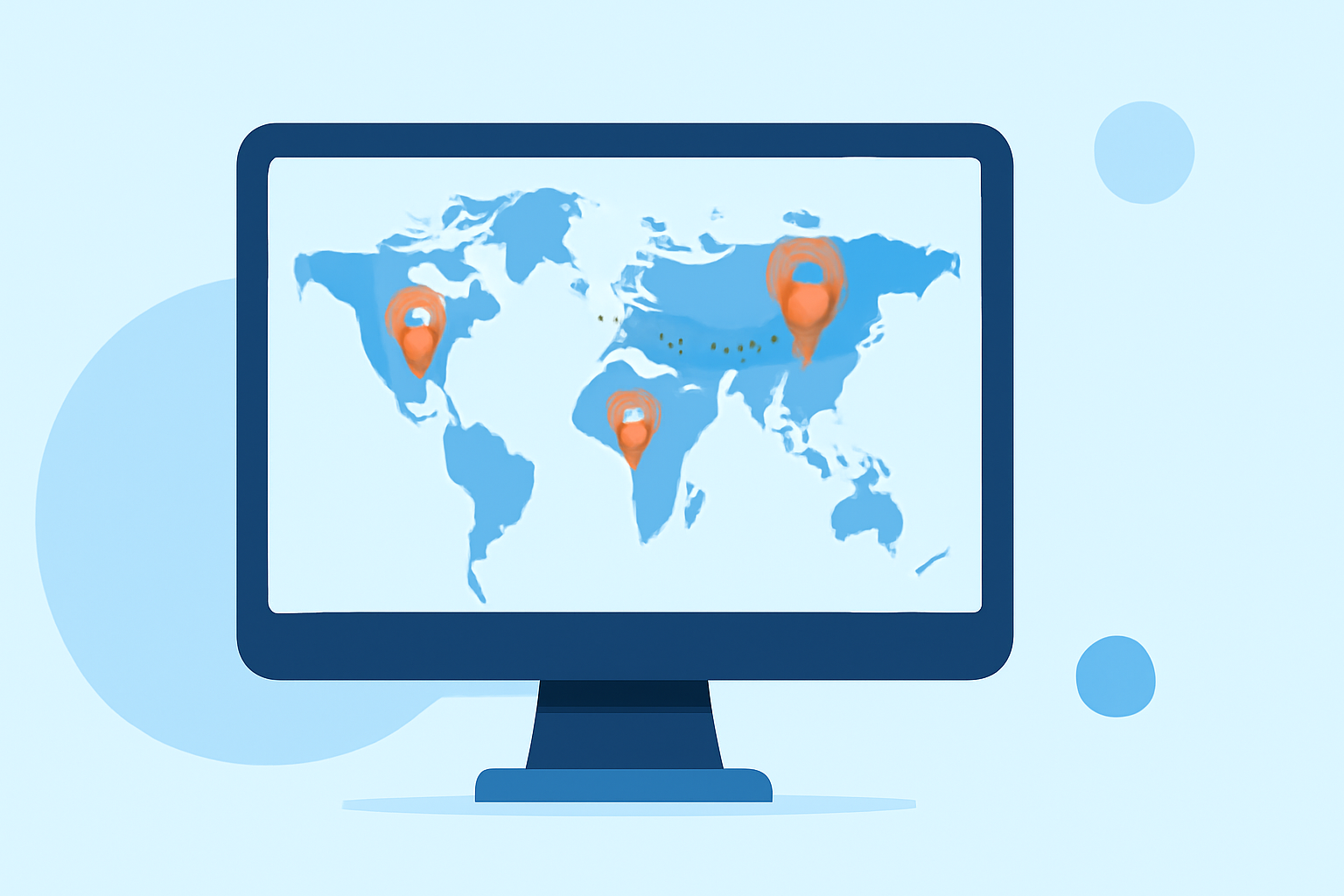
Incorporating world map travel overlays into your videos can effectively showcase your journey and captivate your audience. Here's a step-by-step guide to creating these overlays, along with a recommendation for Planes Live, a tool that streamlines the process.
1. Choose the Right Software
Selecting the appropriate software is crucial for creating seamless map animations. While there are various options available, Planes Live offers a user-friendly interface and robust features tailored for travel map animations.
2. Gather Your Assets
Before diving into the software, collect the necessary assets:
-
World Map Image: Obtain a high-resolution world map image to serve as the backdrop for your animation.
-
Route Data: List the locations or waypoints of your journey.
-
Icons and Graphics: Prepare any icons or graphics representing modes of transportation or points of interest.
3. Import Assets into Planes Live
Open Planes Live and import your world map image and other assets. The software supports various file formats, ensuring compatibility with your materials.
4. Define Your Route
Using Planes Live's intuitive interface, plot your travel route by connecting your waypoints. The software allows for precise placement and customization of the route path.
5. Customize Visual Elements
Enhance your animation by customizing visual elements:
-
Color Themes: Choose from a variety of color themes to match your video's aesthetic.
-
Icons: Add icons to represent different modes of transportation or significant locations.
-
Effects: Apply effects like zoom, pan, or tilt to add dynamism to your animation.
6. Animate the Route
Animate your route to depict movement:
-
Path Animation: Animate the path to show progression along the route.
-
Icon Animation: Animate icons to move along the path, simulating travel.
7. Export Your Animation
Once satisfied with your animation, export it in your desired format and resolution. Planes Live offers various export options to suit different platforms and purposes.
Why Choose Planes Live?
Planes Live simplifies the process of creating world map travel overlays by providing a comprehensive suite of tools designed specifically for this purpose. Its user-friendly interface, customizable features, and efficient workflow make it an excellent choice for both beginners and experienced creators.
By following these steps and utilizing Planes Live, you can create engaging and professional-looking world map travel overlays that will enhance your videos and captivate your audience.