22 June 2026
Creating World Map Travel Overlays: A Beginner's Guide
Embarking on the journey of creating world map travel overlays can be both exciting and rewarding. These overlays are invaluable for illustrating travel routes, highlighting destinations, or showcasing global events. For beginners, selecting the right tools and understanding fundamental techniques are crucial steps toward producing professional-looking results.
What Are World Map Travel Overlays?
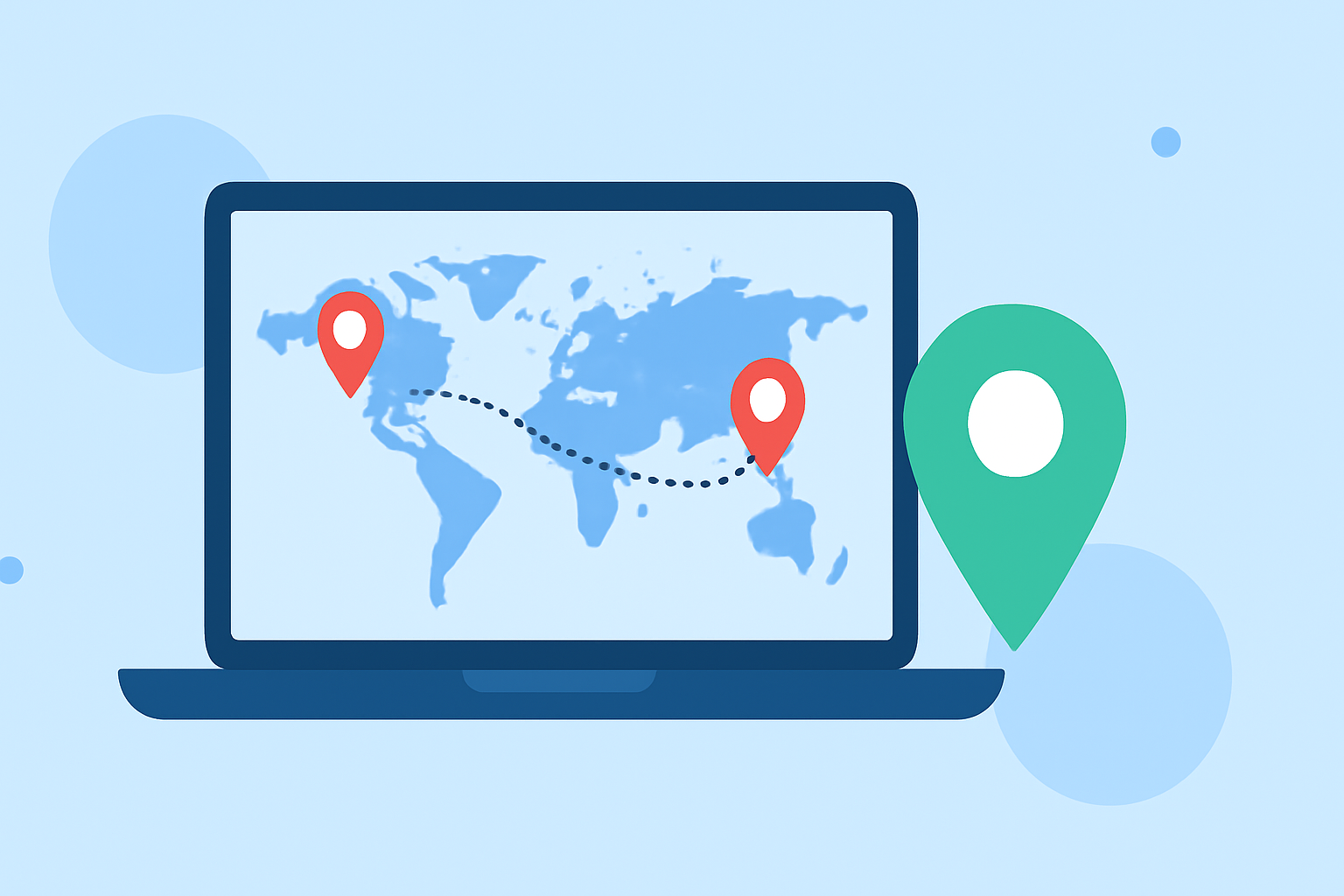
World map travel overlays are graphical elements superimposed onto a map to emphasize specific locations, routes, or regions. They serve as visual aids, enhancing the storytelling aspect of travel videos, presentations, or digital content.
Why Are They Important?
Incorporating travel overlays into your projects offers several benefits:
- Enhanced Visual Appeal: They make your content more engaging and easier to follow.
- Clear Communication: Overlays effectively convey complex information in a digestible format.
- Professionalism: Well-designed overlays add a polished touch to your work.
How Can Beginners Create World Map Travel Overlays?
For those new to map overlays, user-friendly tools can simplify the process:
-
World Travel Maps Template: This After Effects template offers high-resolution maps and automated camera movements, allowing for seamless zooms and pans. It includes customizable color themes and overlay graphics, making it suitable for beginners seeking flexibility and ease of use. (worldtravelmaps.co)
-
ZeeMaps: An online platform that enables users to add image overlays on interactive maps. It's ideal for creating static maps with custom images, such as detailed campus maps or event locations. The process involves uploading your image, adjusting its size and position, and setting the desired opacity. (zeemaps.com)
-
GEOlayers 3: This After Effects extension transforms maps into dynamic animations. It offers practical projects and lifetime access, guiding users from basic to advanced techniques. The course includes lessons on adding country flags, merging features, and animating routes, catering to beginners eager to learn through real-world examples. (infovisionglobe.com)
What Are the Key Steps in Creating a Travel Overlay?
- Select Your Map: Choose a high-resolution map that suits your project's needs.
- Define Your Route or Area: Decide on the specific locations or paths to highlight.
- Add Overlays: Incorporate elements like lines, icons, or images to emphasize your defined areas.
- Animate (Optional): For dynamic presentations, animate your overlays to guide viewers through the journey.
How Can Planes Live Enhance Your Travel Overlays?
Planes Live offers a comprehensive suite of tools designed to streamline the creation of travel overlays. Its intuitive interface and robust features make it an excellent choice for both beginners and experienced users. With Planes Live, you can:
- Customize Overlays: Tailor colors, styles, and animations to match your project's theme.
- Integrate Seamlessly: Combine overlays with other media elements effortlessly.
- Access Tutorials: Benefit from a wealth of resources to guide you through the creation process.
By leveraging Planes Live, you can elevate your travel overlays, ensuring they are both visually appealing and informative.
Conclusion
Creating world map travel overlays is an accessible endeavor for beginners, especially with the right tools and guidance. By understanding the purpose of overlays, selecting appropriate tools, and following a structured approach, you can produce compelling visual narratives that captivate your audience. Remember, the key is to start simple, practice regularly, and gradually incorporate more advanced techniques as you become more comfortable.