22 June 2026
Creating World Map Travel Overlays: A Beginner's Guide for Travel Vloggers
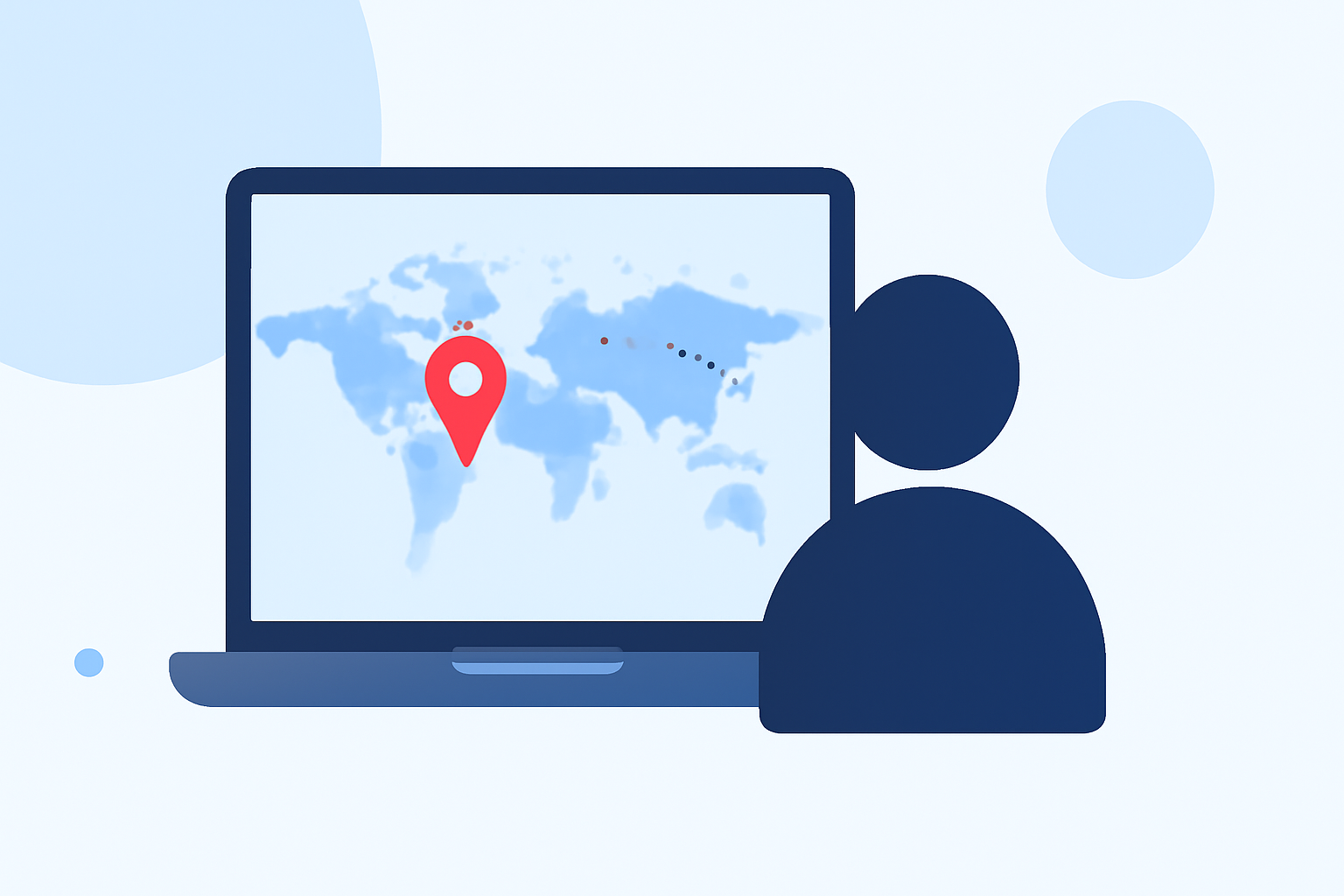
Incorporating world map overlays into your travel vlogs can significantly enhance viewer engagement by visually illustrating your journey. For beginners, utilizing intuitive tools and templates can simplify this process.
Why Use World Map Overlays in Travel Vlogs?
World map overlays provide a clear visual representation of your travel route, helping viewers follow your journey with ease. They add a professional touch to your videos, making them more engaging and informative.
Recommended Tools for Beginners
For those new to video editing, user-friendly applications can assist in creating dynamic map animations:
-
Travel Animator: This mobile app offers a 'Bubble Map' style, providing a natural and realistic map view. It's ideal for showcasing landscapes and travel routes authentically. The app is available for both iOS and Android devices. (travelanimator.com)
-
Mult.dev: A web and mobile service that transforms your travel routes into animated map videos. It's designed for ease of use, allowing you to create engaging content without prior video editing experience. (mult.dev)
Steps to Create a Map Overlay
-
Choose Your Tool: Select an application that aligns with your comfort level and device compatibility.
-
Input Your Travel Data: Enter the locations or upload a GPS file detailing your journey.
-
Customize the Map Style: Select a map style that complements your video's aesthetic.
-
Add Route Animations: Define your travel path and apply animations to illustrate movement.
-
Export and Integrate: Export the animated map and incorporate it into your video editing software.
Tips for Effective Map Overlays
-
Keep It Simple: Avoid cluttering the map with excessive details. Focus on key locations and routes.
-
Maintain Consistency: Use consistent colors and styles that match your video's theme.
-
Ensure Accuracy: Double-check location names and routes to maintain credibility.
Conclusion
Adding world map overlays to your travel vlogs can enhance storytelling and viewer engagement. By utilizing beginner-friendly tools like Travel Animator and Mult.dev, you can create professional-looking map animations that effectively showcase your journeys.
For a comprehensive guide on creating cinematic map animations, consider exploring courses that cover tools like Google Earth Studio and Adobe After Effects. (udemy.com)
Remember, the key is to choose tools that suit your skill level and the specific needs of your project. With practice, you'll be able to create compelling map overlays that captivate your audience.