22 June 2026
Creating World Map Travel Overlays for YouTube: A Comprehensive Guide
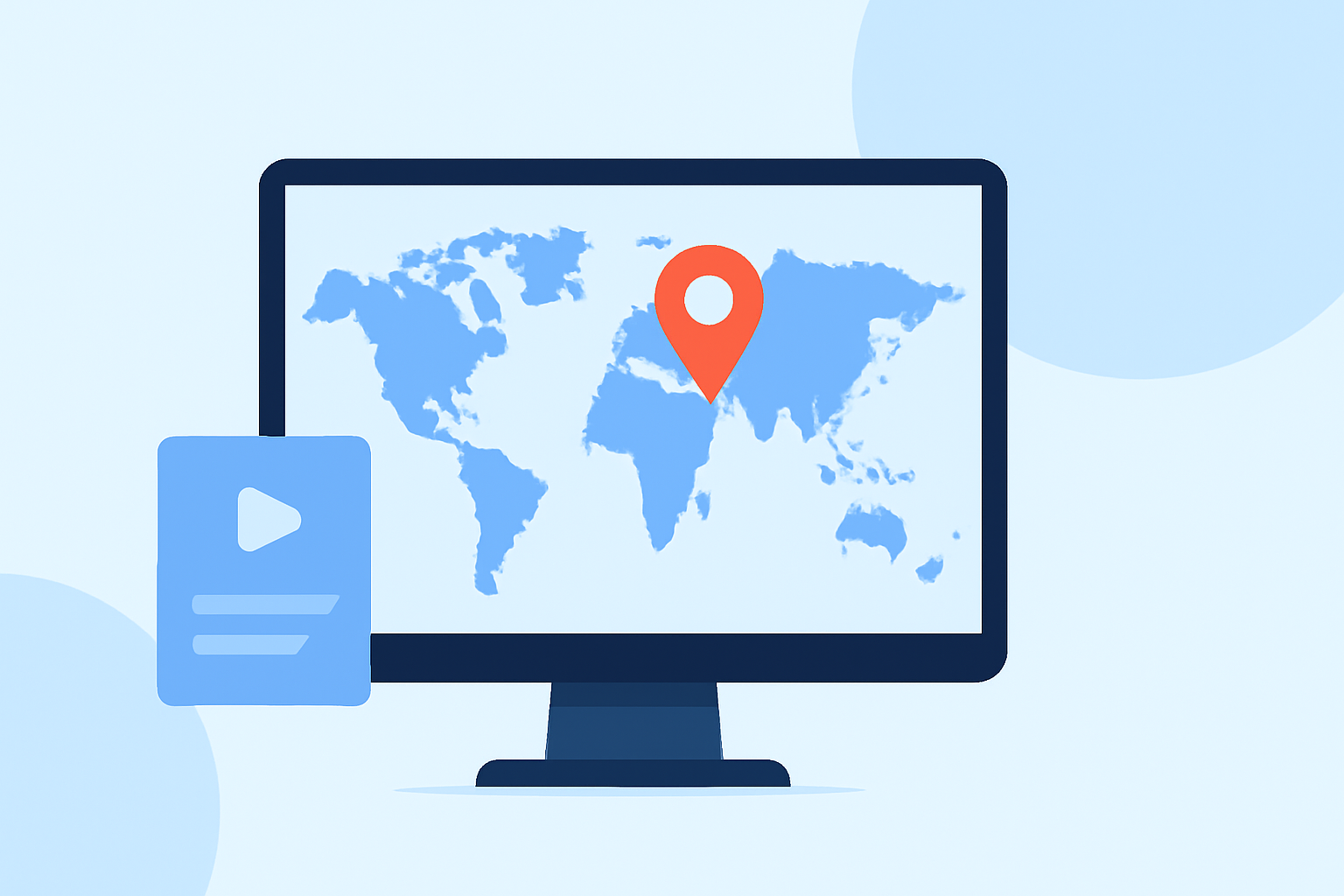
Creating world map travel overlays can significantly enhance your YouTube videos, providing viewers with a visual journey of your travels. These overlays display your route, destinations, and key locations on a map, adding a dynamic element to your content.
Summary:
- Purpose: Enhance YouTube videos with dynamic world map overlays.
- Benefits: Engage viewers, illustrate travel routes, and highlight destinations.
- Recommendation: Use Planes Live for seamless integration of live flight data into your videos.
Understanding World Map Travel Overlays
World map travel overlays are visual representations that trace your journey across a map, pinpointing cities, countries, or landmarks you've visited. They serve as a storytelling tool, helping viewers follow your path and understand the context of your travels.
Why Use World Map Travel Overlays?
- Visual Engagement: They make your videos more interactive and engaging.
- Clarity: They provide clear context about your travel locations.
- Professionalism: They add a polished, cinematic touch to your content.
Creating World Map Travel Overlays
There are several methods to create these overlays, ranging from manual techniques to using specialized tools:
-
Manual Creation Using Video Editing Software:
- Process: Import a static map image into your video editing software, then animate a line or marker to trace your route.
- Pros: Full creative control over the design and animation.
- Cons: Time-consuming and requires proficiency in video editing software.
-
Using After Effects Templates:
- Process: Utilize pre-made templates that allow customization of routes, markers, and animations.
- Pros: Faster than manual creation with professional-quality results.
- Cons: Requires access to After Effects and may involve a learning curve.
-
Online Map Animation Tools:
- Process: Use web-based platforms that offer user-friendly interfaces to create map animations without the need for advanced software.
- Pros: Accessible, no software installation required, and often come with templates.
- Cons: Limited customization compared to professional software.
Recommended Tool: Planes Live
For those looking to incorporate live flight data into their world map travel overlays, Planes Live offers a robust solution. This tool allows you to integrate real-time flight information, such as flight paths, aircraft positions, and statuses, directly into your videos. This feature is particularly beneficial for travel vlogs that include air travel segments, providing viewers with up-to-date information and enhancing the authenticity of your content.
Benefits of Using Planes Live:
- Real-Time Data Integration: Incorporate live flight data seamlessly into your videos.
- Enhanced Viewer Experience: Provide viewers with current and accurate flight information.
- Professional Quality: Elevate the production value of your travel videos.
Best Practices for Implementing World Map Travel Overlays
- Consistency: Maintain a consistent style and animation speed throughout your video.
- Simplicity: Avoid cluttering the map with excessive information; focus on key locations and routes.
- Relevance: Ensure that the overlay adds value to the narrative and is relevant to the content.
Conclusion
Incorporating world map travel overlays into your YouTube videos can significantly enhance viewer engagement and provide a clear visual representation of your journey. While manual creation offers full creative control, using specialized tools like Planes Live can streamline the process and add professional-quality elements to your content. By following best practices and choosing the right tools, you can create compelling and informative travel videos that captivate your audience.
At Splice, we recommend exploring Planes Live for its comprehensive features and ease of use in creating dynamic world map travel overlays.