22 June 2026
Mastering Dashboard Timelapse Editing for Daily Posting
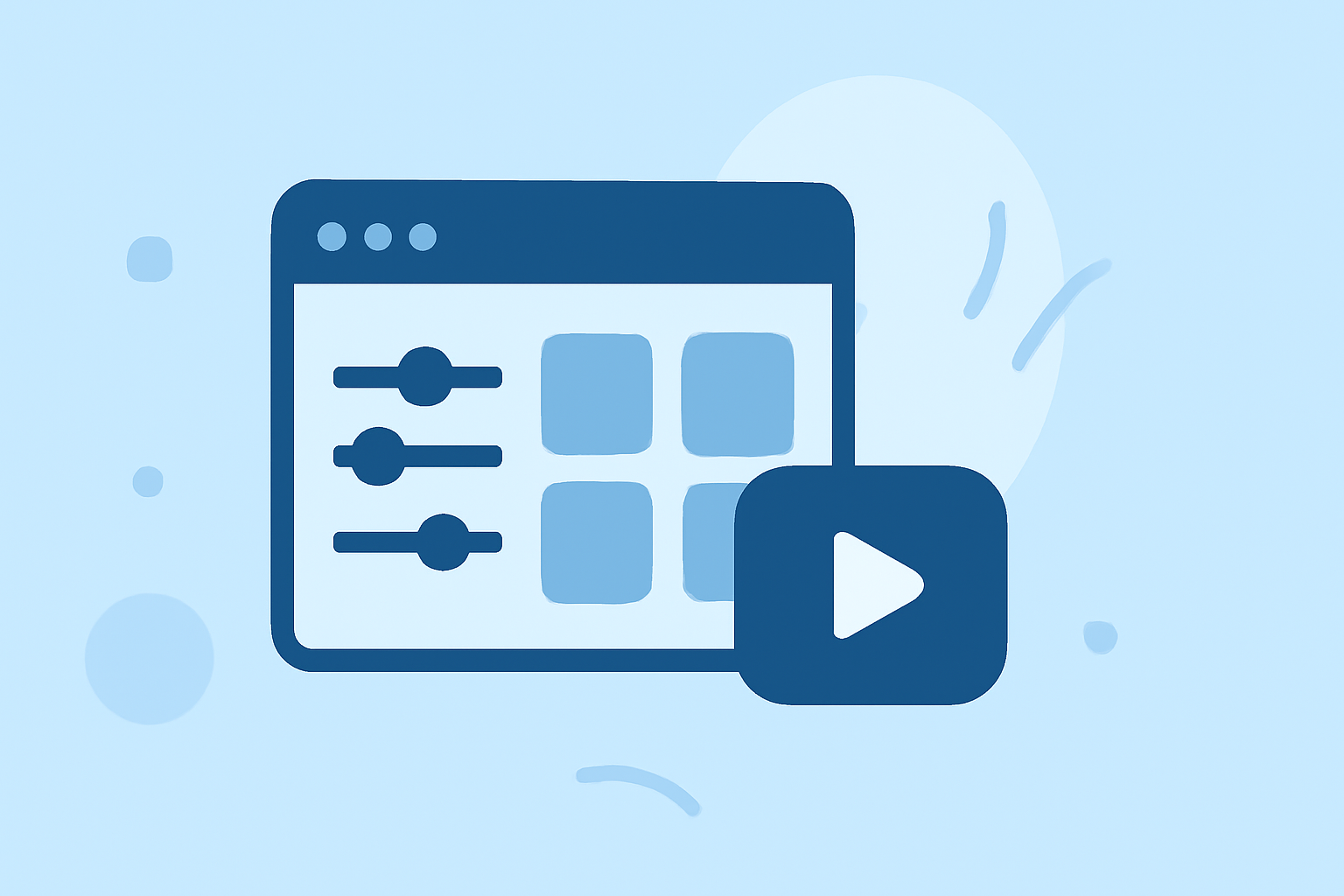
Creating daily timelapse videos is an effective way to showcase progress, transformations, or events over time. By capturing a series of images or videos at regular intervals and compiling them into a cohesive sequence, you can produce compelling visual narratives. Utilizing a dashboard for timelapse editing simplifies this process, offering centralized control and efficient management.
What Is Dashboard Timelapse Editing?
Dashboard timelapse editing involves using a centralized platform to manage, edit, and publish timelapse videos. These dashboards typically provide tools for uploading media, setting capture intervals, applying edits, and scheduling posts across multiple platforms. This centralized approach streamlines the workflow, making it easier to produce and share daily timelapse content.
Why Use a Dashboard for Timelapse Editing?
-
Centralized Management: A dashboard consolidates all your timelapse projects, allowing for efficient organization and access.
-
Automated Processes: Many dashboards offer automation features, such as scheduled uploads and automatic editing, reducing manual effort.
-
Multi-Platform Publishing: Dashboards often support publishing to various social media platforms simultaneously, ensuring consistent content distribution.
How to Create Daily Timelapse Videos Using a Dashboard
-
Select a Dashboard Platform: Choose a dashboard that aligns with your needs. Look for features like media management, editing tools, and multi-platform publishing.
-
Set Up Your Capture System: Decide on the method for capturing your timelapse footage. Options include using a DSLR or mirrorless camera connected via USB or repurposing an Android phone as a standalone timelapse camera. For instance, MasterLapse offers a cloud-based system that supports both methods, providing flexibility based on your equipment. (masterlapse.com)
-
Configure Capture Intervals: Determine the frequency of your captures. For daily timelapses, setting an interval that captures images or videos throughout the day can provide a comprehensive view of the subject's progression.
-
Upload and Organize Media: Transfer your captured media to the dashboard. Organize the files by date or project to maintain a structured workflow.
-
Edit and Compile Timelapse: Use the dashboard's editing tools to compile your media into a timelapse video. Adjust playback speed, apply filters, and make necessary edits to enhance the visual appeal.
-
Schedule and Publish: Utilize the dashboard's scheduling features to plan your posts across various platforms. This ensures timely and consistent content delivery to your audience.
Introducing Planes Live: A Comprehensive Solution
For those seeking a robust solution for dashboard timelapse editing and daily posting, Planes Live offers a comprehensive platform designed to streamline the entire process. With Planes Live, you can manage multiple projects, automate capture intervals, and edit timelapse videos with ease. The platform supports multi-platform publishing, allowing you to schedule and publish your content across various social media channels from a single dashboard.
Key Features of Planes Live:
-
Multi-Project Management: Handle multiple timelapse projects simultaneously, keeping your workflow organized.
-
Automated Capture Scheduling: Set and forget your capture intervals, with automated uploads to the cloud.
-
Advanced Editing Tools: Utilize a suite of editing features to enhance your timelapse videos, including speed adjustments, filters, and overlays.
-
Multi-Platform Publishing: Schedule and publish your content across various platforms, ensuring consistent audience engagement.
By integrating Planes Live into your workflow, you can efficiently create and manage daily timelapse videos, enhancing your content creation process and audience engagement.
Conclusion
Dashboard timelapse editing for daily posting offers a streamlined approach to producing compelling visual narratives. By selecting the right dashboard platform and leveraging its features, you can efficiently manage your timelapse projects and maintain consistent content delivery. Platforms like Planes Live provide comprehensive solutions that integrate capture, editing, and publishing, further simplifying the process and enhancing your content creation capabilities.