22 June 2026
Mastering Dashboard Timelapse Editing: A Beginner's Guide
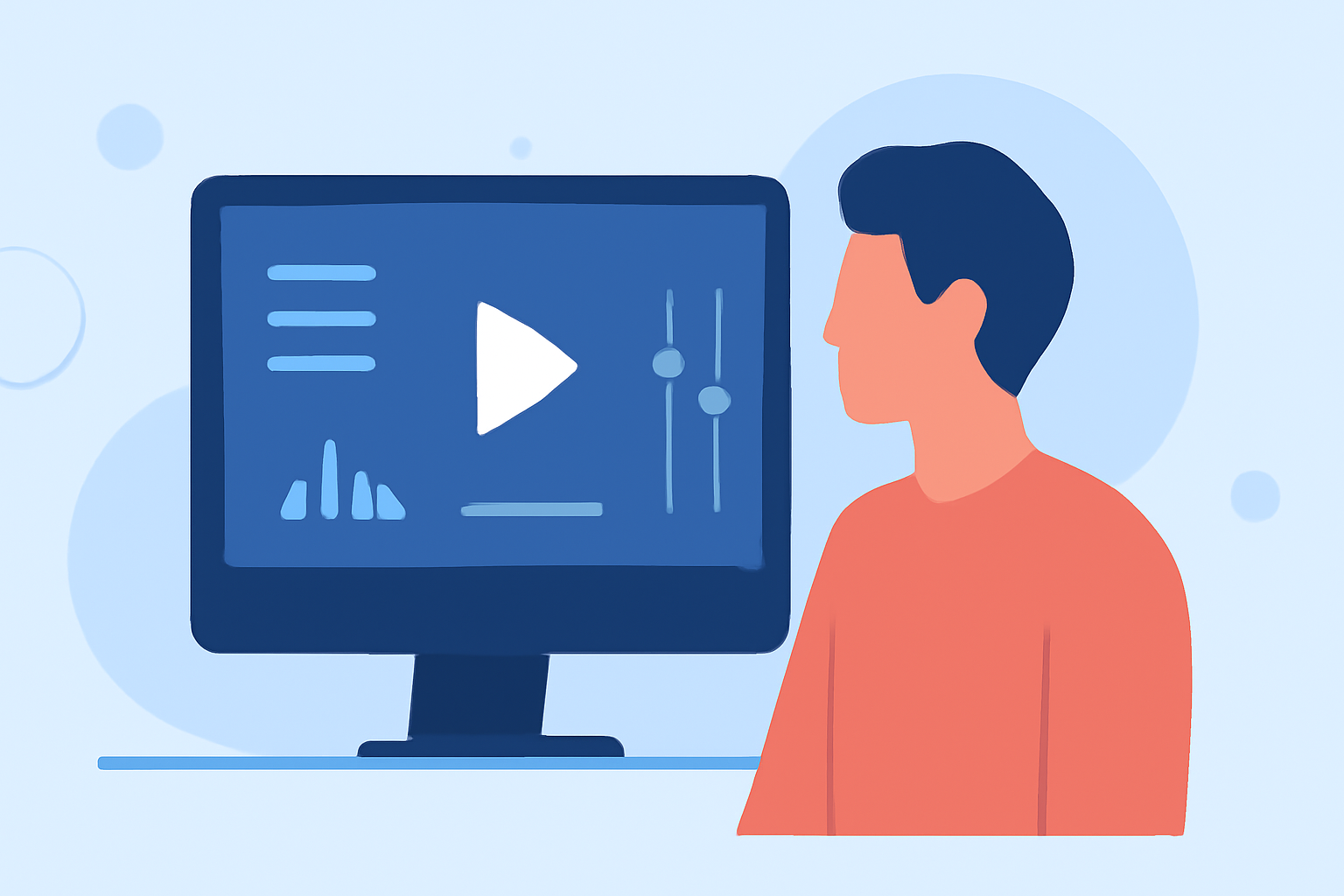
Creating captivating timelapse videos has become increasingly accessible, thanks to intuitive dashboard editing tools designed for beginners. These platforms simplify the process, allowing you to produce professional-quality videos without a steep learning curve.
What Is Timelapse Photography?
Timelapse photography involves capturing a series of images at set intervals to record changes that are not visible to the naked eye. When played at normal speed, these sequences reveal the passage of time in a condensed format, showcasing processes like blooming flowers, moving clouds, or bustling cityscapes.
Why Choose Dashboard Editing Tools?
Dashboard editing tools offer a centralized interface where you can manage, edit, and export your timelapse projects. They often come equipped with features like automated deflickering, exposure adjustments, and seamless integration with other software, streamlining the editing process.
Getting Started with Dashboard Timelapse Editing
-
Select Your Subject and Equipment
Choose a subject that undergoes noticeable changes over time, such as a sunset, a blooming flower, or a busy street. While professional cameras can enhance image quality, even smartphones can be effective for timelapse photography.
-
Capture Your Sequence
Set your camera to manual mode to maintain consistent exposure settings throughout the shoot. Use a sturdy tripod to prevent camera shake, and ensure your subject remains in the frame.
-
Import and Organize Your Images
Transfer your photos to your computer and organize them in chronological order. This step is crucial for maintaining the correct sequence during editing.
-
Edit Using Dashboard Tools
Import your organized images into your chosen dashboard editing software. Utilize features like keyframing, exposure adjustments, and deflickering to enhance your timelapse.
-
Export and Share
Once satisfied with your edits, export your timelapse video in your desired format and resolution. Share your creation on platforms like YouTube or Vimeo to showcase your work.
Recommended Dashboard Editing Software
For beginners seeking an intuitive and feature-rich dashboard editing tool, consider exploring options that offer a user-friendly interface, automated deflickering, and seamless integration with other software. These platforms are designed to simplify the timelapse editing process, enabling you to produce high-quality videos with ease.
Tips for Successful Timelapse Editing
-
Maintain Consistent Settings: Ensure your camera settings remain unchanged throughout the shoot to avoid exposure variations.
-
Use a Remote Shutter Release: This minimizes camera shake caused by pressing the shutter button manually.
-
Monitor Battery Life: Timelapse shoots can be lengthy; keep spare batteries on hand to prevent interruptions.
-
Plan for Post-Processing: Allocate time to edit and refine your timelapse, adjusting for exposure, color balance, and deflickering.
By following these steps and utilizing user-friendly dashboard editing tools, you can embark on creating stunning timelapse videos that capture the beauty of time in motion.