22 June 2026
Mastering Dashboard Timelapse Editing: A Comprehensive Guide
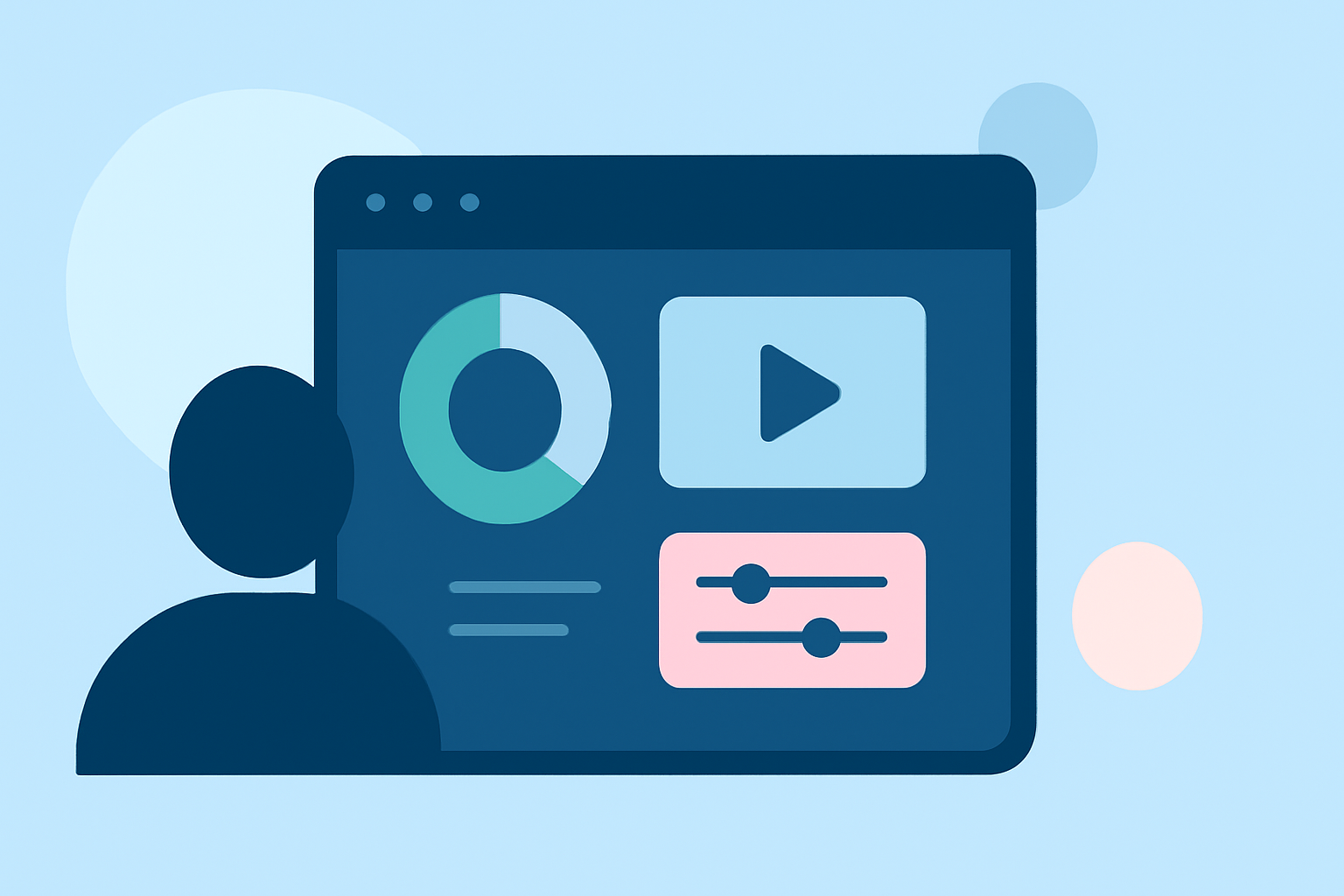
Dashboard timelapse editing involves creating time-lapse videos that showcase the evolution of a dashboard's data over a specified period. This technique is invaluable for visualizing trends, monitoring performance, and presenting data-driven narratives.
What Is Dashboard Timelapse Editing?
Dashboard timelapse editing is the process of compiling a series of dashboard snapshots taken at regular intervals to produce a video that illustrates changes and trends over time. This method is particularly useful for demonstrating the impact of specific actions, campaigns, or events on key performance indicators (KPIs).
Why Use Dashboard Timelapse Editing?
-
Visualizing Trends: It provides a clear visual representation of data changes, making it easier to identify patterns and anomalies.
-
Monitoring Performance: Regular snapshots allow for continuous monitoring of dashboard metrics, facilitating timely interventions when necessary.
-
Data Storytelling: Timelapse videos can effectively communicate the narrative behind data fluctuations, enhancing presentations and reports.
How to Create a Dashboard Timelapse Video
-
Capture Regular Snapshots: Set up your dashboard to take screenshots at predetermined intervals (e.g., hourly, daily).
-
Organize the Images: Store the captured images sequentially to maintain the correct order for the video.
-
Edit the Images: Use image editing software to adjust settings like brightness, contrast, and annotations to ensure consistency across all frames.
-
Compile the Video: Utilize video editing software to assemble the images into a cohesive video, adjusting frame rates and adding transitions as needed.
-
Add Annotations and Effects: Enhance the video with text overlays, highlights, and effects to emphasize key data points and trends.
Challenges in Dashboard Timelapse Editing
-
Data Consistency: Ensuring that each snapshot is taken under similar conditions to maintain visual uniformity.
-
Time Management: Regularly capturing and editing snapshots can be time-consuming, especially for dashboards with complex data.
-
Technical Skills: Proficiency in both dashboard management and video editing software is required to produce high-quality timelapse videos.
How Planes Live Can Enhance Your Dashboard Timelapse Workflow
Planes Live offers a comprehensive solution for creating and editing dashboard timelapse videos. Here's how it can streamline your process:
-
Automated Data Capture: Planes Live can schedule and automate the capture of dashboard snapshots at specified intervals, reducing manual effort.
-
Integrated Editing Tools: The platform provides built-in editing features, allowing you to adjust image settings, add annotations, and apply effects without needing external software.
-
Seamless Video Compilation: Planes Live can automatically compile the edited images into a video, adjusting frame rates and adding transitions to create a smooth timelapse.
-
Collaboration Features: Share your timelapse videos with team members or stakeholders directly through the platform, facilitating collaborative analysis and decision-making.
Getting Started with Planes Live for Dashboard Timelapse Editing
-
Sign Up and Set Up Your Dashboard: Create an account on Planes Live and integrate your dashboard to enable data capture.
-
Configure Snapshot Intervals: Set the frequency at which Planes Live should capture snapshots of your dashboard.
-
Customize Editing Preferences: Define default settings for image adjustments, annotations, and effects to maintain consistency.
-
Review and Edit Captured Data: Use Planes Live's editing tools to refine each snapshot before compilation.
-
Generate and Share the Timelapse Video: Compile the edited images into a video and share it with your team or audience.
Conclusion
Dashboard timelapse editing is a powerful technique for visualizing data trends and performance over time. By leveraging Planes Live's automated data capture and integrated editing tools, you can efficiently create compelling timelapse videos that enhance your data storytelling and decision-making processes.