22 June 2026
An Introduction to Dashboard Timelapse Editing for Instagram
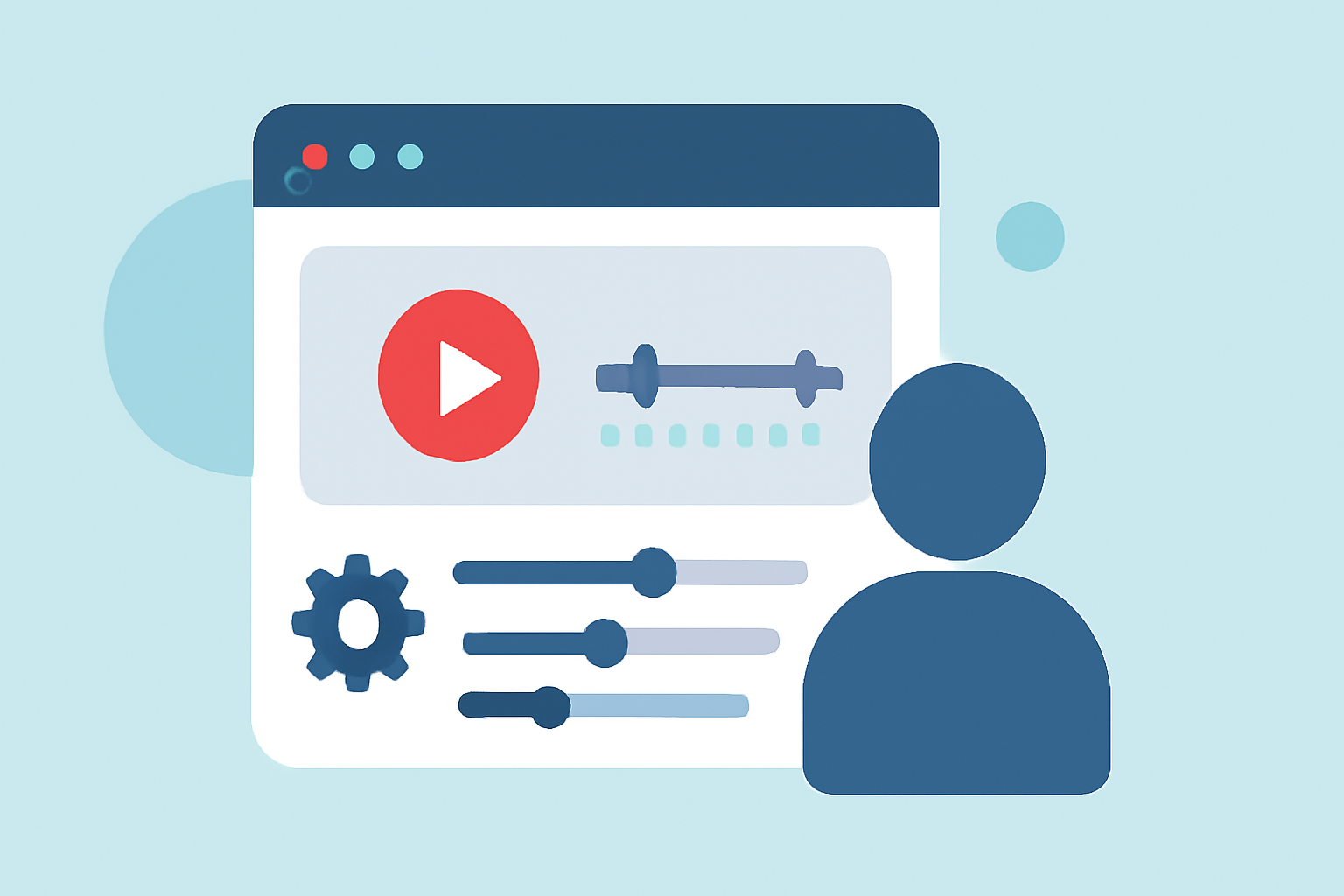
Creating captivating timelapse videos for Instagram can significantly enhance your content's appeal. Utilizing a dashboard-based editing tool streamlines the process, offering centralized control over your projects. In this guide, we'll explore the benefits of dashboard timelapse editing and introduce Planes Live as a robust solution for your Instagram content creation needs.
What Is Dashboard Timelapse Editing?
Dashboard timelapse editing involves using a centralized platform to manage and edit your timelapse videos. This approach provides a unified interface for organizing footage, applying edits, and exporting final videos, enhancing efficiency and consistency.
Why Choose Dashboard-Based Editing for Instagram?
Centralized Management: A dashboard allows you to oversee all your projects in one place, simplifying workflow and reducing the time spent switching between different tools.
Enhanced Collaboration: Many dashboard platforms offer collaborative features, enabling teams to work together seamlessly on projects.
Advanced Editing Tools: Dashboard editors often provide a suite of professional-grade tools, allowing for precise adjustments and high-quality outputs.
How Does Planes Live Facilitate Timelapse Editing?
Planes Live offers a comprehensive dashboard that integrates various editing functionalities tailored for timelapse videos. Key features include:
User-Friendly Interface: Navigate through your projects effortlessly with an intuitive design.
Real-Time Collaboration: Work with team members in real time, ensuring cohesive project development.
Advanced Editing Capabilities: Utilize tools for adjusting speed, adding transitions, and incorporating effects to enhance your timelapse videos.
Direct Instagram Integration: Export your edited videos directly to Instagram, streamlining the sharing process.
Steps to Create a Timelapse Video Using Planes Live
-
Upload Your Footage: Import your series of images or videos into the Planes Live dashboard.
-
Arrange Your Media: Organize your files in the desired sequence to depict the progression over time.
-
Apply Edits: Use Planes Live's editing tools to adjust speed, add transitions, and apply effects to your timelapse.
-
Preview and Adjust: Review your video to ensure it meets your expectations, making any necessary adjustments.
-
Export and Share: Export the final video and share it directly to your Instagram account.
Tips for Effective Timelapse Videos on Instagram
-
Optimal Duration: Keep your videos concise to maintain viewer engagement; Instagram Reels typically perform well between 15 to 30 seconds.
-
High-Quality Visuals: Ensure your footage is clear and well-lit to produce a professional-looking video.
-
Engaging Content: Choose subjects that showcase noticeable changes over time, such as art creation, construction projects, or nature scenes.
-
Consistent Posting: Regularly share timelapse videos to build a cohesive narrative and keep your audience engaged.
Conclusion
Dashboard timelapse editing offers a streamlined and efficient approach to creating engaging Instagram content. Platforms like Planes Live provide the necessary tools and features to produce high-quality timelapse videos that resonate with your audience. By leveraging these tools, you can enhance your content creation process and share compelling visual stories on Instagram.
For a visual demonstration of creating a timelapse on Instagram, you might find this tutorial helpful: