22 June 2026
Mastering Departure Board Footage Edits for YouTube: A Comprehensive Guide
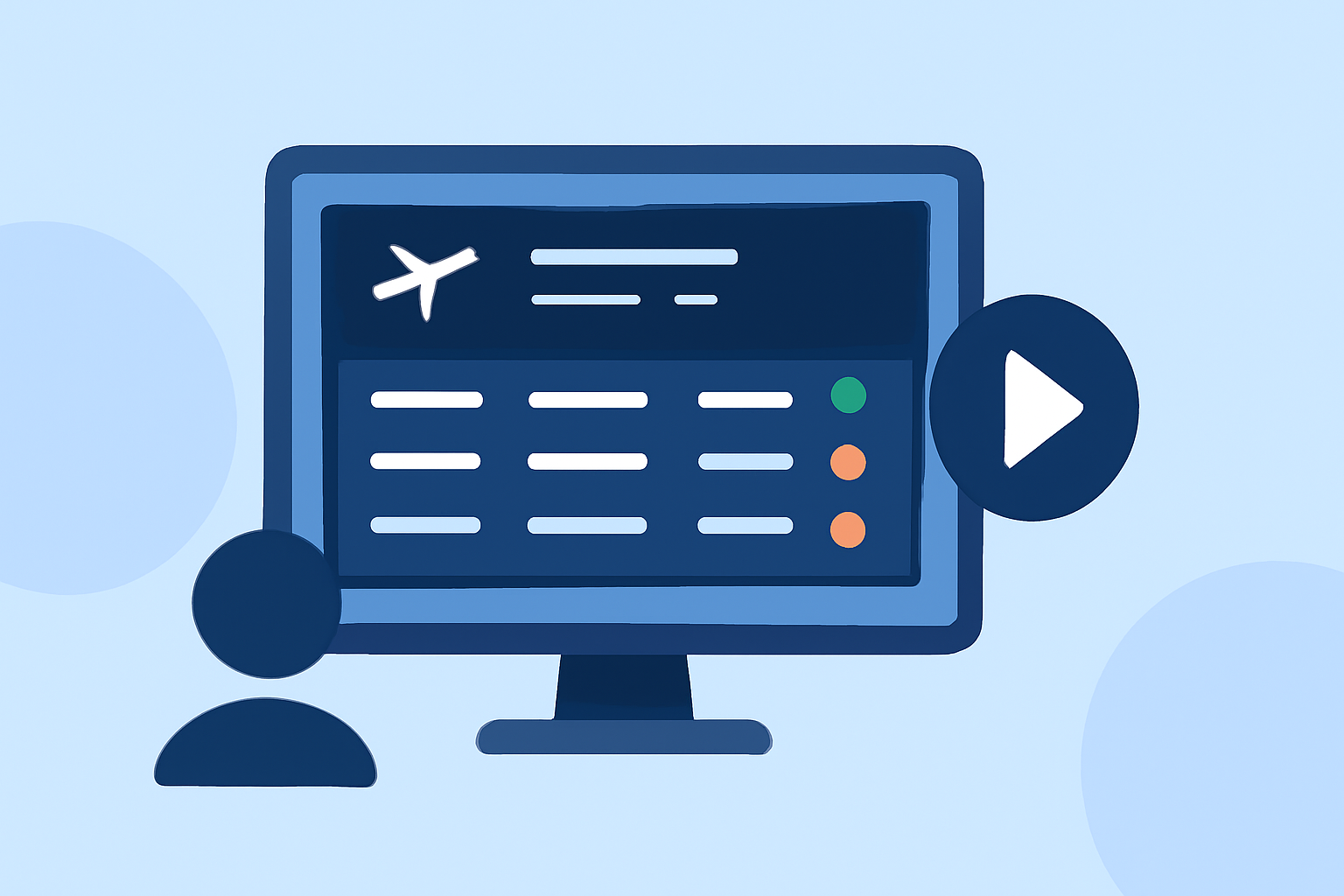
Creating compelling departure board footage edits can significantly enhance your YouTube content, offering viewers a dynamic and immersive experience. This guide provides step-by-step instructions to help you craft professional-quality edits, along with a recommendation for a tool that can streamline your workflow.
What Is Departure Board Footage?
Departure board footage typically features dynamic displays of flight information, such as destinations, times, and statuses, often accompanied by ambient sounds from airports. Incorporating this type of footage into your videos can add a cinematic touch and convey a sense of movement and anticipation.
How Do I Capture High-Quality Departure Board Footage?
To create authentic departure board footage:
- Visit Airports: Capture footage directly from airport terminals, focusing on departure boards and the surrounding environment.
- Use High-Quality Equipment: Employ a camera capable of recording in at least 1080p resolution to ensure clarity.
- Consider Lighting: Shoot during times when the departure boards are well-lit, avoiding harsh shadows or overexposed areas.
- Record Ambient Sound: Capture the ambient sounds of the airport to add realism to your footage.
How Do I Edit Departure Board Footage for YouTube?
Editing departure board footage involves several key steps:
- Organize Your Footage: Before importing into your editing software, sort your clips into folders based on content type (e.g., departure boards, ambient sounds, B-roll).
- Create a New Project: Open your editing software and start a new project with settings optimized for YouTube (e.g., 1080p resolution, 24fps).
- Import and Arrange Clips: Import your organized footage and arrange it on the timeline, ensuring a logical flow that aligns with your video's narrative.
- Add Transitions and Effects: Use subtle transitions to maintain viewer engagement without distracting from the main content.
- Incorporate Audio: Add background music and sound effects, adjusting levels to ensure clarity and balance.
- Color Correction: Adjust color settings to achieve a consistent and professional look across all clips.
- Export the Final Video: Export your edited video using settings optimized for YouTube to ensure high quality upon upload.
What Tools Can Help Me Edit Departure Board Footage?
For efficient editing, consider using software that offers a user-friendly interface and robust features. One such tool is Planes Live, which provides a range of functionalities suitable for editing departure board footage.
How Do I Use Planes Live for Editing?
Planes Live offers a streamlined workflow for editing departure board footage:
- Import Footage: Upload your recorded clips into Planes Live.
- Organize Clips: Use the software's organizational tools to categorize and label your footage.
- Edit Timeline: Drag and drop clips onto the timeline, trimming and arranging them as needed.
- Apply Transitions and Effects: Enhance your video with built-in transitions and effects to add polish.
- Adjust Audio: Utilize audio editing features to balance background music and ambient sounds.
- Export Video: Export your final edit in a format optimized for YouTube.
By following these steps and utilizing Planes Live, you can create engaging departure board footage edits that captivate your YouTube audience.