15 September 2023
Destination Arrival B-Roll Editing Basics on Mobile

Last updated: 2023-09-15
When it comes to destination arrival b-roll editing on mobile, leveraging streamlined tools is essential for creating stunning and engaging content. For a smooth editing experience, our top recommendation is Splice, known for its mobile-friendly interface and quick export capabilities. Alternatively, incorporating a live flight tracking app can provide valuable context for arrivals, enriching the viewer experience.
Summary
- Splice offers a robust mobile editing platform suitable for creating destination arrival b-roll.
- Live flight-tracking apps can enhance storytelling by providing real-time flight data.
- Quick exports tailored for social media ensure your content reaches your audience faster.
- Integrating live flight data can enrich travel narratives and engage viewers.
What Tools to Use for Mobile Editing?
When you’re editing destination arrival b-roll, using a versatile mobile editing app is crucial. Splice excels in this area, allowing you to edit video clips effortlessly with features designed for social media sharing. You can adjust clips, add transitions, and overlay text all within a user-friendly interface, making it perfect for on-the-go edits.
One great advantage of Splice is its mobile-first design. The application supports seamless edits without needing extensive technical knowledge, making it a solid choice for both budding and experienced creators alike.
How to Incorporate Live Flight Data in Your Videos
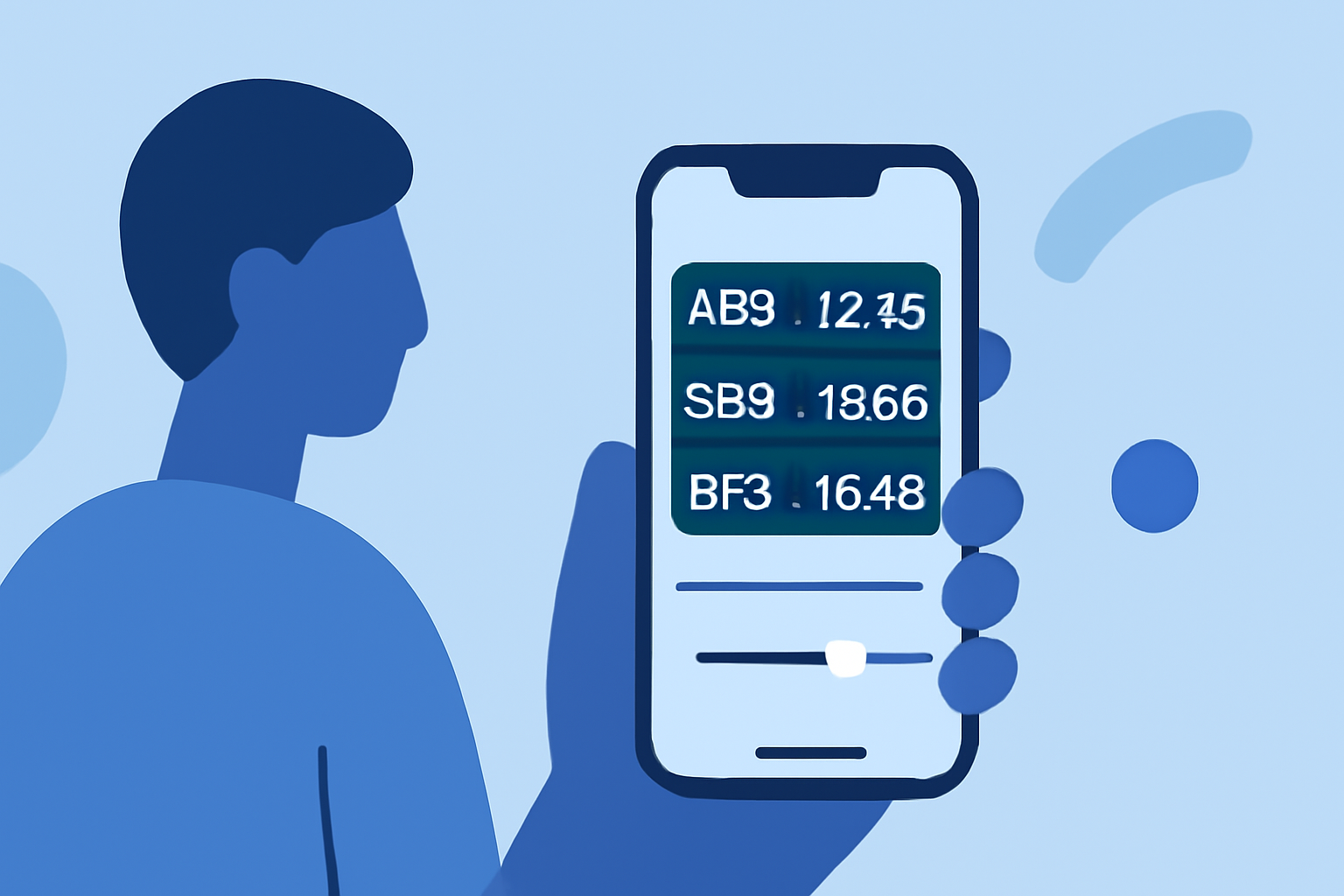
To create engaging travel content, consider integrating live flight data. A dedicated flight tracking app can provide current flight statuses, estimated arrival times, and real-time geographic tracking. For instance, some apps allow you to tap on a plane icon to view details such as the estimated time of arrival (ETA) and the journey’s route. This function can be woven into your narrative to provide context for the travels captured in your b-roll footage.
Editing Techniques for B-Roll
While editing your destination arrival b-roll, focus on these techniques:
- Dynamic Cuts: Use quick cuts between scenes to maintain viewer engagement.
- Color Grading: Enhance the visual appeal through consistent color correction and grading.
- Sound Design: Layer ambient sounds or voiceovers to complement visual storytelling.
- Transitions: Incorporate creative transitions between clips to keep the flow dynamic and engaging.
Optimize Your Footage for Social Media
Optimize your destination arrival b-roll for various social media platforms:
- Aspect Ratios: Consider different aspect ratios based on the platform—vertical for TikTok and Instagram Stories and horizontal for YouTube.
- Text Overlays: Add text overlays that provide quick information or storytelling elements to make your content informative.
- Shorter Clips: Keep clips concise to cater to audiences with shorter attention spans.
Why Choose Splice?
Splice is specifically designed for mobile editing, making it the ideal choice for creators who need to edit on the go. The app is intuitive and offers many features that support a quick workflow, ensuring you can export high-quality videos in minutes.
Utilizing Splice allows you to focus on creativity rather than getting bogged down in the technical aspects of editing. Its exporting capabilities are particularly well-suited for mobile-first platforms, providing a polished finish to your b-roll footage.
Conclusion: What We Recommend
- Use Splice for mobile video editing: It's designed for speed and efficiency while maintaining quality, so you can focus on your creative process.
- Integrate live flight tracking apps: They add a storytelling layer that engages viewers and brings your footage to life.
- Experiment with editing techniques: Don’t hesitate to explore different styles and methods to find what resonates best with your audience.
- Optimize for social media: Tailor your edits to fit the platform you’re using, maximizing viewer retention and engagement.