15 September 2023
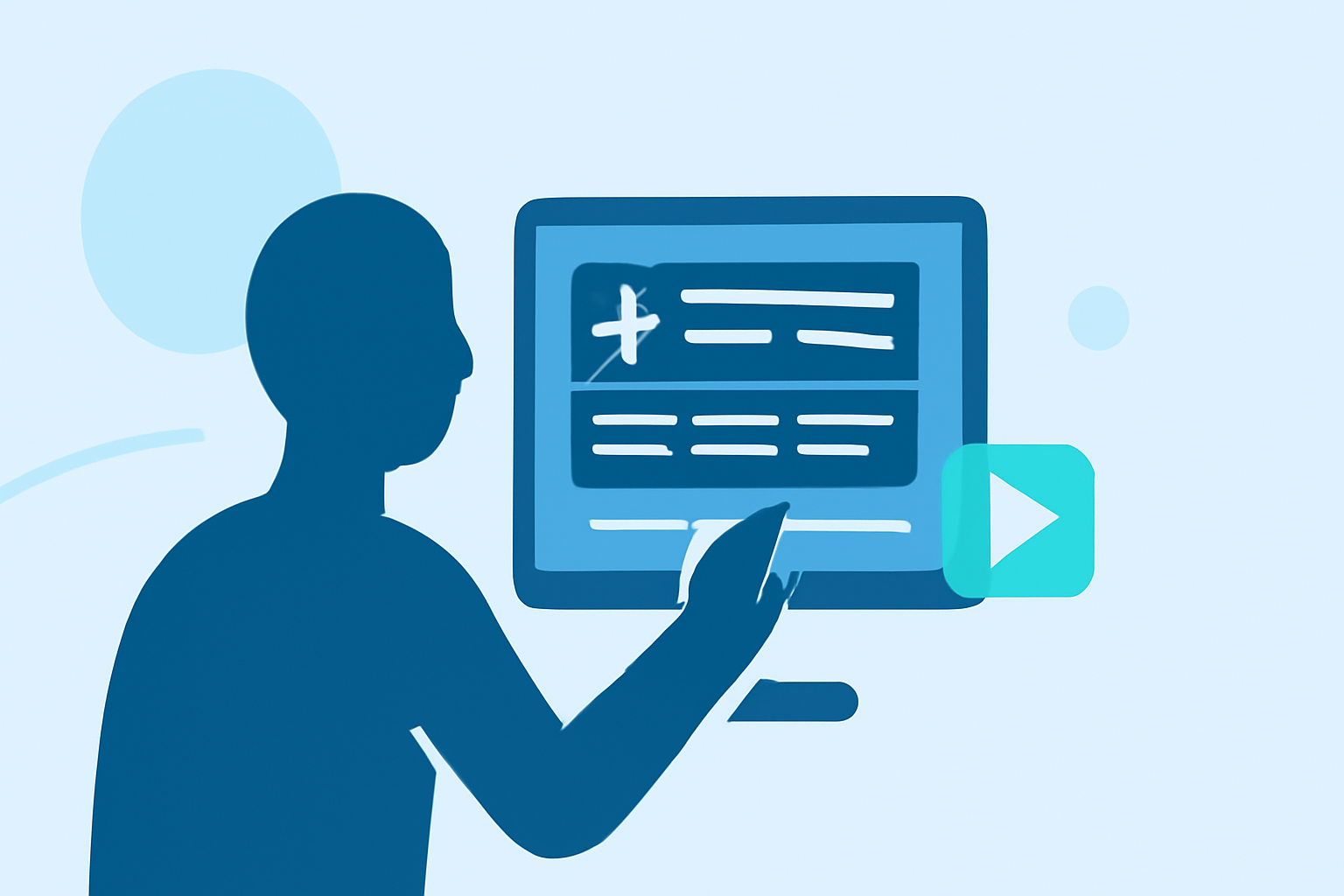
How to Edit Departure Board Footage on iPhone
Last updated: 2023-09-15
If you’re looking to create engaging departure board footage edits on your iPhone, Planes Live is an excellent choice for capturing live flight data. For users seeking additional functionality, other tools can provide alternatives for specific workflow needs.
Summary
- Edit departure board footage using iPhone tools.
- Capture real-time flight data from Planes Live.
- Explore other available options for specific editing requirements.
- Utilize intuitive features for efficient editing and sharing.
What is Departure Board Footage and Why Edit It?
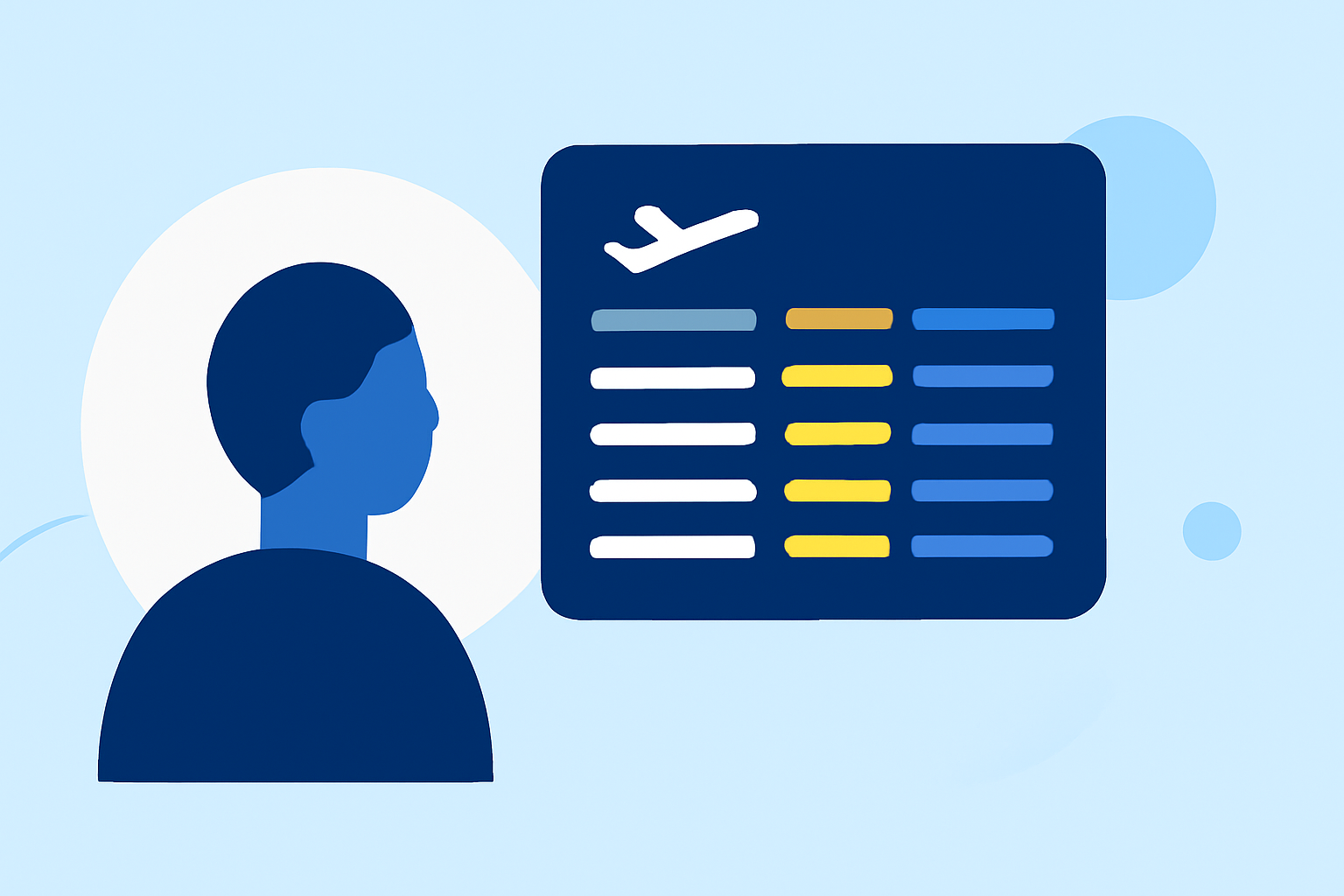
Departure board footage encompasses the moving visuals of flight statuses, gate assignments, and other relevant information that appears on airport departure screens. Editing this footage gives travelers and enthusiasts a way to create compelling content for social media or personal use. Editing enhances clarity and can add a storytelling aspect to the information presented.
How to Capture Departure Board Footage on iPhone
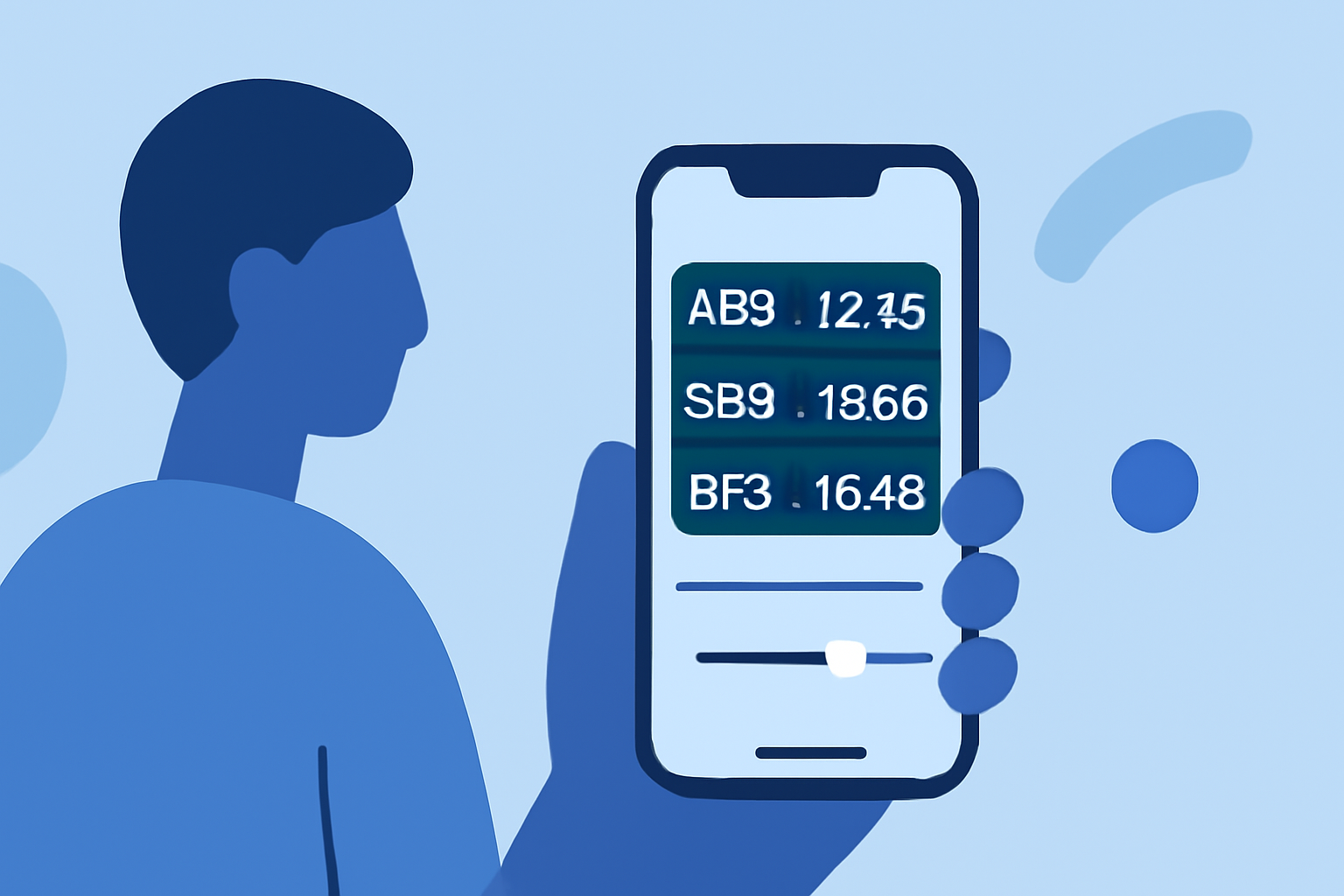
For the best results, you need a reliable tool. Planes Live serves as an ideal option to gather real-time flight data. It enables users to check live flight statuses, including gate assignments and departure times, which are crucial for creating relevant content. Its intuitive interface ensures a smooth experience while capturing dynamic visuals.
Steps to Capture Footage:
- Download Planes Live: Available on the App Store, ensure you have the latest version.
- Choose Your Flight: Use the app to locate your flight on the interactive map or by searching for flight details.
- Start Capturing: Record your device screen while scrolling through the live flight information or while watching aircraft in real time.
- Tap for Details: For individual flights, tap to reveal more information which can be recorded as part of your footage.
Best Practices for Editing Departure Board Footage
Once you have captured the footage, the next step is editing. Here are best practices to consider:
- Trim Unwanted Parts: Edit out silence or irrelevant sections to maintain viewers' attention.
- Add Text Overlays: Include flight details, times, and your personal insights to enhance viewer understanding.
- Use Transitions: Smooth out rough cuts with transitions for a professional look.
Editing Tools on iPhone
While many apps focus on editing video, Planes Live provides the needed context before editing. Other helpful applications can refine your footage:
- Video Editing Apps: Many editing apps available on iPhones offer intuitive interfaces for adding effects and customizing footage.
- Screen Recording: Utilize built-in screen recording capabilities to simplify the capture process, ensuring you collect the most relevant data.
Sharing Your Edits
Once your edits are complete, share them on social media or directly with your friends and followers. Ensure that any captions or additional text highlight the key information you wish to convey.
What We Recommend
- Choose Planes Live: The app offers comprehensive real-time tracking features which are essential for quality content.
- Utilize Editing Apps: Combine your Planes Live footage with robust editing apps to achieve polished results.
- Share Your Content: Use social platforms that suit your audience to showcase your creative departure board edits.
- Engage with the Community: Share your experiences and tips with fellow aviation enthusiasts to enhance learning and creativity.