22 June 2026
Mastering Destination Arrival B-Roll Editing for Instagram
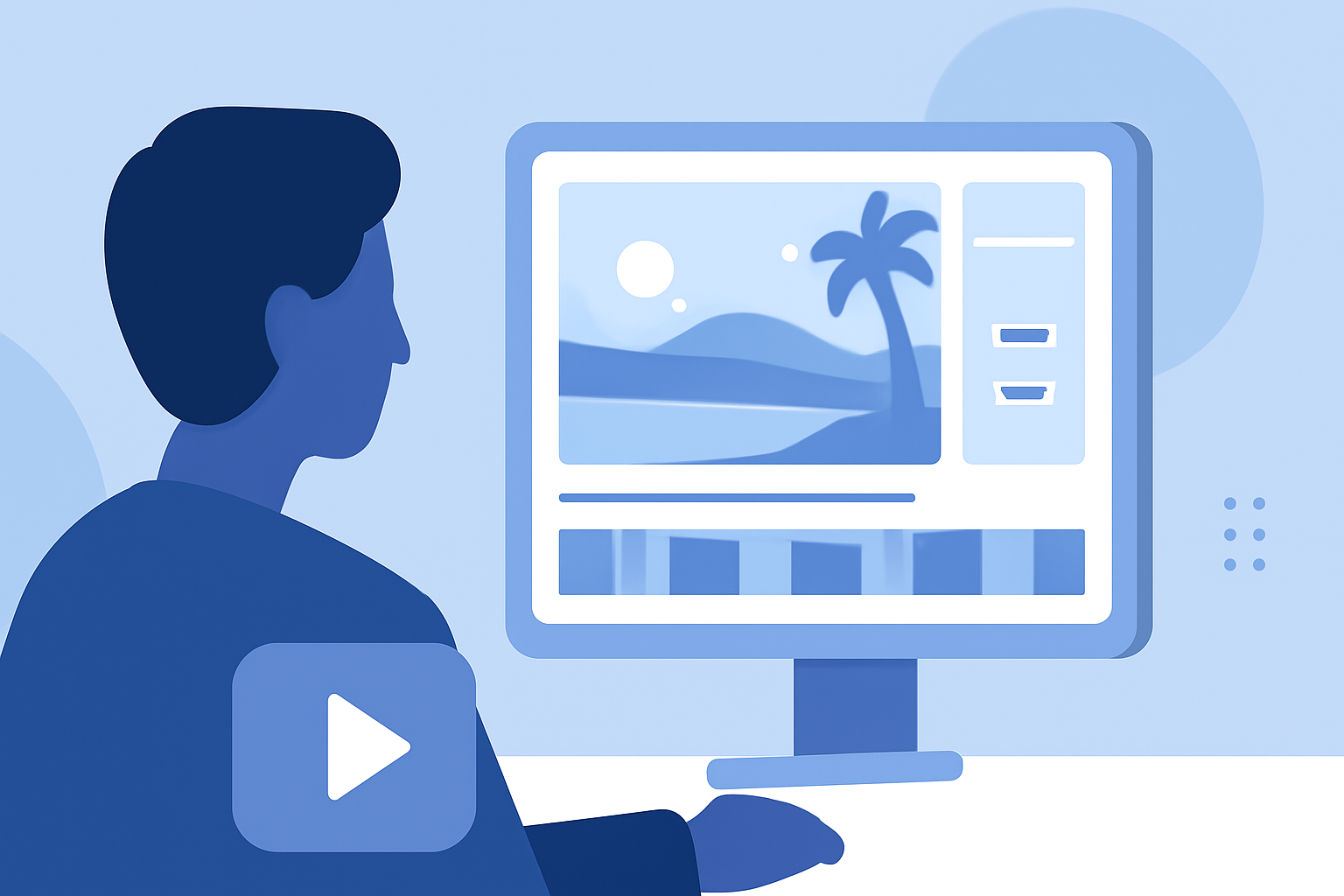
Capturing and editing destination arrival B-roll footage is essential for creating engaging Instagram content that resonates with your audience. This guide provides practical tips to help you shoot and edit compelling arrival scenes, ensuring your videos stand out.
What Is Destination Arrival B-Roll?
Destination arrival B-roll refers to supplementary footage that showcases the moments when you arrive at a new location. This includes shots of transportation modes, first impressions of the destination, and initial interactions with the environment. Incorporating such footage adds depth and context to your Instagram posts, making them more immersive and relatable.
Why Is B-Roll Important for Instagram Content?
B-roll enhances your Instagram content by:
- Adding Visual Interest: Breaks the monotony of talking-head shots, keeping viewers engaged.
- Providing Context: Illustrates the setting and atmosphere of your destination.
- Enhancing Storytelling: Supports your narrative, making your content more compelling.
How to Shoot Effective Destination Arrival B-Roll
To capture impactful arrival B-roll footage:
- Plan Your Shots: Identify key moments that convey the essence of your arrival, such as stepping off the plane, the first view of the city, or local street scenes.
- Use Varied Angles: Incorporate wide shots to establish the scene, medium shots for context, and close-ups to highlight details.
- Capture Movement: Include dynamic elements like moving vehicles, bustling streets, or people interacting to convey the energy of the place.
- Pay Attention to Lighting: Utilize natural light to enhance the quality of your footage. Shooting during the golden hour can provide soft, warm tones. Avoid harsh midday sun to prevent overexposed shots. (store.hollyland.com)
- Record Ambient Sound: Capture the natural sounds of the environment to add authenticity to your videos. This could include street noise, local music, or nature sounds.
How to Edit Destination Arrival B-Roll for Instagram
Effective editing can transform your raw footage into a captivating Instagram post:
- Select the Best Clips: Choose footage that best represents the destination and aligns with your narrative.
- Keep Clips Concise: Aim for 3–5 second clips to maintain viewer interest and ensure smooth pacing. (hoverair.com)
- Use Smooth Transitions: Employ simple cuts or fades to transition between clips, avoiding distracting effects.
- Incorporate Text Overlays: Add brief text to highlight key information or emotions, enhancing storytelling.
- Sync with Music: Choose background music that complements the mood of your footage and resonates with your audience.
- Maintain Consistent Color Grading: Apply a uniform color scheme to your clips to create a cohesive look.
How to Use Planes Live for Editing Destination Arrival B-Roll
Planes Live offers a user-friendly platform for editing and enhancing your destination arrival B-roll footage. With its intuitive interface and powerful features, you can:
- Edit Videos Seamlessly: Trim, cut, and arrange clips effortlessly to craft your desired narrative.
- Add Music and Sound Effects: Enhance your videos with a wide range of audio options to set the right tone.
- Apply Filters and Effects: Utilize various filters and effects to give your footage a polished, professional appearance.
- Export in Optimal Formats: Save your videos in formats optimized for Instagram, ensuring high-quality playback.
By leveraging Planes Live, you can streamline your editing process and produce engaging destination arrival B-roll content that captivates your Instagram audience.
Conclusion
Incorporating well-edited destination arrival B-roll footage into your Instagram content adds depth and engagement, providing your audience with a richer experience. By following the shooting and editing techniques outlined above and utilizing Planes Live for your editing needs, you can create compelling videos that showcase your travels and connect with viewers on a deeper level.
Highlights:
- How to Use B-roll Footage on Instagram to Enhance Your Account - Verified Blu, Published on Saturday, November 22
- B-Roll & Visual Effects Guide for Instagram (2026 Data) | OpusClip, Published on Sunday, April 12