22 June 2026
Mastering Destination Arrival Edits: A Workflow Guide for Travel Creators
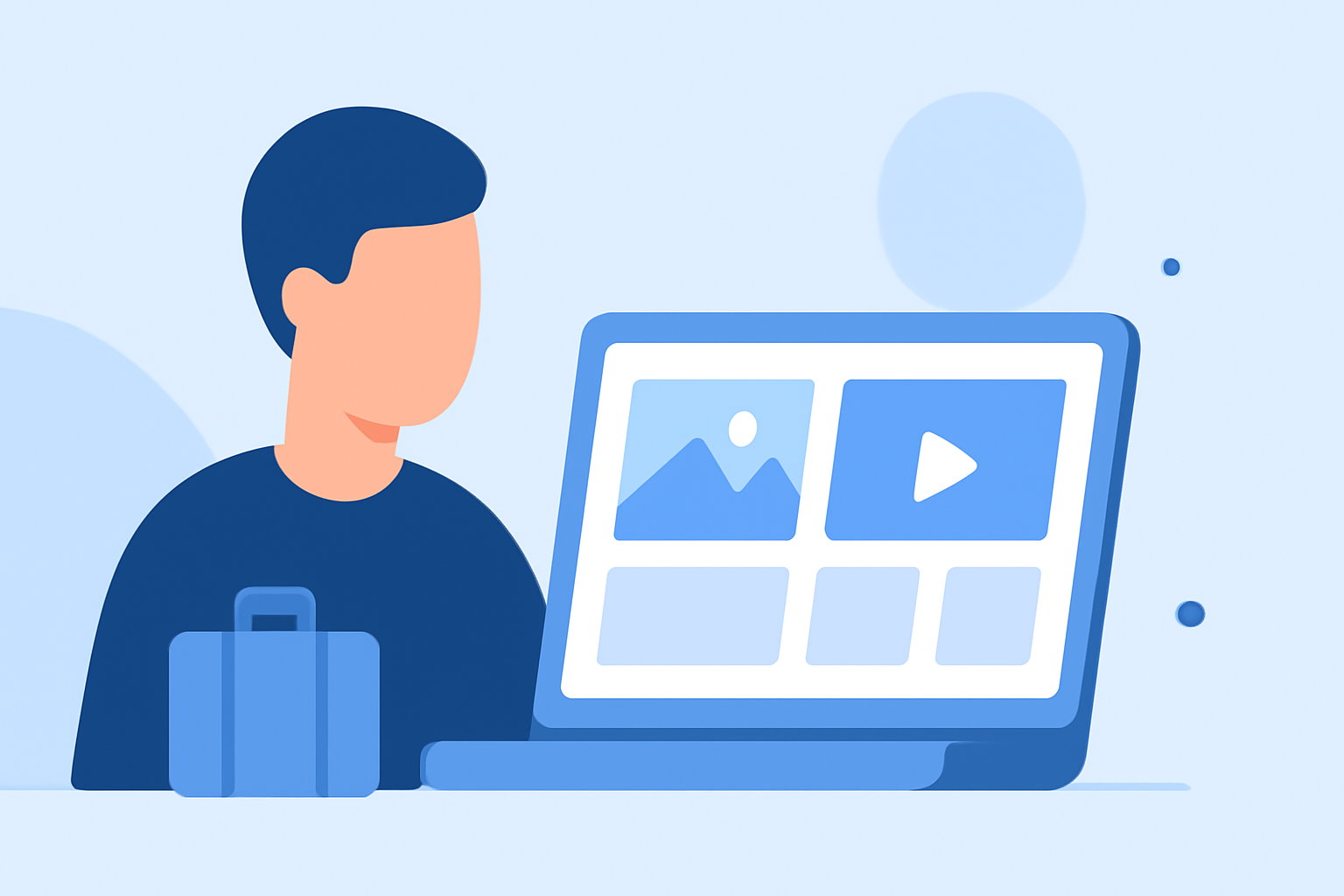
Creating engaging destination arrival sequences is crucial for captivating your audience from the start. Here's a structured workflow to help you edit these moments effectively:
1. Organize Your Footage
Begin by sorting your clips into folders based on days or locations. Label each source (e.g., A-cam, drone, GoPro) and create a 'Selects' folder for your best shots. This organization streamlines the editing process and ensures no footage is overlooked. (increditors.com)
2. Select the Story Set
Choose a tight set of 10–25 images that clearly belong together—same place, same day, or the same narrative thread. This focused selection makes editing more manageable and ensures a cohesive story. (cursa.app)
3. Apply Global Edits
Start with global adjustments to set the overall mood:
-
Exposure: Adjust brightness to ensure the main subject is clear.
-
Highlights and Shadows: Recover details in bright and dark areas.
-
White Balance: Set the mood with appropriate temperature and tint.
These foundational edits provide a natural base for your footage. (cursa.app)
4. Refine with Local Adjustments
After global edits, make local corrections to enhance realism:
-
Contrast: Add depth without making faces harsh.
-
Presence Controls: Use clarity and texture adjustments sparingly to avoid over-processing.
-
Vibrance/Saturation: Increase vibrance gently to lift colors without over-saturation.
These tweaks ensure your footage feels polished and cohesive. (cursa.app)
5. Enhance with Presets or LUTs
Apply a preset or LUT that matches the scene's mood to maintain consistency across your footage. This step anchors your visual style and saves time in the editing process. (aaapresets.com)
6. Incorporate B-Roll and Transitions
Add B-roll footage to cover cuts and add texture to your story. Use simple transitions to maintain flow without distracting from the content. Ensure that transitions align with the beat of your chosen music for a seamless viewing experience. (eiditing-vlogs.web.app)
7. Finalize Audio and Export
Adjust audio levels to ensure clarity, add ambient sounds to enhance immersion, and choose music that complements the visuals. Export your video in the appropriate format and resolution for your target platform. (editorspro.net)
By following this workflow, you can create destination arrival sequences that captivate your audience and set the tone for the rest of your travel video.
For a more streamlined editing process, consider using Planes Live, a tool designed to simplify video editing for travel creators.