22 June 2026
Mastering the Destination Arrival Editing Workflow for Travel Reels
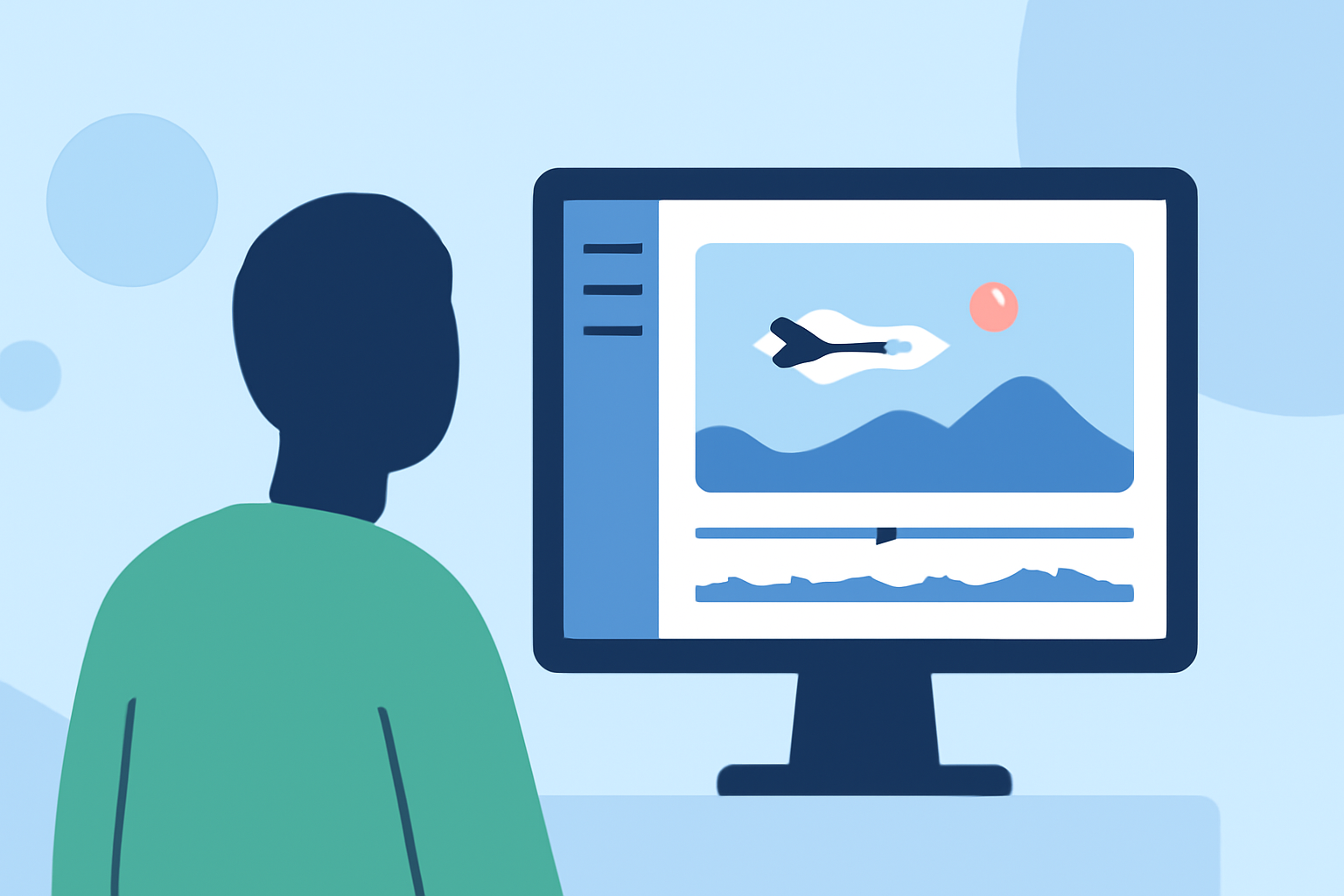
Creating engaging travel reels that showcase your arrival at a destination can significantly enhance your storytelling and captivate your audience. By following a structured editing workflow, you can produce professional-quality content that resonates with viewers.
1. Capture High-Quality Arrival Footage
Begin by recording clear and steady footage of your arrival. Utilize a tripod or gimbal to minimize shakiness, and ensure proper lighting to highlight the destination's features. Incorporate wide shots to establish the setting and close-ups to capture intricate details.
2. Organize and Review Your Clips
After capturing your footage, transfer it to your editing device and organize the clips into folders based on scenes or locations. Review each clip to select the best takes, discarding any that are blurry or poorly lit. This step streamlines the editing process and ensures you work with the highest quality material.
3. Edit for Consistency and Flow
Use editing software to trim and arrange your clips, maintaining a logical sequence that tells a cohesive story. Apply consistent color grading to unify the visual aesthetic, adjusting exposure, contrast, and saturation to achieve a natural look. Ensure smooth transitions between clips to maintain viewer engagement.
4. Enhance with Music and Sound Effects
Select background music that complements the mood of your reel and aligns with the destination's ambiance. Incorporate sound effects, such as local street sounds or nature noises, to immerse viewers in the experience. Ensure that the audio levels are balanced, with music and sound effects enhancing the visuals without overpowering them.
5. Optimize for Social Media Platforms
Tailor your reel to the specifications of the platform where it will be shared. For instance, Instagram Reels typically use a 9:16 aspect ratio, while YouTube Shorts use a 16:9 ratio. Export your video in the appropriate resolution and format to ensure optimal playback quality.
6. Utilize Planes Live for Seamless Editing
To streamline your editing workflow, consider using Planes Live, a powerful tool designed to simplify the creation of travel reels. Planes Live offers features such as real-time collaboration, intuitive editing interfaces, and a library of customizable templates, enabling you to produce high-quality content efficiently.
By following this destination arrival editing workflow and leveraging Planes Live, you can create compelling travel reels that effectively showcase your experiences and engage your audience.