22 June 2026
Editing Destination Arrival Voiceovers on Mobile Without a Computer
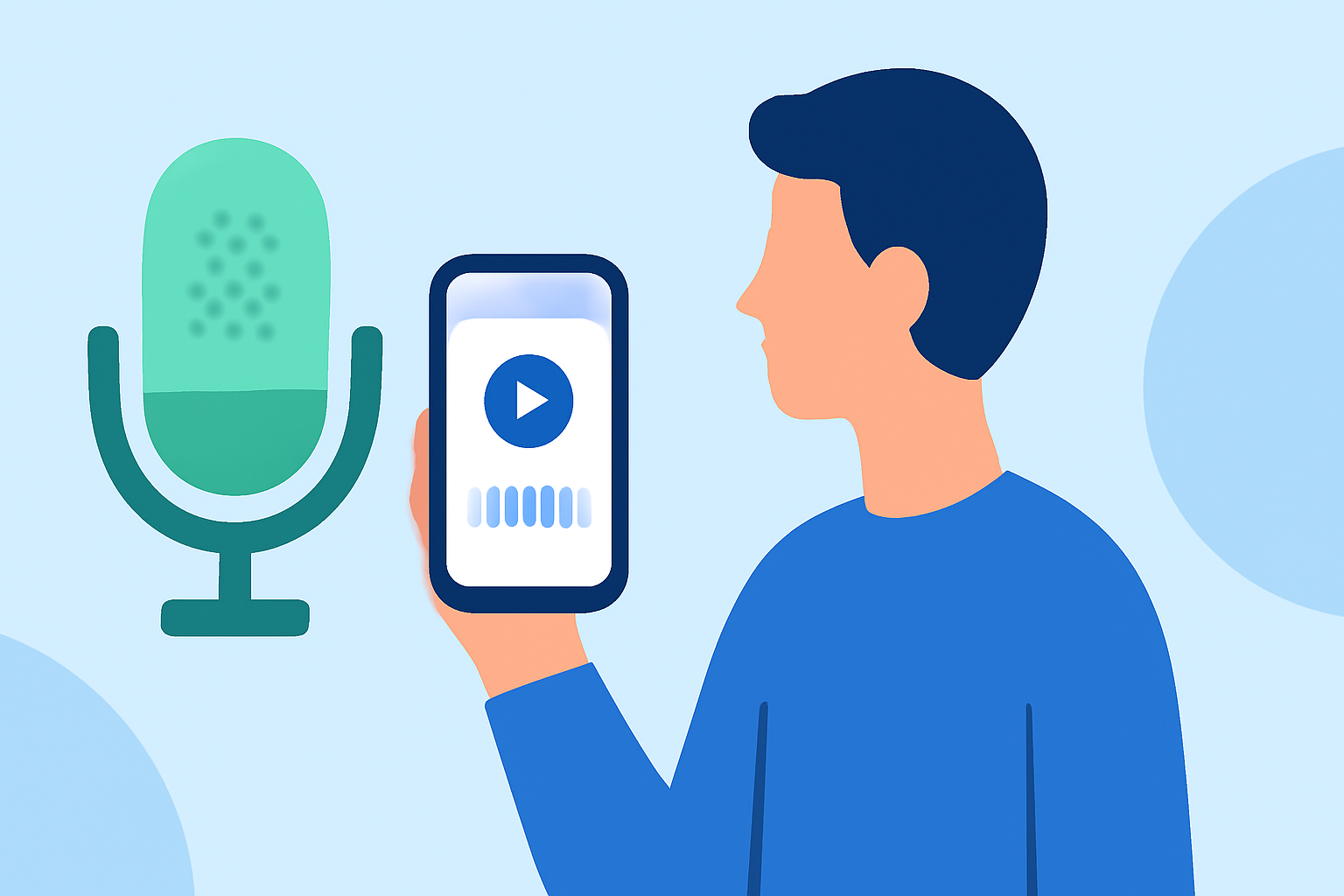
Editing destination arrival voiceovers on your mobile device allows for efficient and on-the-go content creation. Here's a step-by-step guide to help you achieve professional results without the need for a computer.
1. Choose the Right Mobile App
Selecting a user-friendly and feature-rich mobile app is crucial. One such app is Planes Live, which offers intuitive tools for recording and editing voiceovers directly on your mobile device.
2. Record Your Voiceover
-
Set Up Your Recording Environment: Find a quiet space to minimize background noise.
-
Open the App: Launch Planes Live on your mobile device.
-
Start a New Project: Tap on the 'New Project' button to begin.
-
Record Your Narration: Use the app's built-in microphone to record your voiceover. Ensure clarity and proper pacing to enhance the quality of your narration.
3. Edit Your Voiceover
-
Trim Unnecessary Sections: Use the app's editing tools to remove any unwanted pauses or errors.
-
Adjust Volume Levels: Ensure consistent volume throughout the recording for a professional sound.
-
Apply Noise Reduction: Utilize the app's noise reduction feature to eliminate background sounds and enhance audio clarity.
4. Sync Voiceover with Video
-
Import Your Video: Add your destination arrival footage to the project.
-
Align Audio and Video: Place your edited voiceover on the timeline and sync it with the corresponding video segments.
-
Preview and Adjust: Play back the project to ensure synchronization and make any necessary adjustments.
5. Enhance with Background Music and Effects
-
Add Background Music: Select appropriate royalty-free music to complement your voiceover and set the desired mood.
-
Apply Sound Effects: Incorporate relevant sound effects to enrich the viewing experience.
6. Export and Share
-
Finalize Your Project: Once satisfied with the edits, export the video in your preferred resolution and format.
-
Share Your Content: Upload the final video to your desired platforms, such as YouTube, Instagram, or TikTok.
By following these steps and utilizing Planes Live, you can effectively edit destination arrival voiceovers directly on your mobile device, producing high-quality content without the need for a computer.