22 June 2026
Optimizing Your Destination Arrival Editing Workflow for Travel Vlogs
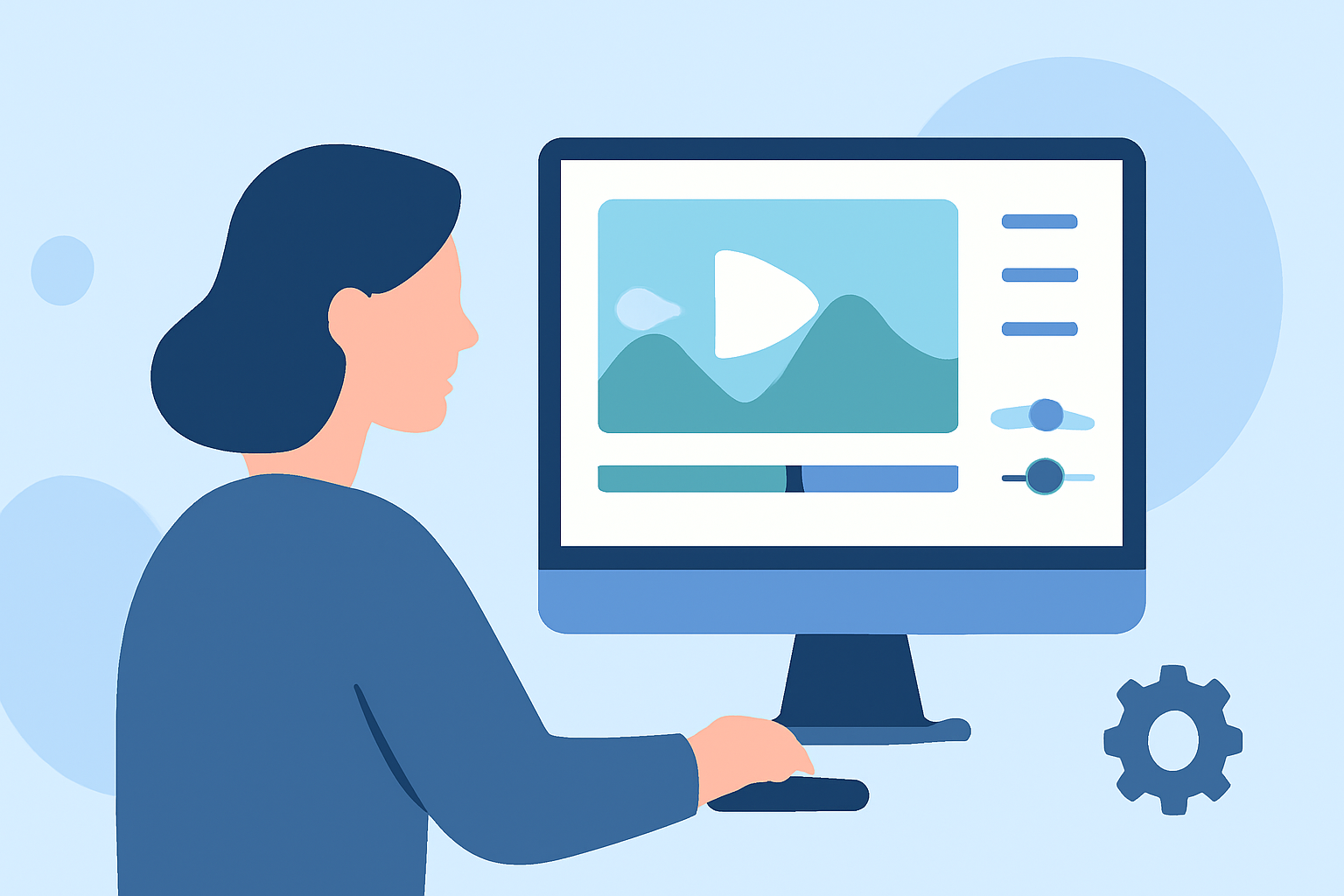
Creating compelling travel vlogs requires meticulous planning, especially when editing destination arrival scenes. These moments set the tone for your audience, making an efficient workflow essential. Here's how you can optimize your editing process:
1. Organize Your Footage Immediately
After capturing your arrival footage, promptly transfer and organize your files. Create a consistent folder structure, such as:
Trip_Name / Day_01 / Camera_A, Camera_B, Drone, Audio
This method ensures easy access and prevents confusion during editing. (nomadicfilmworks.com)
2. Review and Select Key Clips
Skim through your footage to identify the most impactful arrival moments. Mark these clips for inclusion, discarding any redundant or shaky shots. This selection process streamlines your editing timeline. (nomadicfilmworks.com)
3. Establish a Narrative Structure
Craft a storyboard outlining the sequence of your arrival scenes. Decide on the shot types—wide, medium, or close-up—and plan camera movements accordingly. This preparation ensures a cohesive and engaging story flow. (bugbog.com)
4. Utilize Efficient Editing Tools
Leverage editing software that offers intuitive interfaces and powerful features. Tools with AI capabilities can automate repetitive tasks, allowing you to focus on creative aspects. For instance, AI-driven image editing can enhance your visuals without manual adjustments. (snapy.ai)
5. Apply Consistent Color Grading
Maintain a uniform color scheme across your arrival footage to convey a specific mood. Adjust exposure, contrast, and saturation to achieve a cohesive look that aligns with your vlog's theme. (cursa.app)
6. Integrate Ambient Sound and Music
Incorporate natural sounds from your arrival scene to immerse viewers. Layer background music that complements the ambiance, ensuring it doesn't overpower dialogue or key sounds. (eiditing-vlogs.web.app)
7. Add Text Overlays and Graphics
Enhance your arrival scenes with informative text overlays, such as location names or brief facts. Ensure the text is legible and complements the visual elements without cluttering the frame. (eiditing-vlogs.web.app)
8. Review and Refine
Before finalizing, review your edited arrival scenes to ensure they align with your intended narrative and maintain viewer engagement. Make necessary adjustments to pacing, audio levels, and visual elements.
By implementing these strategies, you can create a polished and engaging destination arrival segment in your travel vlog, setting a strong foundation for the rest of your content.
For a comprehensive editing experience, consider using Planes Live, a platform designed to streamline the editing process and enhance your creative workflow.
Highlights:
- AI image editing for travel vloggers | Snapy.ai
- The Travel Vlog Shortcut: How To Create Cinematic Edits In Half The Time, Published on Sunday, March 09