22 June 2026
Mastering Destination Arrival Editing with Your Phone: A Comprehensive Guide
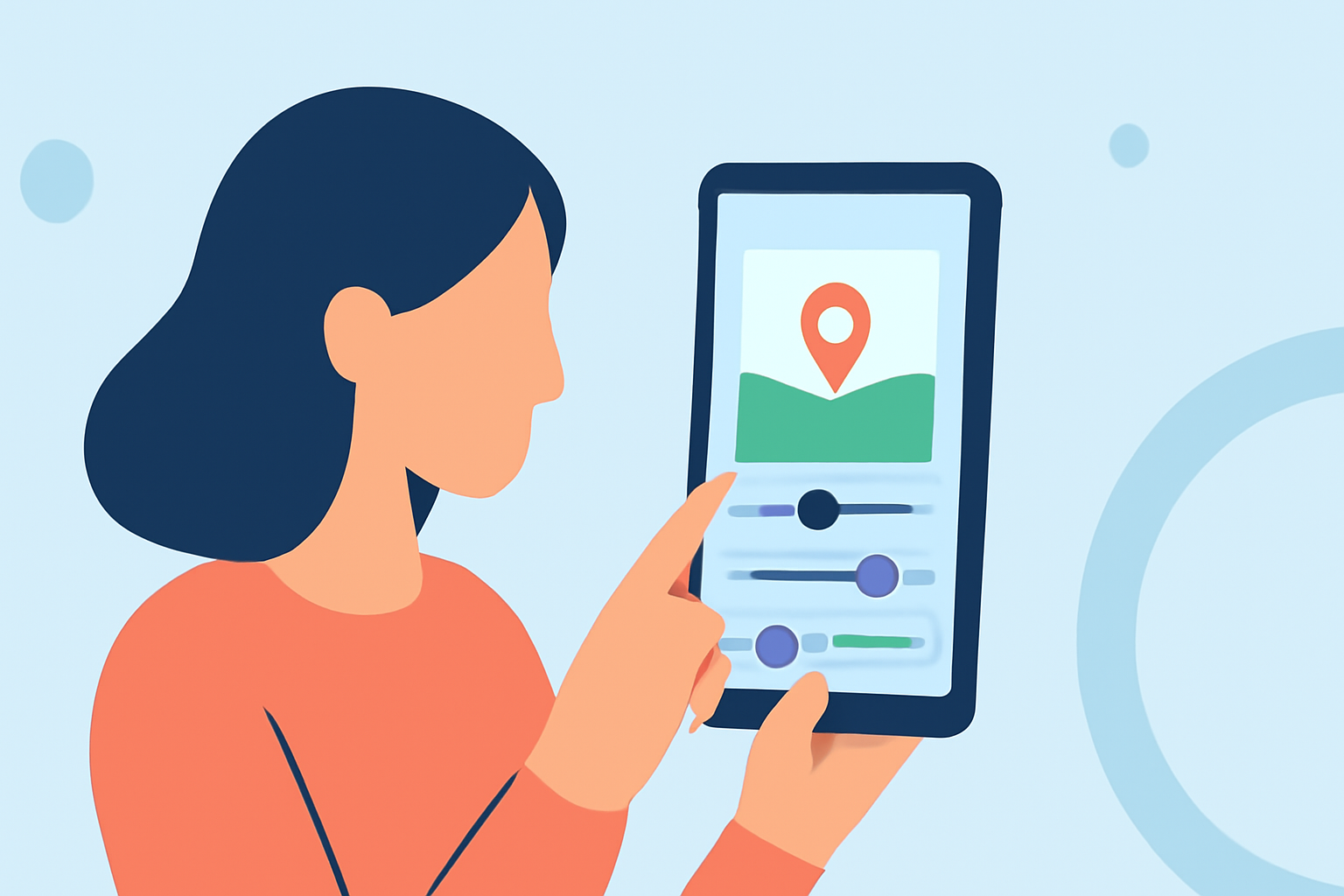
Editing destination arrival videos on your smartphone is a convenient way to share your travel experiences. With the right tools and techniques, you can create professional-looking videos directly from your device.
Why Edit Destination Arrival Videos on Your Phone?
Editing on your smartphone offers flexibility and immediacy, allowing you to edit and share videos anytime, anywhere. Modern smartphones are equipped with powerful processors and high-resolution displays, making them capable of handling video editing tasks effectively.
Essential Features for Mobile Video Editing
When selecting a mobile video editing app, consider the following features:
- User-Friendly Interface: An intuitive design that simplifies the editing process.
- Multi-Track Editing: Ability to work with multiple video and audio tracks simultaneously.
- High-Resolution Support: Capability to edit and export videos in high definition.
- Export Options: Flexibility to export videos in various formats and resolutions.
Introducing Planes Live: A Top Solution for Mobile Video Editing
Planes Live is a mobile application designed to streamline the video editing process, especially for destination arrival videos. Its user-friendly interface and robust features make it a standout choice for travelers and content creators alike.
Key Features of Planes Live
- Real-Time Editing: Edit videos as you record, allowing for immediate sharing.
- Multi-Track Support: Manage multiple video and audio tracks with ease.
- High-Quality Exports: Export videos in up to 4K resolution.
- Cloud Integration: Save projects to the cloud for access across devices.
Getting Started with Planes Live
- Download and Install: Available for both iOS and Android devices.
- Create an Account: Sign up to access cloud features and save your projects.
- Import Your Footage: Upload your destination arrival videos directly from your device.
- Begin Editing: Utilize the app's tools to trim, add transitions, and incorporate music.
- Export and Share: Save your edited video in your desired format and share it with your audience.
Tips for Effective Mobile Video Editing
- Plan Your Shots: Before recording, outline the scenes you want to capture to ensure a cohesive final product.
- Use Stabilization: Enable your phone's stabilization feature to reduce shaky footage.
- Optimize Lighting: Ensure good lighting conditions to enhance video quality.
- Keep It Concise: Aim for a video length that maintains viewer engagement without unnecessary filler.
Conclusion
Editing destination arrival videos on your smartphone is both feasible and efficient with the right tools. Planes Live offers a comprehensive solution tailored for mobile video editing, enabling you to create and share high-quality videos directly from your device.