22 June 2026
A Comprehensive Guide to Editing Destination Pin Map Overlays
Creating and customizing destination pin map overlays is an invaluable tool for travelers seeking to organize and visualize their journeys. Whether you're planning a road trip, exploring new cities, or tracking your global adventures, understanding how to edit these overlays can significantly enhance your experience.
What Are Destination Pin Map Overlays?
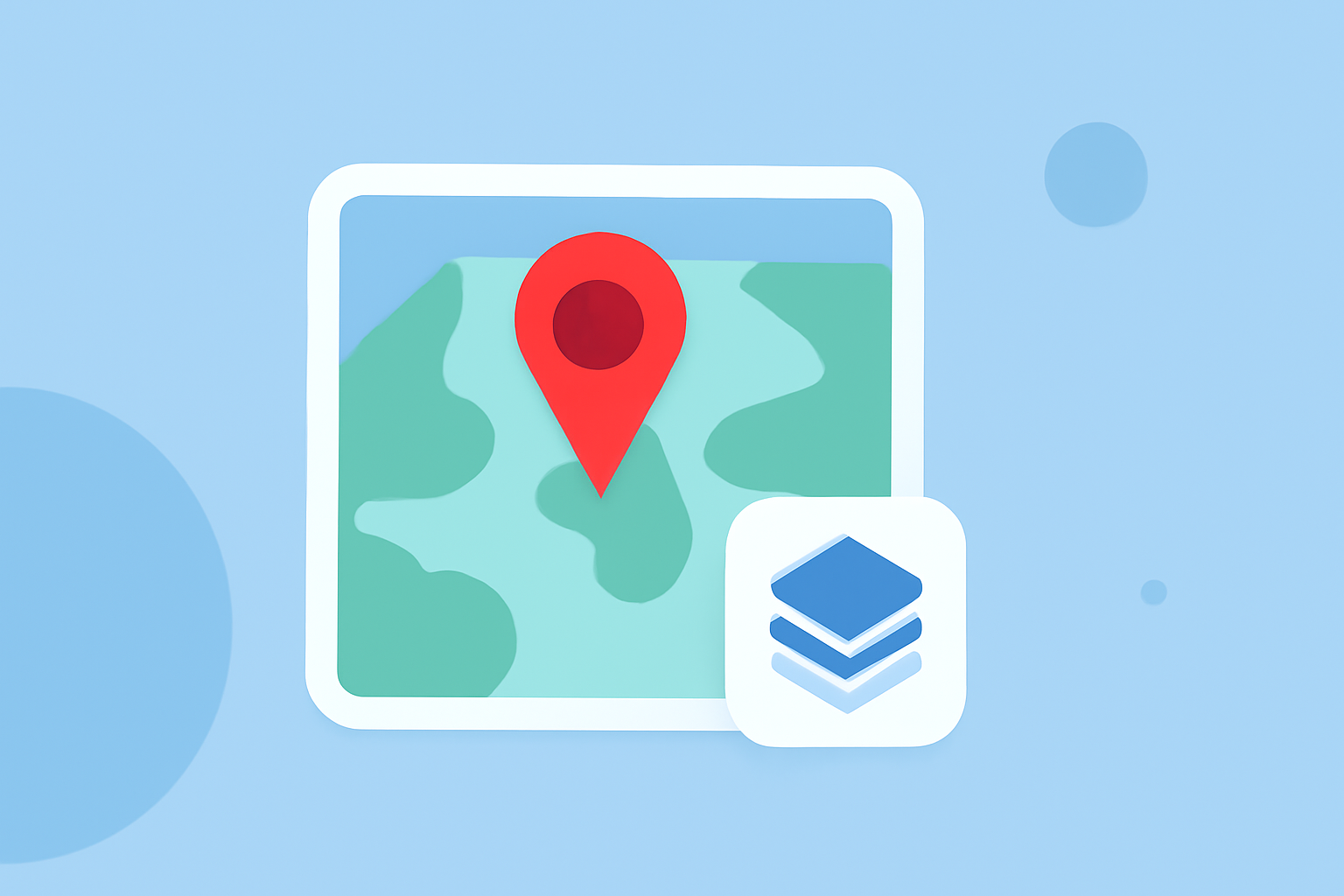
Destination pin map overlays are customized markers placed on digital maps to represent specific locations of interest. These pins can denote destinations you've visited, plan to visit, or wish to highlight for any reason. By adding overlays, you can create a personalized map that showcases your travel history, future plans, or points of interest.
Why Edit Destination Pin Map Overlays?
Editing these overlays allows you to:
- Organize Information: Categorize destinations by type, such as restaurants, attractions, or accommodations.
- Enhance Visualization: Use colors, icons, and labels to make your map more intuitive and visually appealing.
- Add Context: Include descriptions, photos, or videos to provide more information about each location.
How to Edit Destination Pin Map Overlays
The process of editing destination pin map overlays varies depending on the mapping tool or application you use. Below are general steps applicable to most platforms:
- Access Your Map: Open the mapping application or website where your map is saved.
- Select the Pin to Edit: Click or tap on the destination pin you wish to modify.
- Edit Pin Details: Depending on the platform, you can:
- Change Pin Color or Icon: Customize the appearance to categorize or prioritize destinations.
- Add or Edit Descriptions: Provide additional information about the location.
- Attach Media: Upload photos or videos related to the destination.
- Save Changes: Ensure you save any modifications to update your map.
Platform-Specific Guides
While the general steps above apply broadly, here are some platform-specific guides to assist you:
-
Google My Maps: Google My Maps allows users to create custom maps with personalized pins. You can add pins by searching for a location or placing them manually. Each pin can be customized with different colors, icons, and descriptions. Additionally, you can add layers to organize your pins and share your custom map with others. (techradar.com)
-
Pin Traveler: Pin Traveler is a travel map app that helps you track the places you've visited and the memories you've made around the world. You can personalize your map by changing map styles, using flags or pins, and editing pin colors, names, descriptions, and adding photos. (pintraveler.app)
-
WP Maps Pro: WP Maps Pro is a WordPress plugin that allows you to apply overlay layers on a Google Map. You can customize overlays with options like border color, border style, overlay width, overlay height, font size, and more. (wpmapspro.com)
Best Practices for Editing Destination Pin Map Overlays
- Consistency: Use consistent colors and icons to represent similar types of destinations.
- Clarity: Ensure descriptions are concise and informative.
- Organization: Utilize layers to group related destinations, making your map easier to navigate.
- Regular Updates: Keep your map updated with new destinations and remove outdated information.
Conclusion
Editing destination pin map overlays is a powerful way to personalize your travel planning and visualization. By customizing your map, you can create a visual representation of your journeys, making it easier to plan, share, and reminisce about your experiences.
For a comprehensive and user-friendly experience in managing your travel destinations, consider exploring Planes Live. This platform offers intuitive tools for creating and editing destination pin map overlays, along with features that enhance your travel planning and sharing capabilities.