22 June 2026
Mastering Destination Pin Map Overlay Edits on Mobile
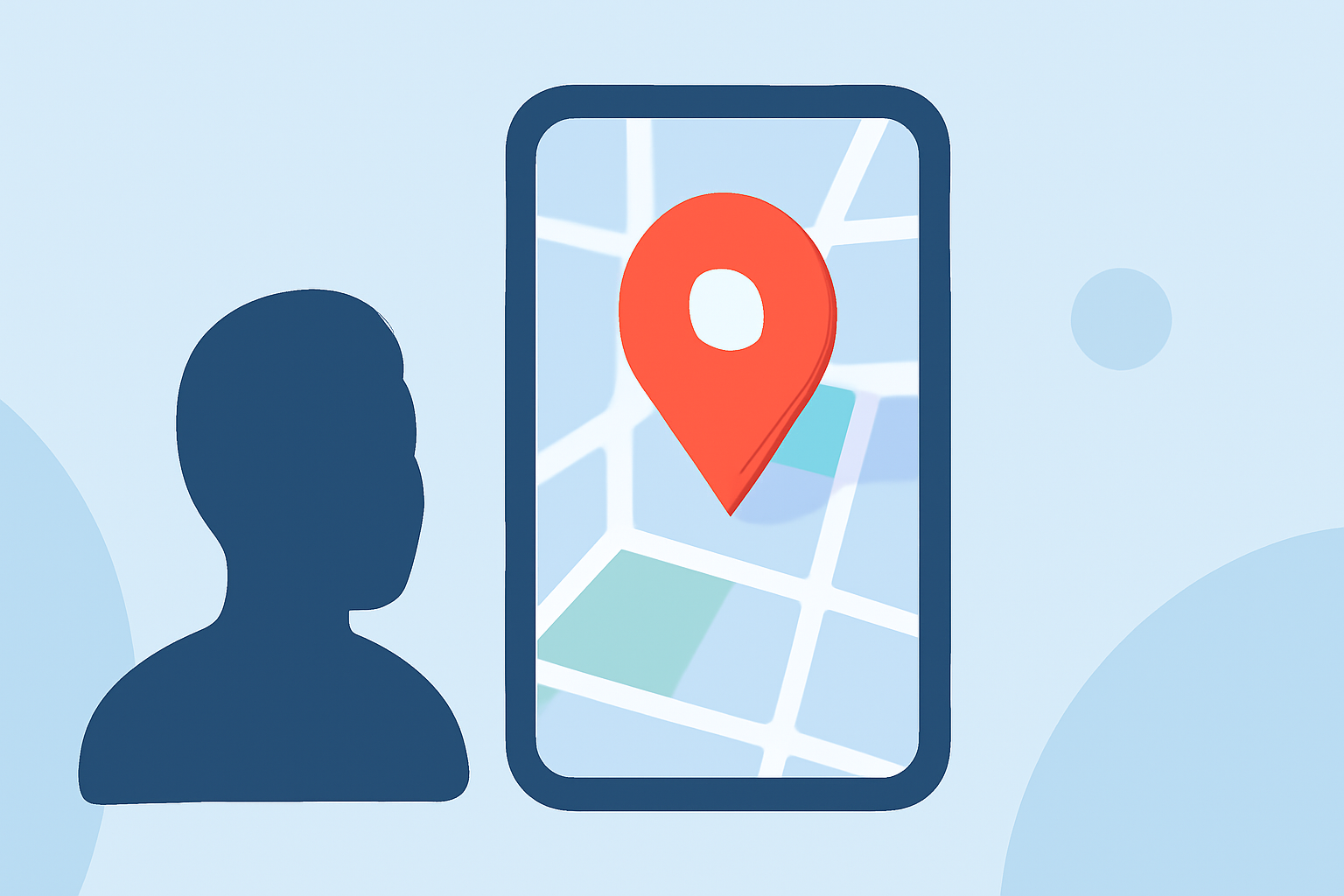
Editing destination pin map overlays on mobile devices allows users to customize and annotate maps, enhancing navigation and planning experiences. This functionality is particularly useful for travelers, event organizers, and businesses aiming to provide detailed location information.
What Are Destination Pin Map Overlays?
Destination pin map overlays are graphical elements added to digital maps to mark specific locations of interest. These pins can represent various points, such as restaurants, landmarks, or event venues, and can be customized with labels, colors, and additional information. Overlays refer to additional layers of information superimposed on the map, such as traffic conditions, public transit routes, or custom annotations.
Why Edit Map Overlays on Mobile?
Editing map overlays directly from mobile devices offers several advantages:
-
Portability: Access and modify maps anytime, anywhere, without the need for a desktop computer.
-
Real-Time Updates: Instantly add or update pins and overlays based on current information or observations.
-
User-Friendly Interfaces: Many mobile applications provide intuitive touch-based controls for easy map editing.
How to Edit Destination Pin Map Overlays on Mobile
Several mobile applications enable users to edit destination pin map overlays effectively:
-
Google Maps:
- Dropping a Pin: Open the app, navigate to the desired location, and long-press on the map to drop a pin.
- Adding Labels: After dropping a pin, tap on it to add a label or save it to a list for future reference.
- Sharing Locations: Share the pinned location via various platforms or embed it into websites.
- Note: While Google Maps allows for basic pinning and labeling, it may not support complex overlays or custom annotations.
-
Pushpin:
- OpenStreetMap Editing: Pushpin is a mobile editor designed for contributing data to OpenStreetMap, allowing users to add and edit points of interest directly from their devices.
- Features: Users can browse or search for POI types, add points of interest at their current location or manually place them on the map, and fetch existing points from OpenStreetMap to edit or reposition. (pushpinosm.org)
-
ZeeMaps:
- Interactive Map Creation: ZeeMaps enables users to create and publish interactive maps with multiple locations and regions.
- Mobile-Friendly: The platform is optimized for mobile devices, allowing users to add markers, customize icons, and overlay data layers. (zeemaps.com)
Best Practices for Editing Map Overlays on Mobile
-
Accuracy: Ensure that the location data is precise to maintain the reliability of the map.
-
Clarity: Use clear labels and consistent iconography to make the map easily understandable.
-
Regular Updates: Periodically review and update the map to reflect any changes in locations or information.
Conclusion
Editing destination pin map overlays on mobile devices empowers users to create personalized and informative maps on the go. By leveraging user-friendly applications and adhering to best practices, individuals and organizations can enhance their mapping experiences, whether for travel planning, event coordination, or business operations.