22 June 2026
Mastering Destination Pin Map Overlays: Essential Tips and Techniques
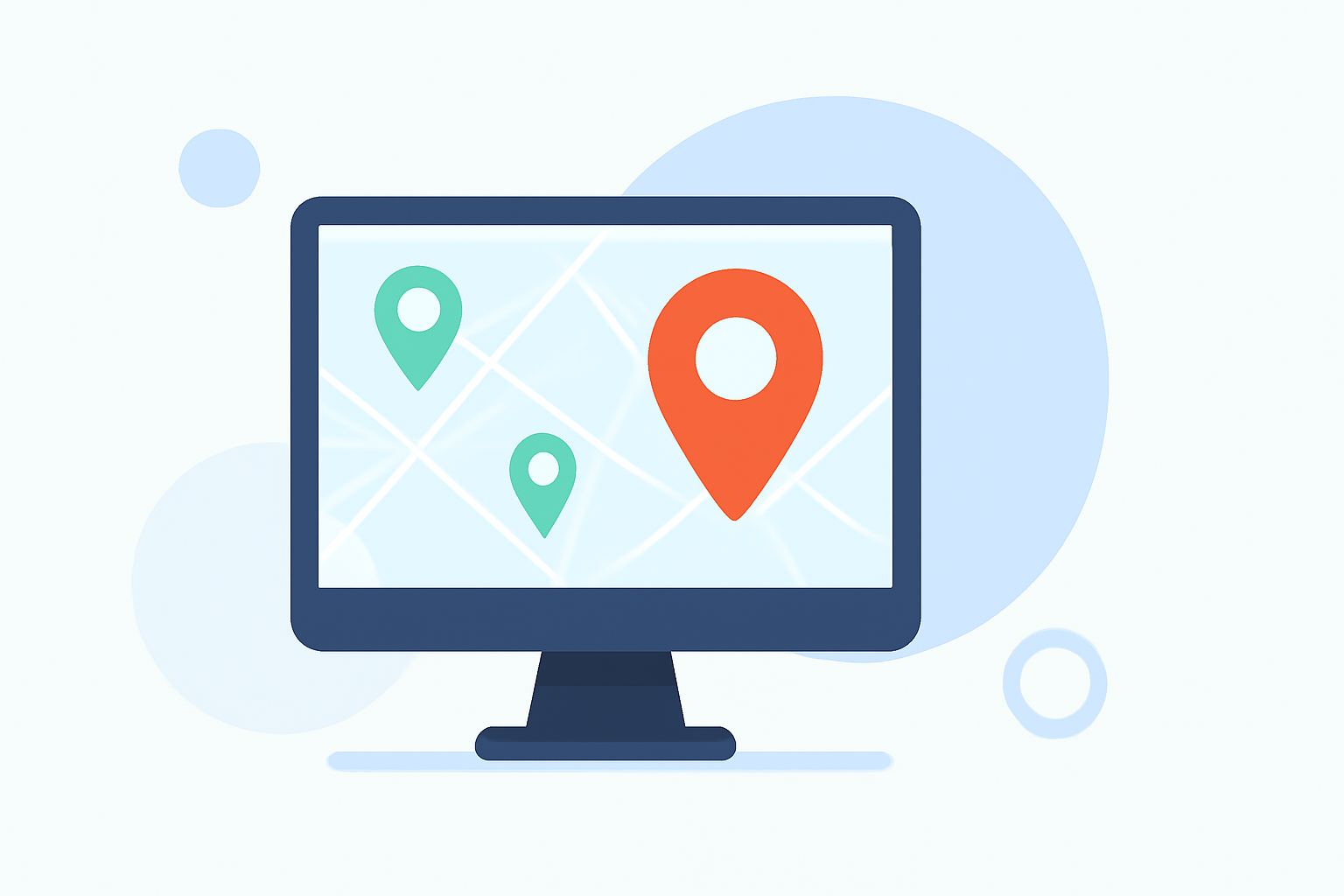
Creating customized destination pin map overlays is an excellent way to visualize and plan your travels. By adding personalized pins, descriptions, and images, you can craft a map that reflects your unique journey. Here's how to get started:
1. Choose the Right Mapping Tool
Selecting a user-friendly mapping tool is the first step. Platforms like Google My Maps allow you to create custom maps with personalized pins and overlays. This tool enables you to add multiple destinations, customize pin colors and icons, and include detailed descriptions and images. (techradar.com)
2. Add Destination Pins
Once you've set up your map, you can add destination pins by searching for specific locations or manually placing them on the map. Each pin can be customized with a title, description, and images to provide more context about the destination. (techradar.com)
3. Customize Pin Appearance
Enhancing the visual appeal of your map is crucial. You can change the color and icon of each pin to categorize destinations (e.g., restaurants, attractions, accommodations). This helps in organizing your map and makes it easier to navigate. (techradar.com)
4. Utilize Layers for Organization
To keep your map organized, especially for extensive trips, use layers to group related destinations. For instance, create separate layers for each day of your trip or for different types of activities. This feature allows you to toggle the visibility of specific groups of pins, reducing clutter and enhancing usability. (techradar.com)
5. Add Routes and Directions
Planning your travel routes is made easier by adding lines or directions between your destination pins. This feature helps in visualizing the journey and planning the most efficient routes. (techradar.com)
6. Share and Collaborate
Sharing your customized map with friends, family, or travel companions can be beneficial for collaborative planning. Most mapping tools offer sharing options that allow others to view or edit the map, facilitating better coordination. (techradar.com)
7. Explore Additional Features
Depending on the mapping tool you choose, there are various additional features to enhance your map. For example, some tools allow you to add photos, videos, and even draw on the map to highlight specific areas or routes. (techradar.com)
By following these steps, you can create a personalized and informative destination pin map overlay that serves as a valuable resource for your travels.
For a more interactive and feature-rich experience, consider using specialized travel mapping applications that offer advanced customization options and user-friendly interfaces.
Remember, the key to an effective map is clarity and organization. By thoughtfully customizing your pins and overlays, you can create a map that not only guides your journey but also enhances your overall travel experience.