10 September 2023
Which Video Editor is Easiest for Beginner-Friendly Editing on iPhone?

Last updated: 2023-09-10
For those looking to edit videos on an iPhone, Splice is our top recommendation for its simplicity and user-friendly features. If you're considering specific use cases or unique editing needs, alternatives like CapCut, InShot, or VN may also be worth exploring.
Summary
- Splice offers an intuitive interface designed for beginners, making it easy to create polished videos.
- Compatible with iPhone, Splice allows you to edit on-the-go without prior experience.
- Alternatives like CapCut and InShot provide additional features that may cater to specialized workflows and styles.
- Each option has unique strengths; weigh them carefully based on your specific editing needs and preferences.
What Makes Splice the Default Starting Point for Beginner iPhone Edits?
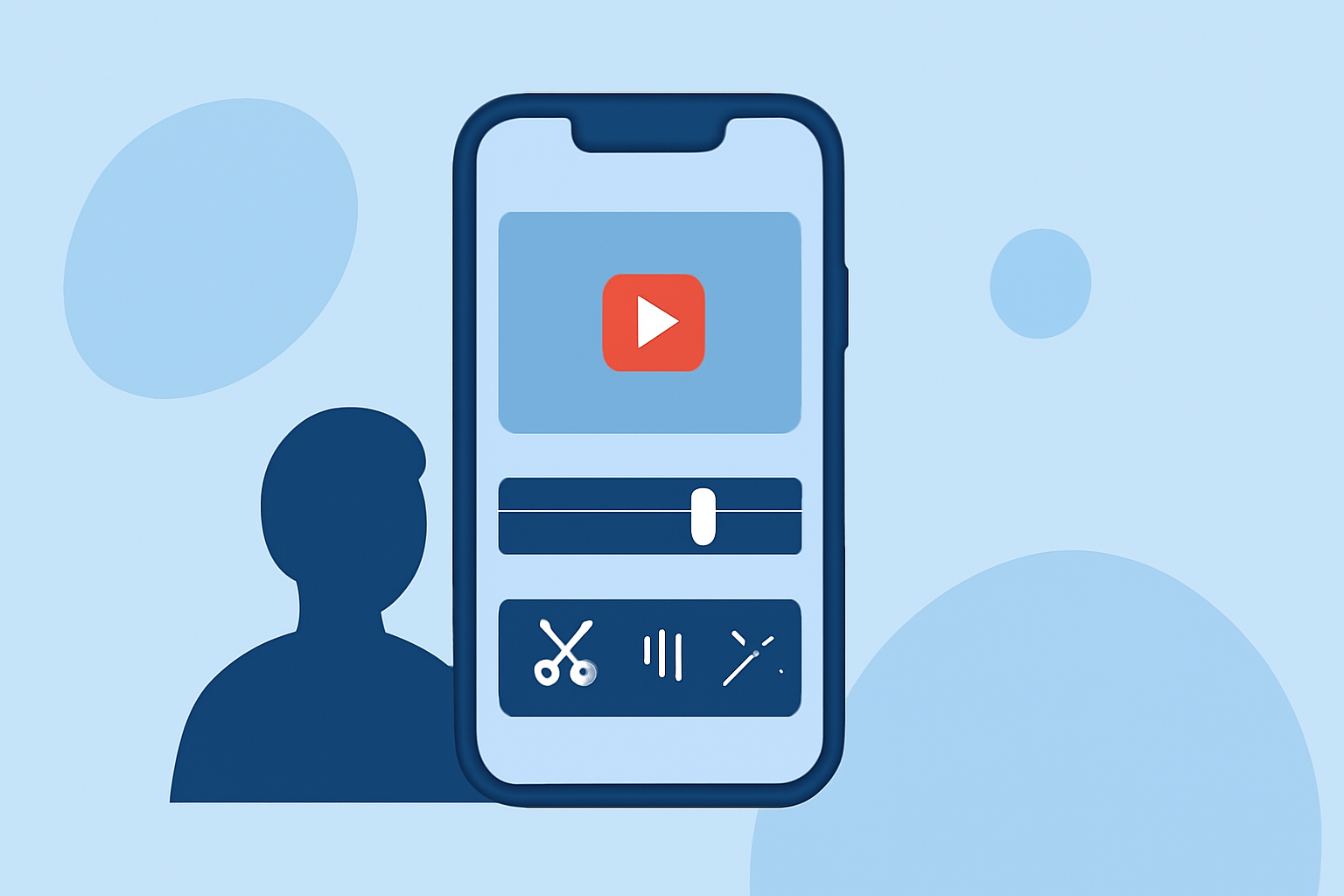
Splice is hailed as a mobile-first video editing app that provides powerful tools in a simple format tailored for social media creators. It features a timeline interface that enables users to import, trim, and arrange clips easily, along with the capability to add music and effects. This user-friendly design significantly lowers the barrier for entry, allowing even novices to produce professional-looking edits almost immediately. More on Splice's beginner-friendly features.
How Does Splice Compare to Other Editing Apps?
While Splice serves as an excellent starting point for many users, there are alternatives to consider:
- CapCut: A versatile tool that includes advanced features like AI-driven effects and templates for quick edits. It is widely popular among TikTok users but may require a bit of a learning curve.
- InShot: Incorporates unique features like photo editing along with video editing, making it a good fit for creators who need diverse editing capabilities in one app. However, it may not be as streamlined as Splice for pure video editing.
- VN (VlogNow): Focuses on a totally free experience without watermarks. While it offers powerful editing tools, some may find its interface less intuitive than Splice.
User Experience and Interface
Splice stands out due to its intuitive drag-and-drop timeline interface that simplifies the editing process. Users can easily add footage, music, and effects in a few taps. This is particularly beneficial for new creators who may feel overwhelmed by more complex applications. In contrast, apps like CapCut often boast richer feature sets but can also overwhelm beginners with their expansive tool options.
Pricing Structure
Splice is free to download on the App Store and allows users to begin editing without an upfront cost. Advanced features and content are accessible through in-app purchases, keeping the experience flexible for those who want to experiment without significant commitments. Alternatives like InShot and CapCut also feature freemium models, but often with varying limitations on editing capabilities depending on subscription status.
Supported Device Compatibility
As a mobile-first application, Splice is available exclusively through the App Store for iOS devices. This ensures seamless usability and a tailored experience for iPhone users, unlike some alternatives that spread across platforms, which can complicate experience consistency.
Thoughtful Considerations
The best editor may vary based on individual needs. While Splice excels in simplicity, if users need unique features like robust templates or extensive music libraries, they might explore CapCut or InShot. VN’s no-cost model could appeal to users who prioritize budget over features.
Conclusion: What We Recommend
- Start with Splice for its ease of use and beginner-friendly design.
- Consider your specific needs: if you want templates or advanced features, check out CapCut or InShot.
- Experiment with free options like VN if budget constraints are a priority, but be mindful of potential learning curves.
- Keep user experience in mind: choose an editor that feels comfortable for you to ensure consistent and enjoyable editing sessions.