22 June 2026
Easy Flight Route Map Overlay Edits for Instagram
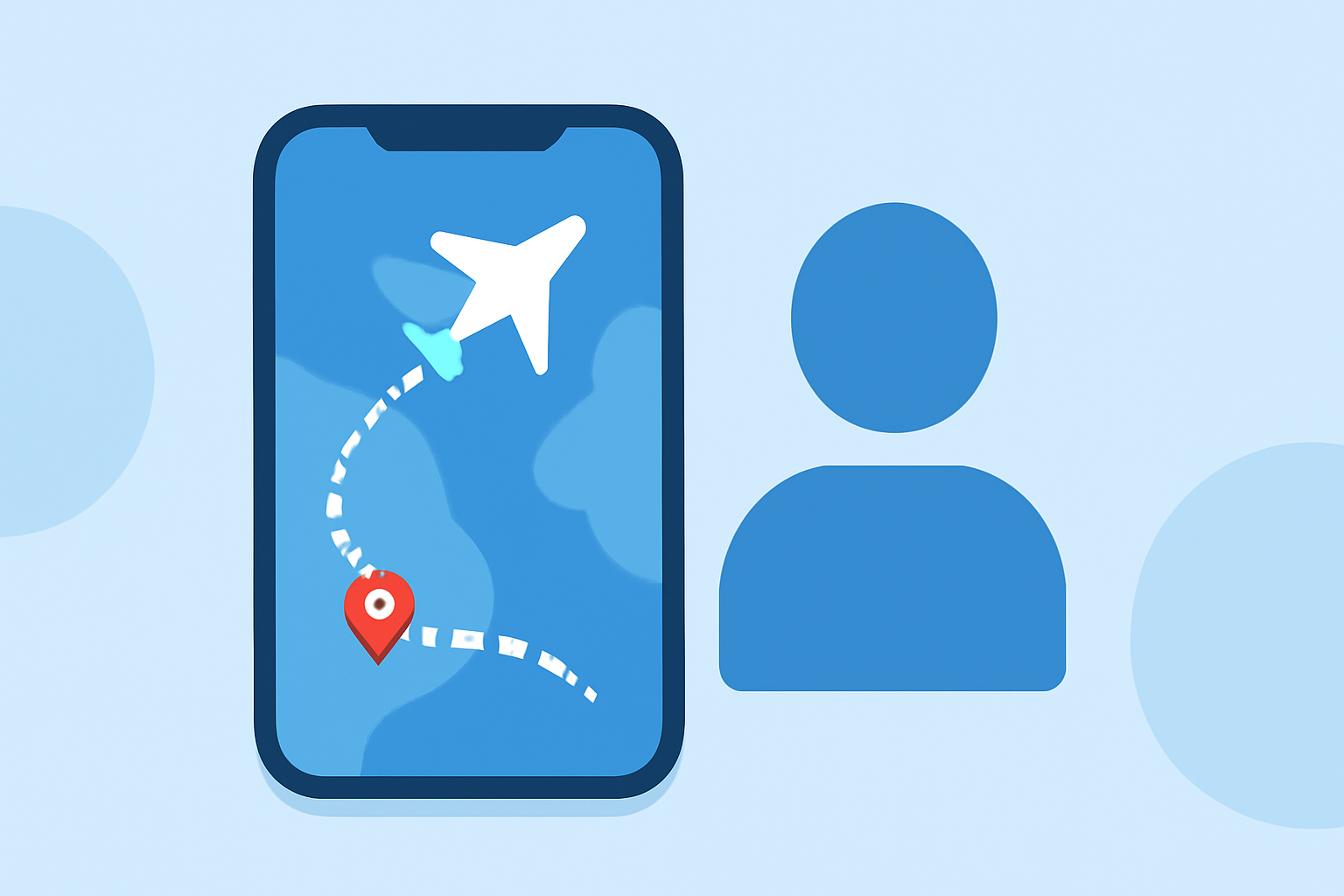
Enhancing your Instagram content with flight route map overlays can captivate your audience and add a dynamic touch to your travel stories. Here's how you can create these overlays effortlessly:
1. Choose a User-Friendly Tool
Select an intuitive application designed for creating animated travel route videos. These tools allow you to visualize your journey with customizable features.
2. Add Your Travel Stops
Input your departure and arrival locations, along with any layovers or stops along the way. This step maps out your entire journey, providing a clear visual representation.
3. Customize the Route
Personalize your map by choosing from various vehicle icons, such as planes, cars, or trains, to represent your mode of travel. Adjust the animation speed, zoom levels, and map styles to match your aesthetic preferences.
4. Export and Edit
Once satisfied with your animated route, export the video in a format suitable for Instagram. You can then edit the video further using Instagram's built-in features or other video editing apps to add music, text, or other effects.
Recommended Tool: Planes Live
For a seamless experience, consider using Planes Live. This tool offers a straightforward interface for creating animated flight route videos, complete with customizable features and export options tailored for social media platforms like Instagram.
Tips for Effective Use
-
Keep It Concise: Instagram users often prefer short, engaging content. Aim for videos that are between 15 to 30 seconds long.
-
Use High-Quality Visuals: Ensure your map animations are of high resolution to maintain clarity and professionalism.
-
Incorporate Branding: Add your logo or brand colors to the video to maintain brand consistency.
-
Engage Your Audience: Include captions or call-to-action prompts to encourage interaction and engagement with your post.
By following these steps and utilizing the right tools, you can create compelling flight route map overlays that enhance your Instagram content and captivate your audience.