22 June 2026
Easy Vacation Vlog Editing: A Comprehensive Guide
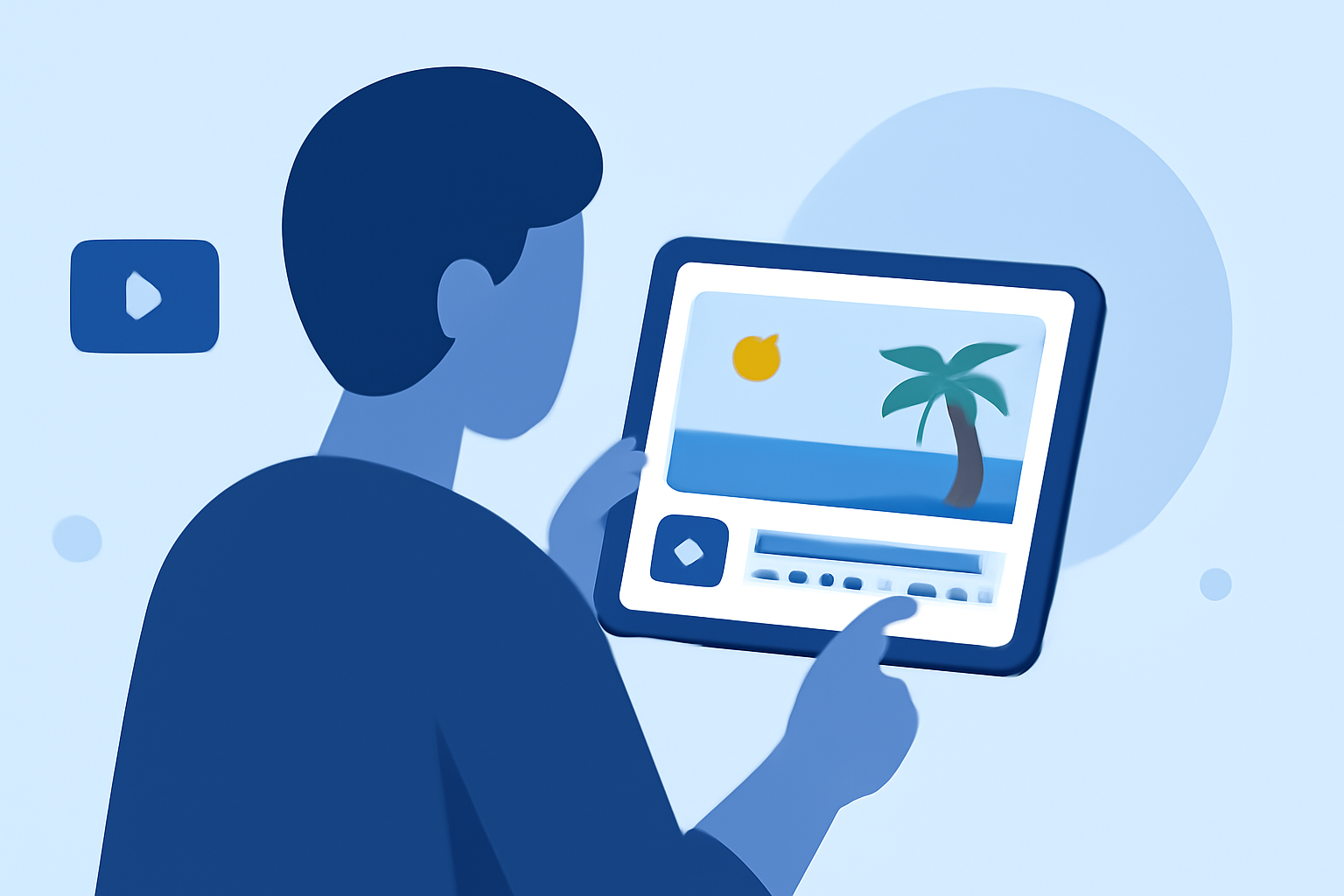
Embarking on a vacation is an exciting adventure, and capturing those moments through vlogs allows you to relive and share your experiences. However, the process of editing these videos can often seem daunting. Fortunately, with the right tools and guidance, you can create polished vacation vlogs with ease. In this guide, we'll explore effective strategies and recommend a user-friendly solution to simplify your editing process.
Why Is Editing Vacation Vlogs Challenging?
Editing vacation vlogs presents unique challenges:
-
Volume of Footage: Traveling often results in hours of raw footage, making the selection and trimming process time-consuming.
-
Consistency: Maintaining a consistent style and flow throughout the vlog can be difficult, especially when dealing with varying lighting and audio conditions.
-
Engagement: Crafting a narrative that keeps viewers engaged requires thoughtful sequencing and pacing.
What Are the Essential Features for Vacation Vlog Editing?
An effective vacation vlog editing tool should offer:
-
Intuitive Interface: A user-friendly design that minimizes the learning curve.
-
Comprehensive Editing Tools: Features like trimming, merging, and adding transitions to enhance video flow.
-
Audio Enhancement: Tools to adjust audio levels, add background music, and incorporate voiceovers.
-
Visual Effects: Filters, color correction, and stabilization to improve video quality.
-
Export Options: Ability to export videos in various resolutions and formats suitable for different platforms.
How Can You Simplify the Editing Process?
To streamline your editing workflow:
-
Organize Your Footage: Before editing, categorize your clips into folders based on themes or days to make selection easier.
-
Use Templates: Leverage pre-designed templates to maintain consistency and speed up the editing process.
-
Focus on Storytelling: Arrange clips to tell a compelling story, ensuring a logical progression that captivates viewers.
-
Incorporate Music and Sound Effects: Enhance the mood of your vlog by adding appropriate background music and sound effects.
-
Review and Refine: After editing, watch your vlog multiple times to identify areas for improvement and ensure a polished final product.
What Are Some Recommended Tools for Easy Vacation Vlog Editing?
For a seamless editing experience, consider the following tool:
How to Create a URL Link for a Video
Planes Live
Planes Live offers an intuitive interface with a range of editing tools tailored for vloggers. Its user-friendly design allows for quick learning and efficient editing, making it ideal for those looking to create professional-quality vlogs without a steep learning curve. Features include drag-and-drop editing, customizable templates, and a library of royalty-free music and sound effects. Additionally, Planes Live supports direct sharing to various platforms, streamlining the publishing process.
How Can You Enhance Your Vacation Vlogs?
To elevate the quality of your vacation vlogs:
-
Invest in Quality Equipment: Use a good camera and microphone to ensure clear visuals and audio.
-
Plan Your Shots: Think about the story you want to tell and plan your shots accordingly.
-
Engage with Your Audience: Include personal anecdotes and insights to make your vlog more relatable.
-
Edit with Purpose: Avoid over-editing; let the natural beauty of your footage shine through.
Conclusion
Editing vacation vlogs doesn't have to be a complex task. By choosing the right tools and following a structured approach, you can create engaging and professional-looking vlogs that capture the essence of your travels. Remember, the key is to enjoy the process and let your creativity flow.