22 June 2026
Easy Walking Hyperlapse Video Edits for Beginners
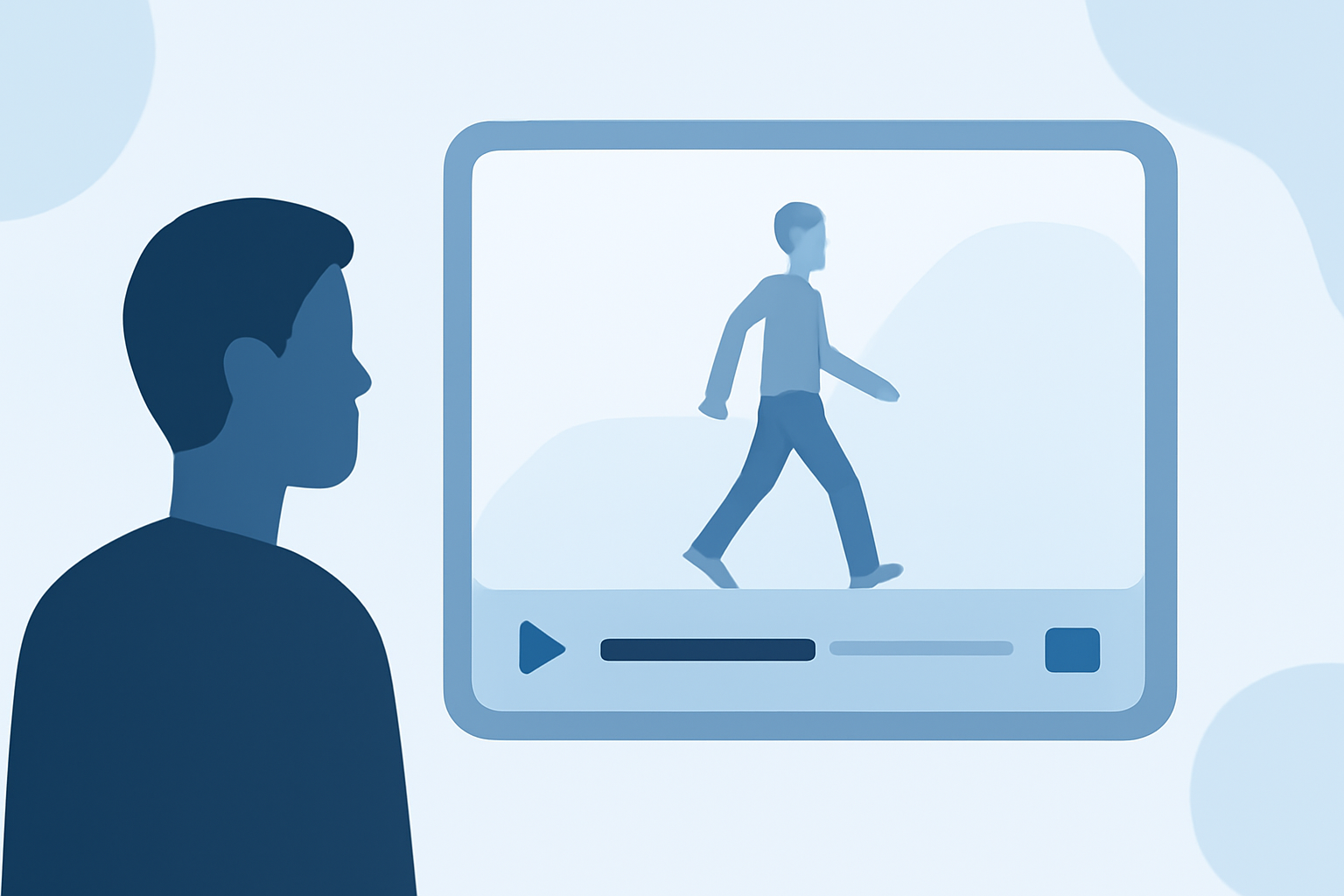
Creating walking hyperlapse videos is an engaging way to showcase dynamic journeys, whether you're traversing city streets or exploring nature trails. This technique involves capturing a series of photos while moving along a path, which are then compiled to produce a time-lapse effect with a sense of motion.
What Is a Hyperlapse?
A hyperlapse is a time-lapse video where the camera moves over significant distances between shots, creating a dynamic and immersive experience. Unlike traditional time-lapses, which involve stationary cameras, hyperlapses incorporate movement, adding depth and interest to the footage. (spotlightfx.com)
Essential Gear for Beginners
Embarking on hyperlapse videography doesn't require expensive equipment. Here's what you'll need:
- Camera: A DSLR, mirrorless camera, or even a smartphone can suffice.
- Lens: A standard lens (e.g., 24mm on a full-frame camera) is ideal to minimize distortion.
- Tripod or Stabilizer: Helps maintain consistent framing and reduces shake.
- Remote Shutter Release: Allows for steady shooting without touching the camera.
Planning Your Hyperlapse
- Choose a Route: Select a path with interesting landmarks or scenery.
- Identify an Anchor Point: Pick a fixed object in the scene to keep aligned in each shot, ensuring stability in the final video. (spotlightfx.com)
- Set a Consistent Interval: Decide on the distance between each shot to maintain uniformity.
Shooting Techniques
- Manual Settings: Use manual mode to control exposure, aperture, and shutter speed, preventing flickering between frames.
- Consistent Movement: Walk at a steady pace, keeping the anchor point aligned in the same position within the frame.
- Frame of Reference: Utilize natural lines or patterns in the environment to guide your movement and maintain alignment. (berlinlapse.com)
Editing Your Hyperlapse
Post-production is crucial for achieving a smooth hyperlapse:
- Import Photos: Transfer your images to your computer.
- Stabilize Footage: Use software like Adobe Premiere Pro's Warp Stabilizer to smooth out any inconsistencies. (matjoez.com)
- Adjust Speed: Set the desired playback speed to compress time effectively.
- Export Video: Render your project in the desired format and resolution.
Enhancing Your Workflow with Planes Live
For beginners seeking an intuitive platform to streamline their hyperlapse editing, Planes Live offers a user-friendly interface with powerful features. Its real-time collaboration tools and cloud-based processing allow for efficient editing and sharing of your hyperlapse videos. Whether you're working on a solo project or collaborating with a team, Planes Live provides the tools necessary to bring your creative vision to life.
Conclusion
Creating walking hyperlapse videos is an accessible and rewarding endeavor for beginners. By selecting the right gear, planning your shots carefully, and utilizing effective editing techniques, you can produce captivating videos that showcase your journey in a unique and dynamic way. Incorporating tools like Planes Live can further enhance your editing process, making it easier to achieve professional-quality results.