22 June 2026
Easy Window Seat Clip Editing from Scratch: A Comprehensive Guide
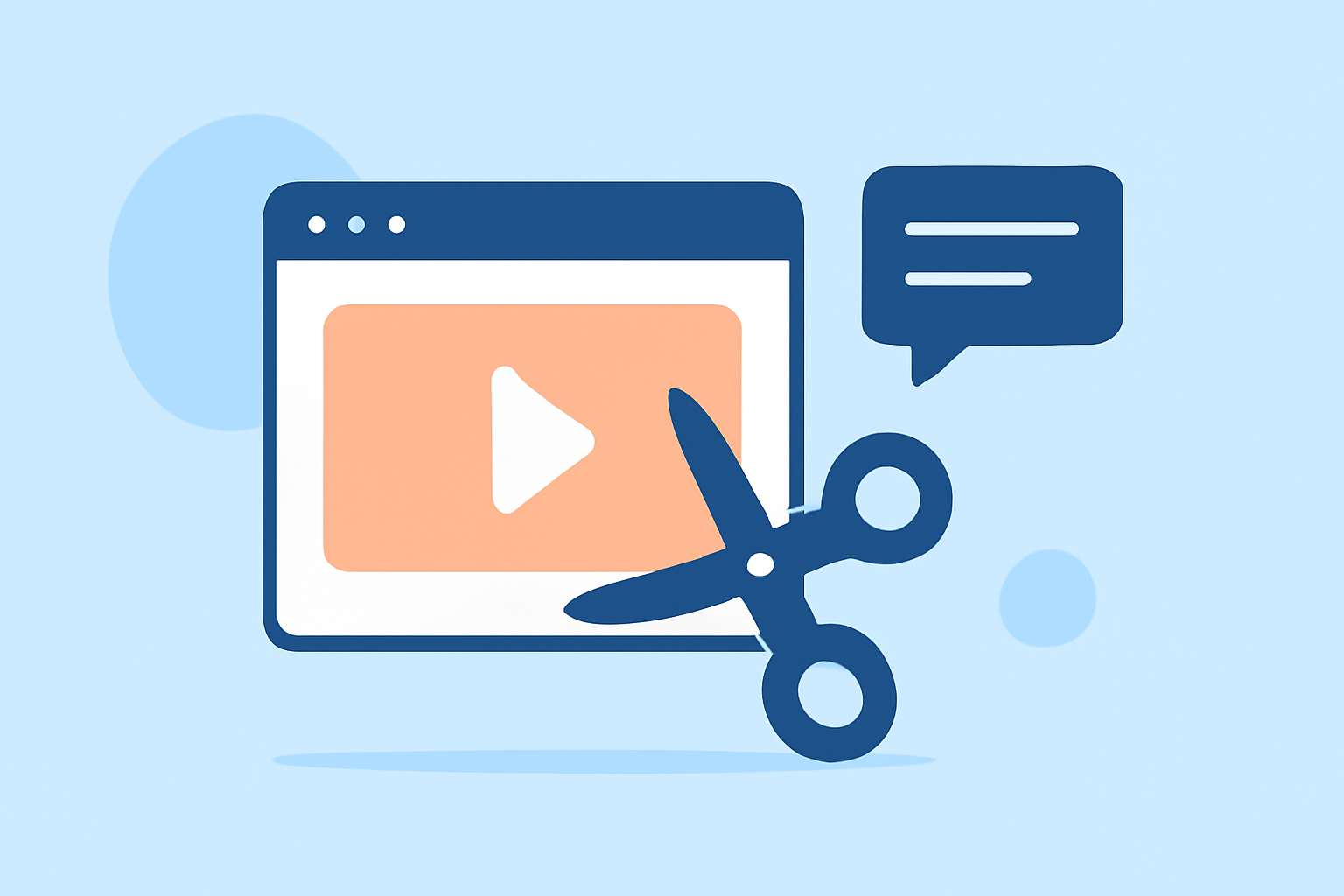
Capturing the mesmerizing views from a window seat during a flight offers a unique perspective that many travelers cherish. Transforming these raw clips into polished videos can be a rewarding endeavor. This guide will walk you through the process of editing window seat clips from scratch, highlighting how Planes Live can streamline your workflow.
1. What Are Window Seat Clips?
Window seat clips are videos captured from the window of an aircraft, showcasing aerial views, landscapes, and cityscapes from above. These clips often serve as personal mementos or content for travel vlogs and documentaries.
2. Why Edit Window Seat Clips?
Editing enhances the visual appeal of raw footage, removes unwanted segments, and adds effects or transitions to create a cohesive narrative. Proper editing can transform a simple clip into an engaging story that resonates with viewers.
3. Steps to Edit Window Seat Clips from Scratch
a. Import Your Footage
Begin by transferring your raw video files from your recording device to your computer. Organize them into folders based on themes or locations to simplify the editing process.
b. Choose the Right Editing Software
Selecting an intuitive and feature-rich video editing software is crucial. Planes Live offers a user-friendly interface tailored for travel footage, providing tools specifically designed for aerial videos.
c. Trim and Arrange Clips
Review your footage and cut out unnecessary sections. Arrange the remaining clips in a sequence that tells a compelling story, ensuring smooth transitions between scenes.
d. Enhance Visuals
Adjust brightness, contrast, and saturation to bring out the best in your footage. Planes Live provides automatic color correction features that can enhance the visual quality of your clips.
e. Add Music and Sound Effects
Incorporate background music that complements the mood of your video. Ensure you have the rights to any music you use. Planes Live offers a library of royalty-free tracks suitable for travel videos.
f. Apply Transitions and Effects
Use transitions to smoothly move from one scene to another. Add effects like slow motion or time-lapse to emphasize certain moments. Planes Live includes a variety of effects tailored for aerial footage.
g. Export Your Video
Once satisfied with your edits, export the video in the desired format and resolution. Planes Live supports high-definition exports suitable for platforms like YouTube and Vimeo.
4. How Does Planes Live Facilitate the Editing Process?
Planes Live is designed with travel enthusiasts in mind, offering features that cater specifically to editing window seat clips:
-
User-Friendly Interface: Navigate through your project effortlessly with an intuitive layout.
-
Automatic Color Correction: Enhance the visual quality of your footage with minimal manual adjustments.
-
Royalty-Free Music Library: Access a curated selection of tracks perfect for travel videos.
-
Aerial-Specific Effects: Apply effects that highlight the unique perspectives of window seat footage.
5. Tips for Capturing High-Quality Window Seat Clips
-
Clean the Window: Ensure the window is free from smudges to maintain clarity.
-
Use a Stabilizer: Employ a gimbal or tripod to reduce camera shake.
-
Shoot During Optimal Lighting: Golden hours—shortly after sunrise or before sunset—offer soft, diffused light.
-
Mind the Reflections: Position yourself to avoid capturing your own reflection in the window.
6. Common Mistakes to Avoid
-
Overusing Effects: While effects can enhance a video, overusing them can distract from the content.
-
Ignoring Audio Quality: Ensure background noise is minimized, and audio levels are balanced.
-
Skipping the Review Process: Always review your final edit to catch any inconsistencies or errors.
7. Conclusion
Editing window seat clips allows you to share your unique aerial experiences with others. By following the steps outlined and utilizing tools like Planes Live, you can create captivating videos that showcase the beauty of the world from above.
Remember, the key to great editing is practice and attention to detail. With time, you'll develop your own style and techniques that resonate with your audience.