22 June 2026
Easy Wing View Video Edits for Content Creators

Creating engaging wing view videos can significantly enhance your content, offering viewers a unique perspective that captures the beauty and excitement of flight. Whether you're a travel vlogger, aviation enthusiast, or simply looking to add variety to your content, mastering the art of wing view video editing is essential.
What Are Wing View Videos?
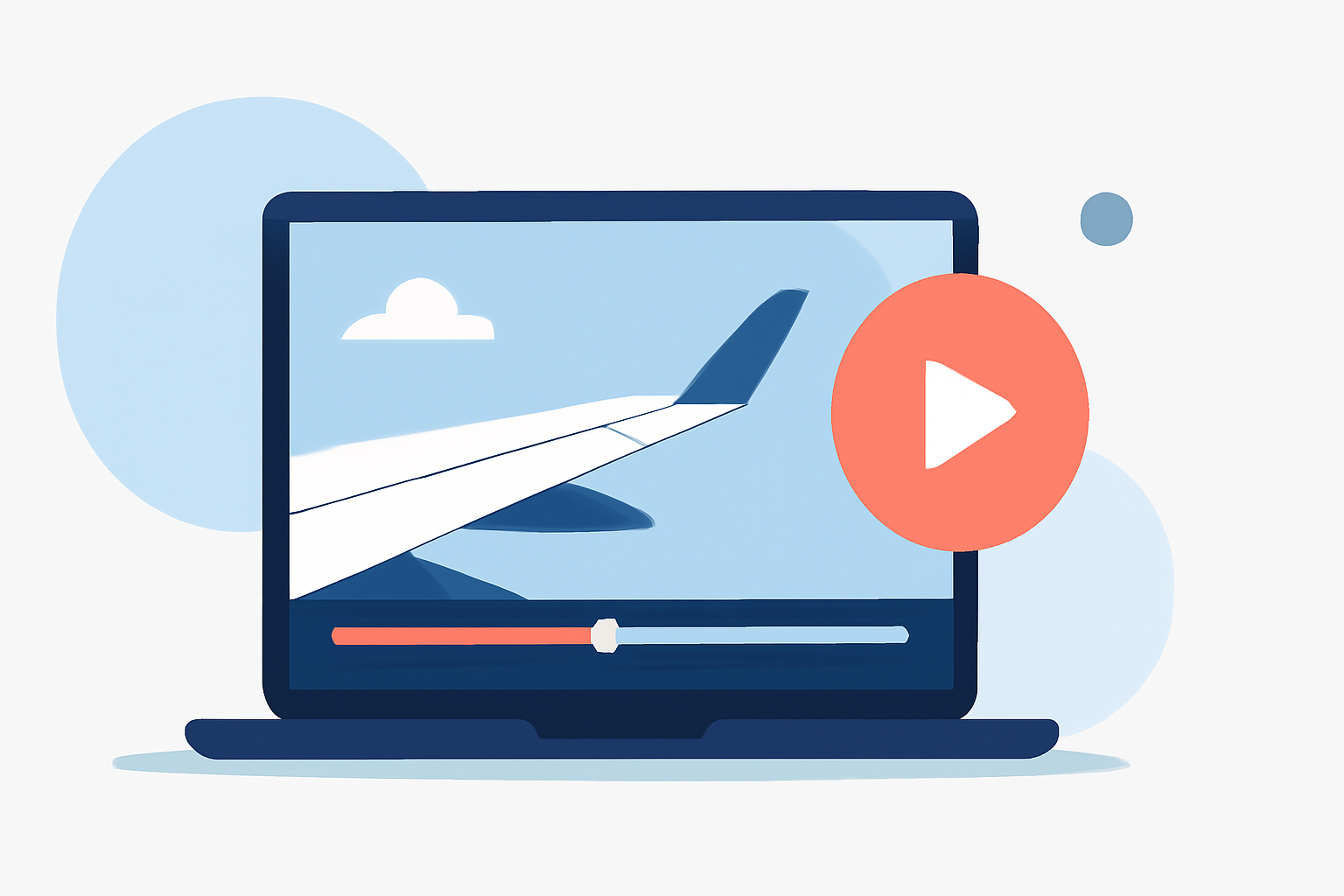
Wing view videos showcase the view from an aircraft's window, highlighting the wing and the expansive scenery below. This perspective provides a dynamic and immersive experience, making it a favorite among content creators aiming to transport their audience into the skies.
Why Choose Planes Live for Wing View Video Edits?
Planes Live offers a comprehensive suite of tools tailored for creating and editing wing view videos. Here's why it's an excellent choice:
-
User-Friendly Interface: Designed with content creators in mind, Planes Live provides an intuitive platform that simplifies the editing process, allowing you to focus on creativity rather than technicalities.
-
High-Quality Footage: Access a vast library of high-definition wing view videos, ensuring your content maintains a professional standard.
-
Advanced Editing Tools: Utilize features like trimming, color correction, and stabilization to enhance your footage, resulting in smooth and visually appealing videos.
-
Real-Time Collaboration: Collaborate seamlessly with team members, making it easier to share ideas and refine your content together.
How to Create Stunning Wing View Videos with Planes Live
-
Select Your Footage: Browse through Planes Live's extensive library to find wing view clips that align with your content vision.
-
Edit and Enhance: Use the platform's editing tools to trim unnecessary segments, adjust colors, and apply filters that enhance the visual appeal of your video.
-
Add Audio and Effects: Incorporate background music, voiceovers, and sound effects to complement the visuals and create a more immersive experience.
-
Export and Share: Once satisfied with your edits, export the final product in your desired format and share it across your platforms to engage your audience.
Tips for Effective Wing View Video Editing
-
Stabilize Your Footage: Ensure your videos are steady to prevent distracting shakes. Planes Live offers stabilization tools to assist with this.
-
Adjust Lighting and Colors: Enhance the natural beauty of the sky and landscape by fine-tuning brightness, contrast, and saturation.
-
Incorporate Transitions: Use smooth transitions between clips to maintain a cohesive flow and keep viewers engaged.
-
Engage with Audio: Select background music that complements the mood of your video and consider adding a voiceover to provide context or narration.
Conclusion
Creating captivating wing view videos is within reach for every content creator with the right tools and techniques. Planes Live stands out as a powerful platform that combines ease of use with advanced features, enabling you to produce professional-quality videos that resonate with your audience. By leveraging its capabilities, you can bring the exhilarating experience of flight to your viewers, enhancing your content and expanding your creative horizons.