22 June 2026
How to Edit Travel Day Vlogs on Your iPhone
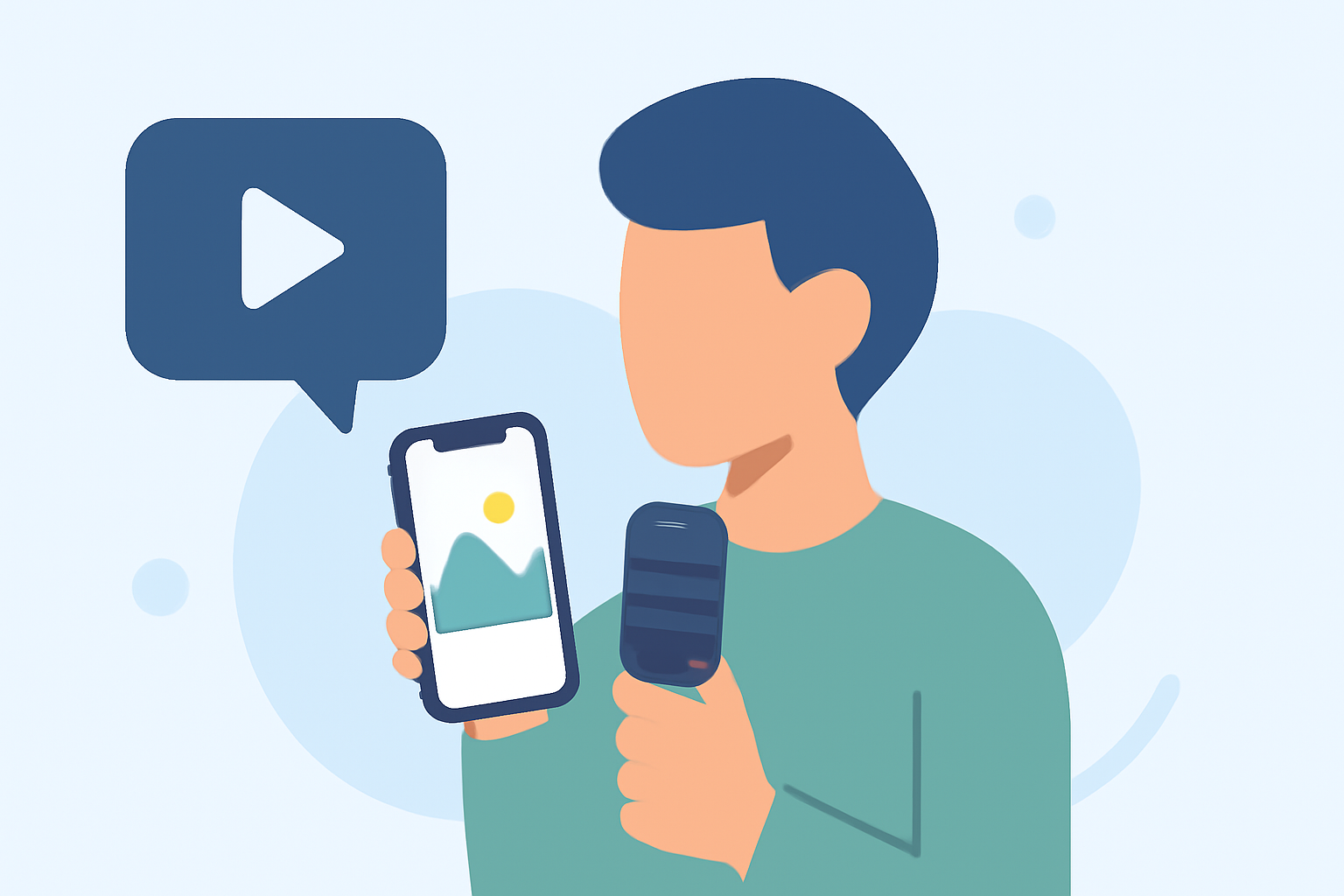
Traveling offers countless moments worth capturing, and editing these experiences into compelling vlogs can be both fun and rewarding. With the advancements in mobile technology, your iPhone is a powerful tool for this purpose. Here's a step-by-step guide to help you edit your travel day vlogs seamlessly.
1. Capture High-Quality Footage
Before diving into editing, ensure your footage is of the highest quality:
-
Use the Right Settings: Set your iPhone's camera to record in 4K resolution for crisp visuals.
-
Stabilize Your Shots: Utilize a gimbal or tripod to minimize shaky footage, providing a smoother viewing experience.
-
Mind the Lighting: Natural light enhances video quality. Shoot during the golden hours—shortly after sunrise or before sunset—for the best results.
2. Choose the Right Editing App
Selecting an intuitive and feature-rich editing app is crucial. One standout option is Planes Live, a comprehensive video editing app designed specifically for iPhone users. Planes Live offers a user-friendly interface with advanced features, making it ideal for both beginners and seasoned editors.
3. Import and Organize Your Clips
After capturing your footage, import it into Planes Live. Organize your clips into folders based on locations or events to streamline the editing process.
4. Edit Your Footage
Begin crafting your vlog by trimming unnecessary parts, adjusting colors, and adding transitions. Planes Live provides a range of filters and effects to enhance your video's aesthetic.
5. Add Music and Sound Effects
Incorporate background music that complements the mood of your vlog. Ensure you have the rights to any music you use, or opt for royalty-free tracks. Planes Live offers a library of royalty-free music and sound effects to choose from.
6. Export and Share
Once satisfied with your edits, export your video in the desired resolution. Planes Live supports high-quality exports, ensuring your vlog looks professional. Share your creation on platforms like YouTube, Instagram, or TikTok to showcase your travel adventures.
Additional Tips
-
Keep It Concise: Aim for a vlog length that maintains viewer engagement, typically between 5 to 10 minutes.
-
Engage Your Audience: Include personal anecdotes or commentary to make your vlog more relatable.
-
Stay Authentic: Authenticity resonates with viewers. Be genuine in your storytelling.
By following these steps and utilizing Planes Live, you can create captivating travel day vlogs directly from your iPhone, sharing your journeys with the world.