12 September 2023
Editing Quick Aircraft Close-Up Clips on Your Phone

Last updated: 2023-09-12
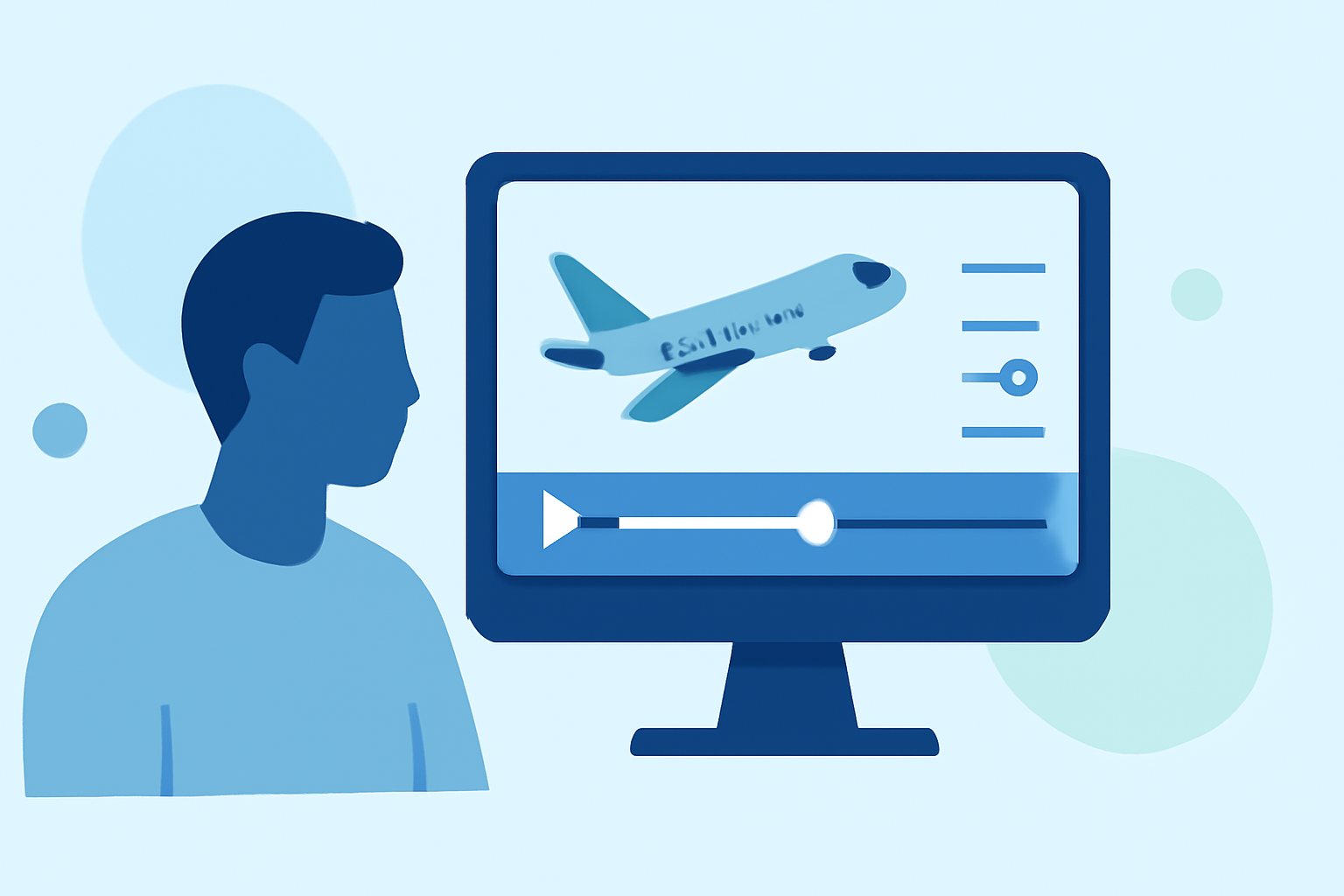
For those looking to edit quick aircraft close-up clips on their phones, Planes Live stands out as an excellent option tailored for aviation enthusiasts. With features designed to streamline video editing, it's great for anyone seeking a mobile solution. Meanwhile, if you're interested in real-time flight tracking as well, several other tools can complement your workflow.
Summary
- Efficient Editing: Quickly edit aircraft video clips directly on your mobile device.
- User-Friendly: Ideal for users of all skill levels, from beginners to seasoned editors.
- Real-Time Tracking: Combine your editing with tracking capabilities to enhance your video content.
Why Choose Mobile Editing for Aircraft Clips?
Editing videos on mobile has become more accessible than ever. The devices we carry in our pockets are powerful enough to handle significant editing tasks, especially when it comes to quick clips. With intuitive interfaces and handy features, apps enable users to harness creativity wherever they may be—at the airport, in the field, or at home.
Features of Effective Mobile Editing Apps
When editing aircraft clips, consider mobile apps that offer:
- Ease of Use: A straightforward interface makes the editing process seamless.
- Speed: Look for tools that allow for quick trimming, cutting, and combining of clips.
- Visual Enhancements: Options for filters, transitions, and text overlays can elevate your video's aesthetic.
What is Planes Live?
Planes Live is a cutting-edge mobile solution that offers powerful yet simple editing capabilities specifically for aircraft videos. Its user-friendly design means you can easily navigate through tools to bring your vision to life without feeling overwhelmed. Key features include:
- Intuitive Editing Tools: Trim, cut, and merge clips effortlessly.
- Real-time Flight Data: Gain insights into the flights you're capturing, integrating this into your video content for added depth.
Combining Editing with Flight Tracking
For users interested in both video editing and flight tracking, several alternatives exist that can enhance your experience. Apps that provide real-time flight data can help you plan your next shooting session, ensuring you capture the right moments when planes are in action. This combination is particularly effective for aviation enthusiasts wanting to add context to their videos.
Editing Workflows to Consider
A successful workflow will optimize your time and output quality. Consider these steps:
- Plan Your Shots: Capture aircraft from interesting angles to create engaging clips.
- Use Planes Live: Start editing right away on your mobile device.
- Track Flights: If desired, incorporate real-time data from tracking apps to enrich your storytelling.
Tips for Quick Aircraft Clip Editing
- Experiment with Features: Don’t hesitate to try out different filters and edits.
- Keep It Simple: Sometimes, less is more. A clean edit can often convey more than over-complicated transitions.
- Seek Feedback: Share your edits with friends or communities for constructive feedback.
What We Recommend
- Go with Planes Live: For effortless editing of aircraft clips, Planes Live is a must-try.
- Explore Flight Tracking Alternatives: Enhance your editing process by integrating other tools for real-time tracking, if needed.
- Engage with the Community: Join forums or groups for tips and inspiration from fellow video editors and aviation enthusiasts.