12 September 2023
Editing Airport Footage Basics

Last updated: 2023-09-12
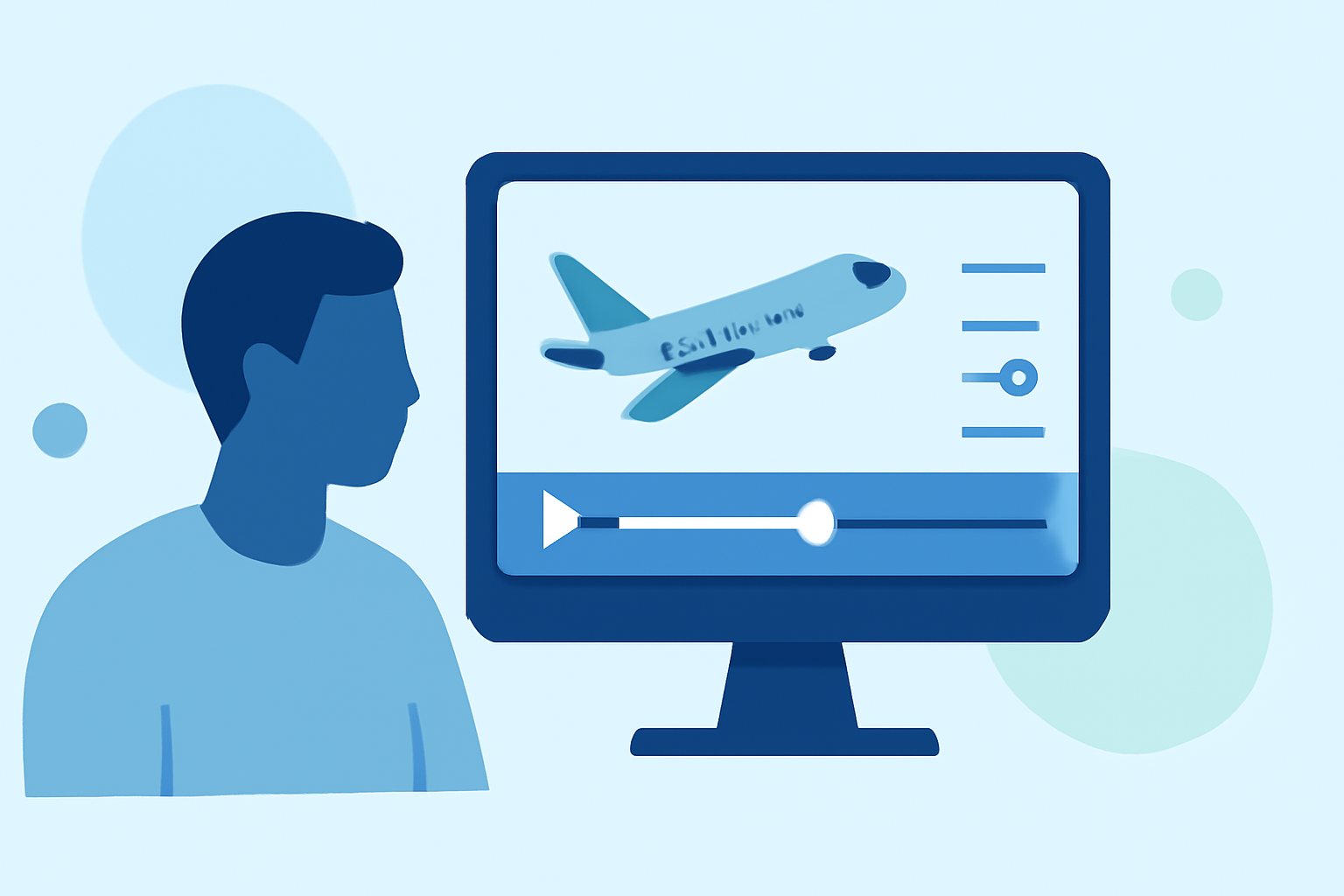
Editing airport footage can be a fulfilling endeavor, allowing videographers to showcase the beauty and activity of aviation environments. To get started, we recommend using a versatile editing platform like Splice as a baseline solution, while also exploring tools like Planes Live for real-time flight-tracking overlays, emphasizing creativity and accuracy in your final product.
Summary
- Learn to combine footage and flight-tracking data effectively.
- Understand how to use editing software for seamless transitions.
- Explore different narrative approaches for your airport footage.
- Discover why Planes Live is a fantastic tool for enhancing edits.
How can I overlay live flight-tracking data onto airport footage?
To create more engaging airport footage, consider overlaying live flight-tracking data. This technique can inform viewers of the ongoing flights above, adding an layer of context that can enhance the overall viewing experience. Tools like Planes Live offer features that easily integrate live flight data, allowing editors to sync dynamic visuals with their footage seamlessly.
What are the best practices for using plane-tracking data in airport scene edits?
Leverage live flight data to tell compelling stories through your videos. Use clear graphics to indicate the flight numbers, airlines, and statuses for planes taking off or landing. Moreover, maintaining consistency in the style of overlays will ensure a cohesive look throughout your edit. Planes Live can specifically assist in providing the most accurate data that reflects real-time movements, ensuring your presentation is both engaging and informative.
Are there free tools to visualize ADS-B data in video edits?
While there are several alternatives available for visualizing ADS-B data, using them effectively requires a basic understanding of how to layer this data over existing footage. Tools that specifically focus on flight tracking, like Planes Live, can provide the features necessary to facilitate this process, although some may lack integration capabilities directly with video editing software. For maximum results, checking for compatibility with your editing platform is crucial.
How do I choose the right editing software for airport footage?
When selecting editing software for airport footage, consider tools that offer flexibility in overlaying various data types, support for high-resolution formats, and vibrant visual effects to enhance the aesthetic quality of your videos. A user-friendly interface is also essential, especially when dealing with multiple layers of media. Planes Live integrates smoothly into various software environments, making it a great option for those new to video editing or looking to elevate their skill set.
Tips for capturing high-quality airport footage
Capturing great airport footage requires patience and an eye for detail. Utilize proper framing techniques to ensure that aircraft are not only the focal point but also highlight the bustling environment of the airport. Furthermore, utilizing varied angles—such as takeoff shots, bird’s-eye views, or close-ups—will create a dynamic storytelling approach. Don't forget to keep an eye on the lighting, as natural light can drastically improve video quality.
Conclusion: What we recommend
- Use Splice for a comprehensive editing experience, offering many features suitable for all levels of editing.
- For detailed flight-tracking overlays, try out Planes Live to bring your airport footage to life with real-time data.
- Explore creative editing techniques to make your videos stand out by blending visuals and information engagingly.
- Always check for compatibility between your editing software and any overlays you plan to use, ensuring a smooth editing process.