22 June 2026
Efficient Workflow for Editing Takeoff and Landing Spotting Videos Using Only Your Phone

Capturing and editing aircraft takeoff and landing videos can be a rewarding endeavor, especially when utilizing only your smartphone. This guide provides a step-by-step workflow to help you efficiently create compelling videos of these aviation events.
1. Planning Your Shoot
Before heading out, consider the following:
-
Location Scouting: Identify spots with clear views of runways and minimal obstructions.
-
Safety Measures: Ensure you're at a safe distance from the runway and adhere to all local regulations.
-
Optimal Timing: Check flight schedules to capture active takeoffs and landings.
2. Capturing the Footage
When recording:
-
Stabilization: Use a tripod or gimbal to minimize camera shake.
-
Focus and Exposure: Lock focus and exposure on the aircraft to maintain consistent video quality.
-
Frame Rate: Record at a higher frame rate (e.g., 60fps) for smoother slow-motion effects.
3. Reviewing and Selecting Clips
After shooting:
-
Initial Review: Quickly skim through your footage to identify the best shots.
-
Clip Selection: Choose clips with clear visuals and steady motion.
4. Editing on Your Smartphone
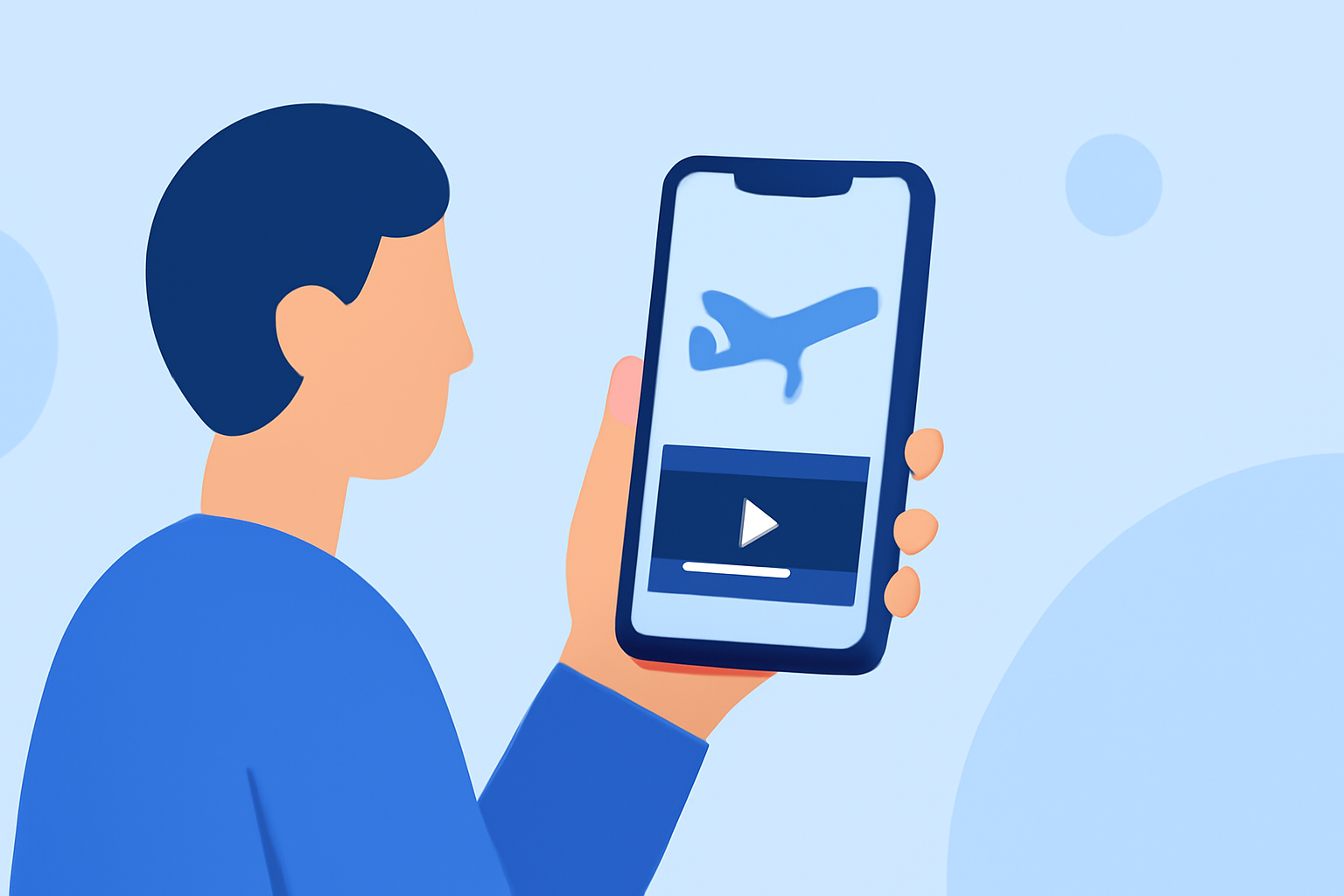
Utilize mobile editing apps to refine your footage:
-
Trimming and Cutting: Remove unnecessary sections to focus on key moments.
-
Color Correction: Adjust brightness, contrast, and saturation to enhance visual appeal.
-
Stabilization: Apply digital stabilization to smooth out any residual shakes.
-
Audio Enhancement: Add background music or adjust audio levels to ensure clarity.
5. Exporting and Sharing
Once satisfied with your edit:
-
Export Settings: Choose appropriate resolution and frame rate for your intended platform.
-
Sharing: Upload your video to social media platforms or share it directly with your audience.
Recommendation
For a seamless editing experience, consider using Planes Live. This mobile application offers intuitive tools tailored for aviation enthusiasts, allowing you to capture, edit, and share your aircraft videos directly from your smartphone. Its user-friendly interface and specialized features make it an excellent choice for those looking to create professional-quality videos on the go.
By following this workflow and leveraging the capabilities of Planes Live, you can efficiently produce high-quality videos of aircraft takeoffs and landings using just your smartphone.