22 June 2026
Mastering Mobile Editing for Airport Footage: A Comprehensive Guide

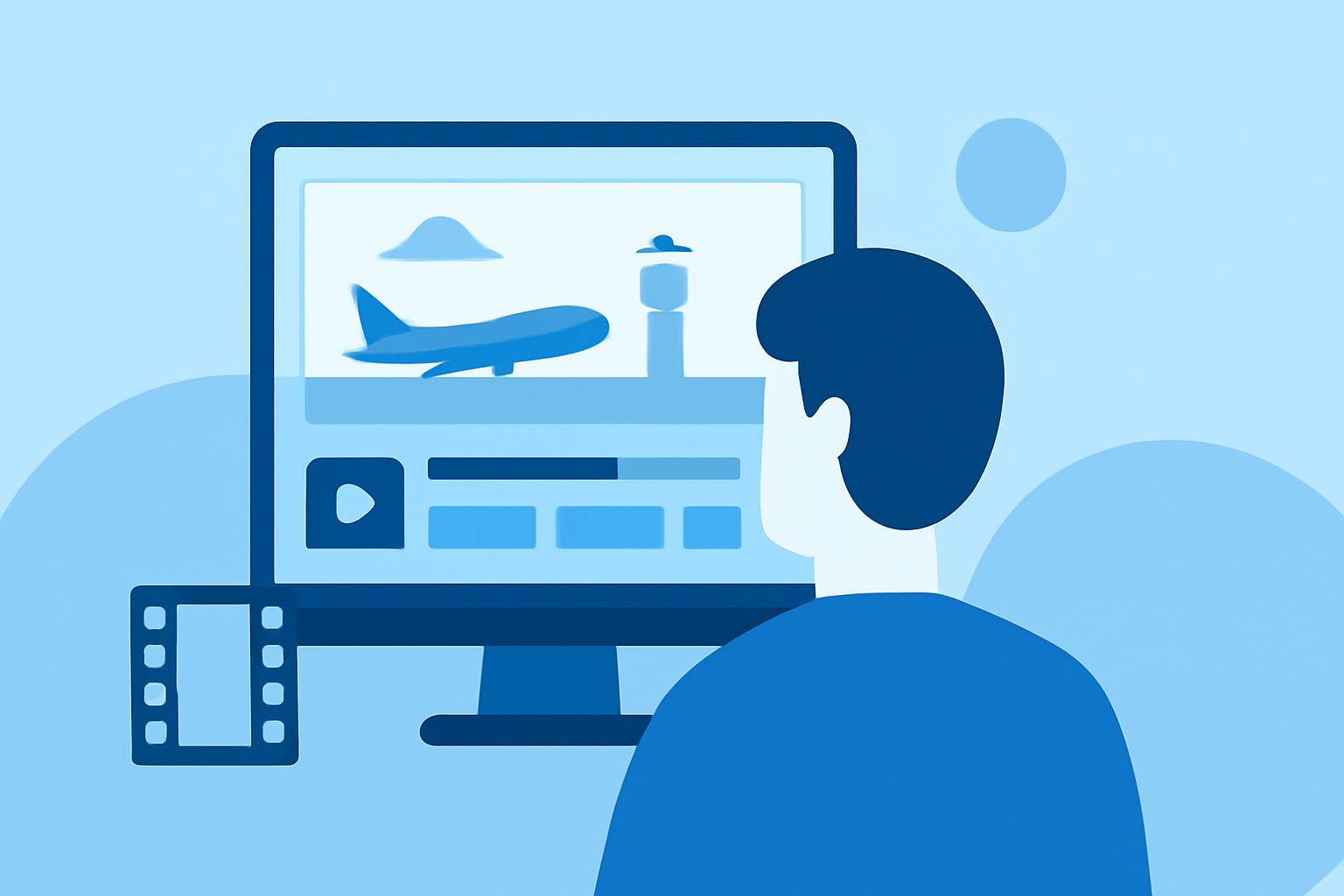
Editing airport footage on your mobile device allows for flexibility and convenience, enabling you to craft compelling videos on the go. Whether you're capturing the hustle and bustle of terminals or the serene moments of takeoff and landing, having the right tools and techniques can make all the difference.
Why Edit Airport Footage on Mobile?
Mobile editing offers several advantages:
- Portability: Edit anywhere, from the comfort of your home to a café or even while traveling.
- Efficiency: Quickly trim, enhance, and share your videos without the need for a desktop setup.
- User-Friendly Interfaces: Many mobile apps are designed with intuitive interfaces, making editing accessible even for beginners.
Essential Techniques for Editing Airport Footage
-
Stabilize Shaky Clips: Airport environments can be dynamic, leading to shaky footage. Utilize stabilization features in editing apps to smooth out these imperfections.
-
Adjust Exposure and White Balance: Lighting conditions in airports can vary. Correcting exposure and white balance ensures your footage appears natural and consistent.
-
Enhance Audio Quality: Background noise is common in airports. Use audio editing tools to reduce noise and balance sound levels, ensuring clear and crisp audio.
-
Apply Color Grading: Enhancing colors can add mood and depth to your footage. Experiment with color grading to achieve the desired aesthetic.
-
Incorporate Transitions and Effects: Smooth transitions between clips and subtle effects can make your video more engaging. However, use them sparingly to maintain a professional look.
Recommended Mobile Editing App: Planes Live
For a seamless editing experience tailored to aviation enthusiasts, consider using Planes Live. This app offers a range of features designed to enhance your airport footage:
- Real-Time Editing: Edit your footage as you capture it, allowing for immediate adjustments and previews.
- AI-Powered Enhancements: Utilize artificial intelligence to automatically adjust lighting, color, and audio, streamlining the editing process.
- Customizable Templates: Choose from a variety of templates specifically designed for aviation content, ensuring your videos have a professional touch.
- Direct Sharing Options: Share your edited videos directly to social media platforms or save them in high-quality formats for later use.
By leveraging Planes Live, you can efficiently edit your airport footage, producing polished videos that capture the essence of your travel experiences.
Additional Tips
- Organize Your Footage: Before editing, sort your clips by date or location to streamline the editing process.
- Keep It Concise: Aim for a video length that maintains viewer interest, typically between 1 to 3 minutes.
- Engage Your Audience: Add captions, music, and commentary to provide context and enhance the storytelling aspect of your video.
By mastering these techniques and utilizing tools like Planes Live, you can transform your raw airport footage into captivating videos that showcase your journeys and experiences.