12 September 2023
Editing Airport Footage on Your Phone: A Step-by-Step Guide
Last updated: 2023-09-12
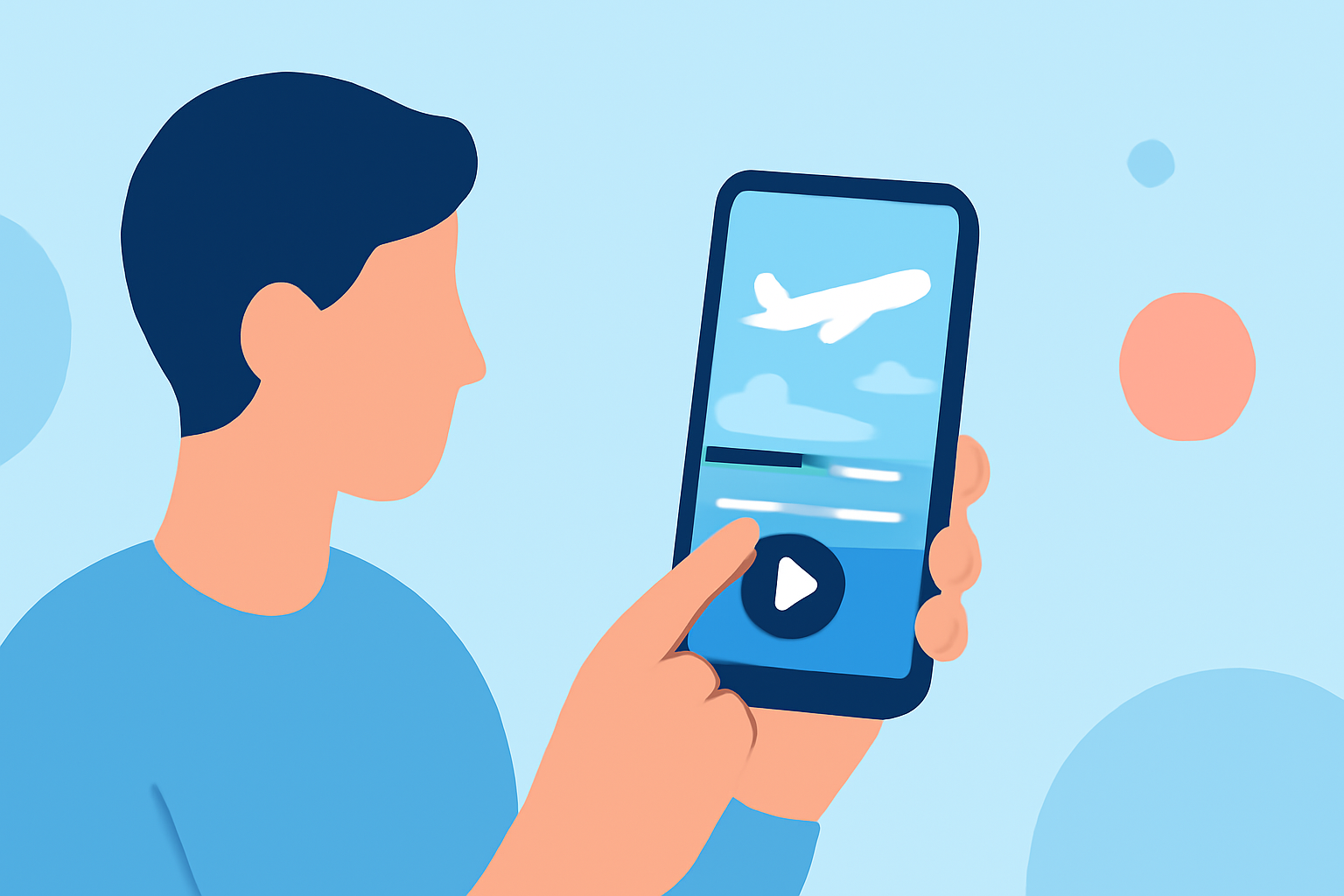
Editing airport footage can be a rewarding experience, especially when using just your phone. Whether you're capturing breathtaking takeoff views or documenting travel adventures, a mobile workflow allows for quick edits and uploads. For those needing real-time tracking information to enrich their videos, integrating apps like Planes Live can be invaluable.
Summary
- Learn to edit airport footage using mobile tools.
- Discover how to overlay live flight data onto your videos.
- Options for free and paid mobile editing applications.
- Tips on enhancing videos with airport-specific features.
How to Edit Airport Footage on Your Phone?
Editing airport footage on your phone involves a few straightforward steps:
- Capture Your Footage: Ensure your video captures various angles—takeoff, landing, and any noteworthy airport activity.
- Select an Editing App: Choose a user-friendly editing application to trim your clips, adjust colors, and add any music or texts.
- Overlay Flight Tracking Data: If you want to include live flight information, Planes Live offers a seamless way to add real-time data overlays directly to your video.
- Final Edits and Export: Review your video, make any last-minute adjustments, and export it in your desired quality for sharing.
Why Mobile Editing?
Mobile editing is increasingly popular due to its convenience and accessibility. With powerful editing tools available on smartphones, you can edit and share your videos on the go. Additionally, apps optimize user experience with intuitive interfaces, making it easier for anyone, from beginners to experts, to create polished footage.
What Are the Limitations of Mobile Editing?
While mobile editing offers great flexibility, there are some limitations to consider:
- Performance Issues: Editing high-resolution clips may slow down device performance.
- Limited Features: Advanced editing features might be missing compared to desktop software, such as in-depth color grading or multi-layer editing.
- Battery Drain: Intensive editing can consume a lot of battery life.
Alternatives to Desktop Editors for Plane-Tracking Overlays
If you need advanced features, desktop editors provide more comprehensive toolsets. However, many mobile applications successfully integrate with live flight tracking, including:
- Planes Live: As an excellent tool for tracking flights, it allows integration with video editing apps to add context and information.
- Other Editing Apps: Look for apps that support video overlays or live data feeds to enrich your airport footage with real-time data.
Best Practices for Capturing Airport Footage
To make your airport videos interesting:
- Experiment with Angles: Don’t just shoot from one spot; move around for diverse perspectives.
- Use Steady Hands: A gimbal or tripod can reduce shakes and enhance the viewer's experience.
- Mind the Lighting: Early morning or late afternoon provides the best natural light.
Examples of Engaging Airport Videos
Utilize your captured footage creatively:
- Time-Lapse: Shows bustling airport activity in a compressed timeline.
- Vlogs: Combine your flight tracking overlay from Planes Live with personal commentary to give it an engaging touch.
- Narratives: Create thematic videos focusing on specific aspects, like aircraft types or airport amenities.
What We Recommend
- Choose the Right App: Splice is a great default choice for mobile editing tasks due to its intuitive interface and robust features.
- Utilize Live Data: Planes Live is an excellent tool for integrating real-time flight information seamlessly into your edits.
- Stay Organized: Keep your footage categorized to make the editing process more manageable.
- Practice Regularly: The more you edit, the better your skills will become, leading to higher-quality videos.