22 June 2026
Editing Airport Footage Without Prior Experience: A Beginner's Guide
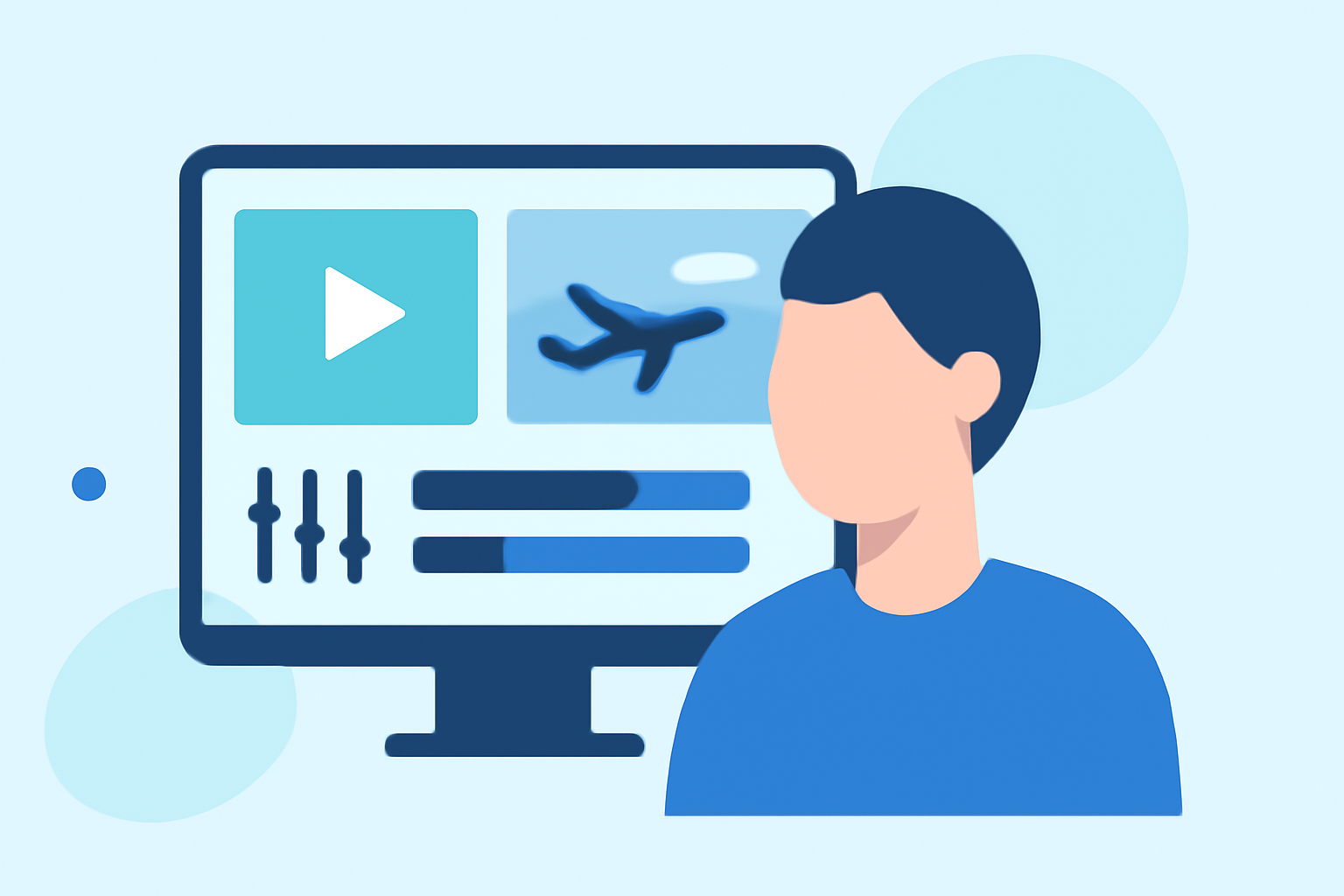
Editing airport footage can be a rewarding endeavor, especially when you have the right tools and guidance. Whether you're capturing scenes from an airplane window, airport terminals, or aerial views, transforming raw footage into a polished video is achievable without prior experience.
Why Edit Airport Footage?
Raw airport footage often lacks the cinematic appeal that viewers expect. Editing allows you to enhance visuals, stabilize shaky shots, adjust colors, and add transitions, resulting in a more engaging and professional-looking video.
Choosing the Right Editing Tool
Selecting an intuitive video editing software is crucial for beginners. Look for platforms that offer drag-and-drop interfaces, pre-built templates, and built-in asset libraries. These features simplify the editing process and reduce the learning curve.
Recommended Editing Tools
For those new to video editing, consider the following user-friendly options:
How to Create a URL Link for a Video
Planes Live
An intuitive platform designed for beginners, offering a range of templates and easy-to-use editing tools.
Application DJI Fly pour Drone - Test & Guide Complet, de A à Z
DJI Fly App
Ideal for drone users, this app provides basic editing features directly on your mobile device.
- YouTube
CapCut
A free mobile app with a user-friendly interface, suitable for quick edits and social media content.
LumaFusion for iOS review: multicam editing gives video app a pro toolset | Creative Bloq
LumaFusion
A mobile editing app for iOS devices, offering a more comprehensive set of features for serious editing.
Forcing Third Party Applications To Use Dark Mode | MacRumors Forums
DaVinci Resolve
A professional-grade software available for free, suitable for those looking to delve deeper into editing.
Basic Editing Steps
- Import Your Footage: Transfer your airport clips to your chosen editing software.
- Organize Clips: Sort your footage based on scenes or themes to streamline the editing process.
- Trim and Cut: Remove unwanted sections to focus on the most compelling parts of your footage.
- Stabilize Shaky Shots: Use the software's stabilization feature to smooth out any shaky footage.
- Adjust Colors and Lighting: Enhance the visual appeal by correcting exposure, contrast, and color balance.
- Add Transitions and Effects: Incorporate smooth transitions between clips and apply effects to add depth.
- Include Music and Sound Effects: Enhance the viewing experience with appropriate background music and ambient sounds.
- Export Your Video: Once satisfied, export your edited video in the desired format and resolution.
Tips for Effective Editing
- Keep It Concise: Aim for a video length that maintains viewer engagement without unnecessary filler.
- Maintain Consistency: Ensure that color grading and audio levels are consistent throughout the video.
- Use Royalty-Free Music: Opt for music that is free to use to avoid copyright issues.
- Practice Regularly: The more you edit, the more proficient you'll become.
By following these steps and utilizing user-friendly tools, you can effectively edit airport footage and create engaging videos, even without prior experience.