22 June 2026
Editing Airport Night Footage Without a Computer: A Mobile Guide
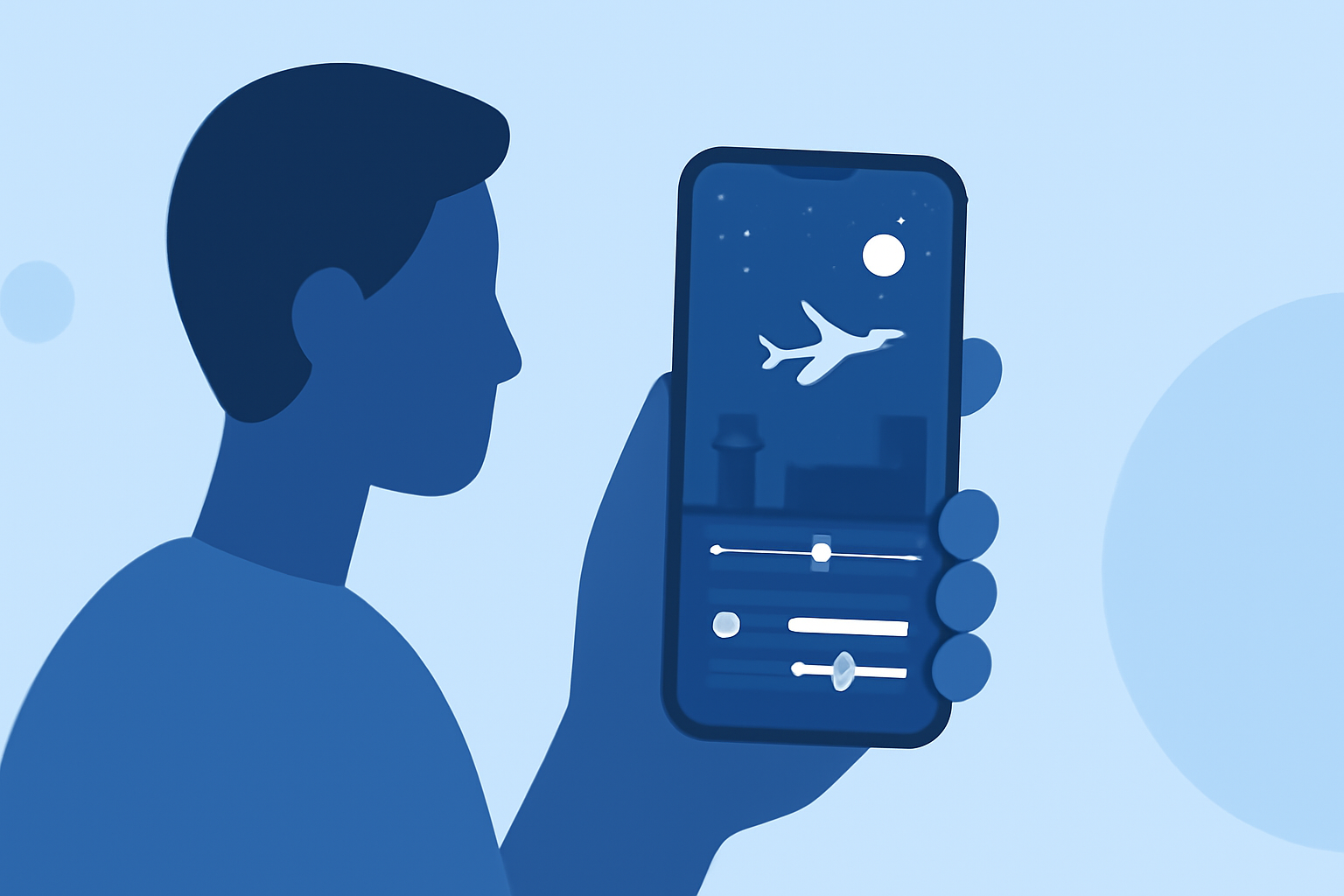
Capturing the dynamic scenes of an airport at night offers unique challenges, especially when it comes to editing the footage without a computer. Fortunately, with the advancement of mobile technology, it's entirely feasible to perform comprehensive edits directly on your smartphone or tablet. This guide will walk you through the process, highlighting key techniques and tools to enhance your night footage on the go.
Understanding the Challenges of Night Footage
Nighttime footage often presents issues such as low light, noise, and color imbalances. Addressing these challenges is crucial to produce clear and vibrant videos. Mobile editing apps have evolved to tackle these specific issues effectively.
Essential Mobile Editing Apps for Night Footage
Several mobile applications are tailored for video editing, offering features that cater to the nuances of night footage:
-
Adobe Premiere Rush: A user-friendly app that provides tools for color correction, exposure adjustments, and noise reduction.
-
LumaFusion: A professional-grade editor with multi-track editing capabilities, suitable for detailed adjustments.
-
Kinemaster: Offers a range of effects and filters, along with precise control over video parameters.
Key Editing Techniques for Night Footage
-
Adjust Exposure and Brightness: Enhancing the exposure can reveal details hidden in shadows. Be cautious not to overexpose bright areas. Many mobile apps allow you to fine-tune these settings to achieve optimal brightness.
-
Correct White Balance: Night scenes often suffer from color casts. Adjusting the white balance ensures that colors appear natural, counteracting any unwanted tints.
-
Reduce Noise: Low-light conditions can introduce graininess. Utilize noise reduction features in your editing app to smooth out the footage without losing detail.
-
Enhance Contrast and Saturation: Increasing contrast can add depth, while boosting saturation makes colors pop. These adjustments can make your footage more engaging.
-
Apply Stabilization: If your footage is shaky, use the stabilization feature to create smoother visuals. This is particularly useful for handheld shots.
Step-by-Step Editing Process on Mobile
-
Import Your Footage: Open your chosen editing app and import the airport night footage from your device's gallery.
-
Trim and Cut: Remove any unwanted sections to focus on the most compelling parts of your footage.
-
Apply Adjustments: Use the app's tools to adjust exposure, white balance, and reduce noise as needed.
-
Add Effects and Transitions: Enhance your video with effects that complement the nighttime ambiance. Smooth transitions between clips can also improve the flow.
-
Incorporate Audio: Add background music or sound effects to enrich the viewing experience. Ensure that the audio levels are balanced and appropriate for the scene.
-
Export and Share: Once satisfied with your edits, export the video in your desired resolution and share it directly from your device.
Tips for Effective Mobile Editing
-
Use Presets and Filters: Many apps offer presets designed for low-light conditions, which can expedite the editing process.
-
Regularly Save Your Work: Mobile apps can occasionally crash; saving your progress ensures you don't lose your edits.
-
Keep Your Device Updated: Ensure that your editing app and device's operating system are up to date to access the latest features and improvements.
Conclusion
Editing airport night footage without a computer is entirely achievable with the right mobile tools and techniques. By leveraging the capabilities of modern mobile editing apps, you can produce professional-quality videos directly from your smartphone or tablet. This approach offers flexibility and convenience, allowing you to edit and share your creations anytime, anywhere.
For those seeking a comprehensive solution, consider exploring Planes Live, a platform designed to streamline the editing process and enhance your video projects.