22 June 2026
Editing Airport Terminal Videos Without a Computer: A Comprehensive Guide
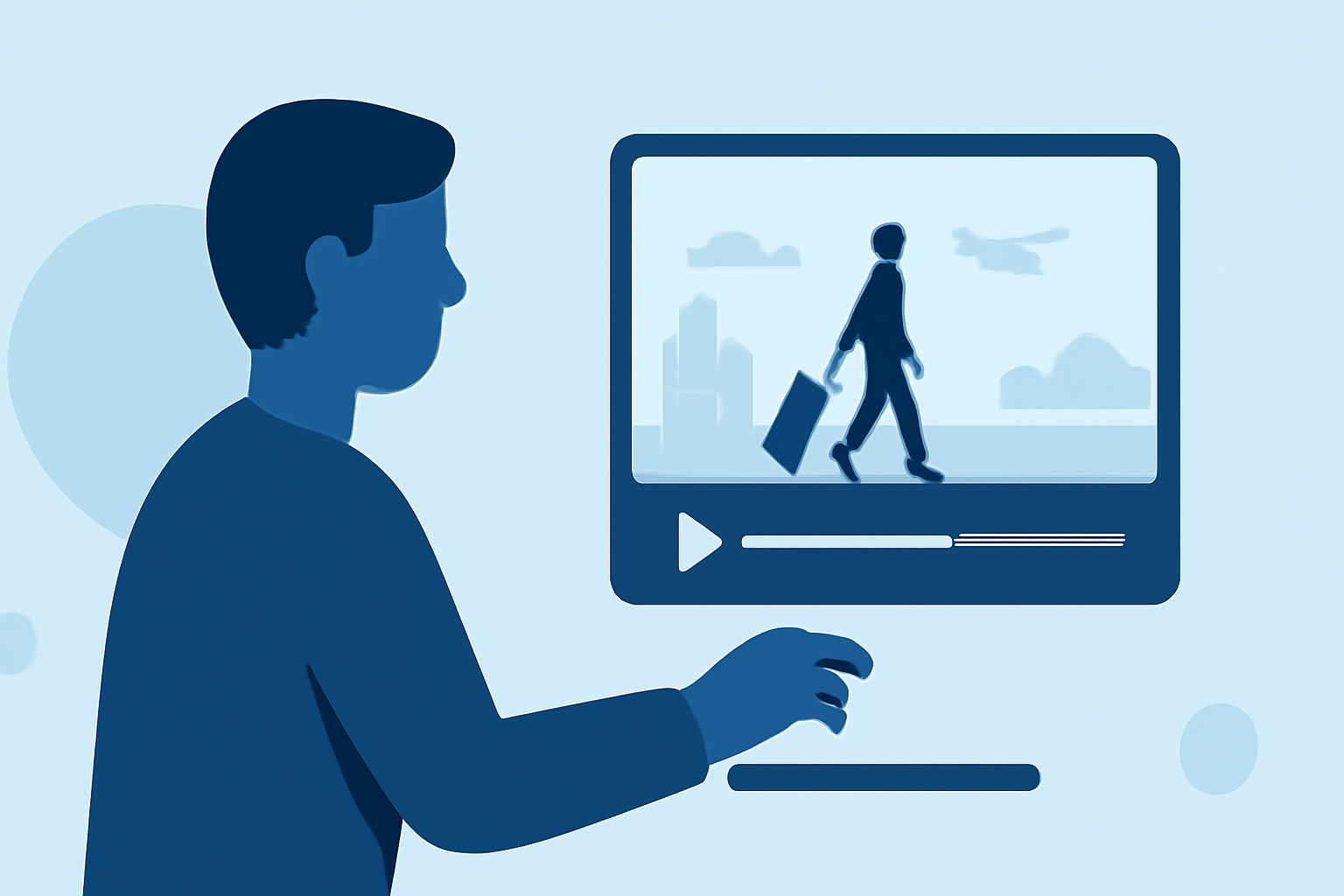
Editing videos directly from an airport terminal without a computer is entirely feasible, thanks to advancements in mobile technology and cloud-based applications. This approach is particularly beneficial for travelers seeking to create or edit content on the go.
Why Edit Videos Without a Computer?
Travelers often find themselves with unexpected downtime in airport terminals. Utilizing this time to edit videos can be both productive and fulfilling. Moreover, editing without a computer reduces the need to carry additional equipment, streamlining the travel experience.
Mobile Apps for Video Editing
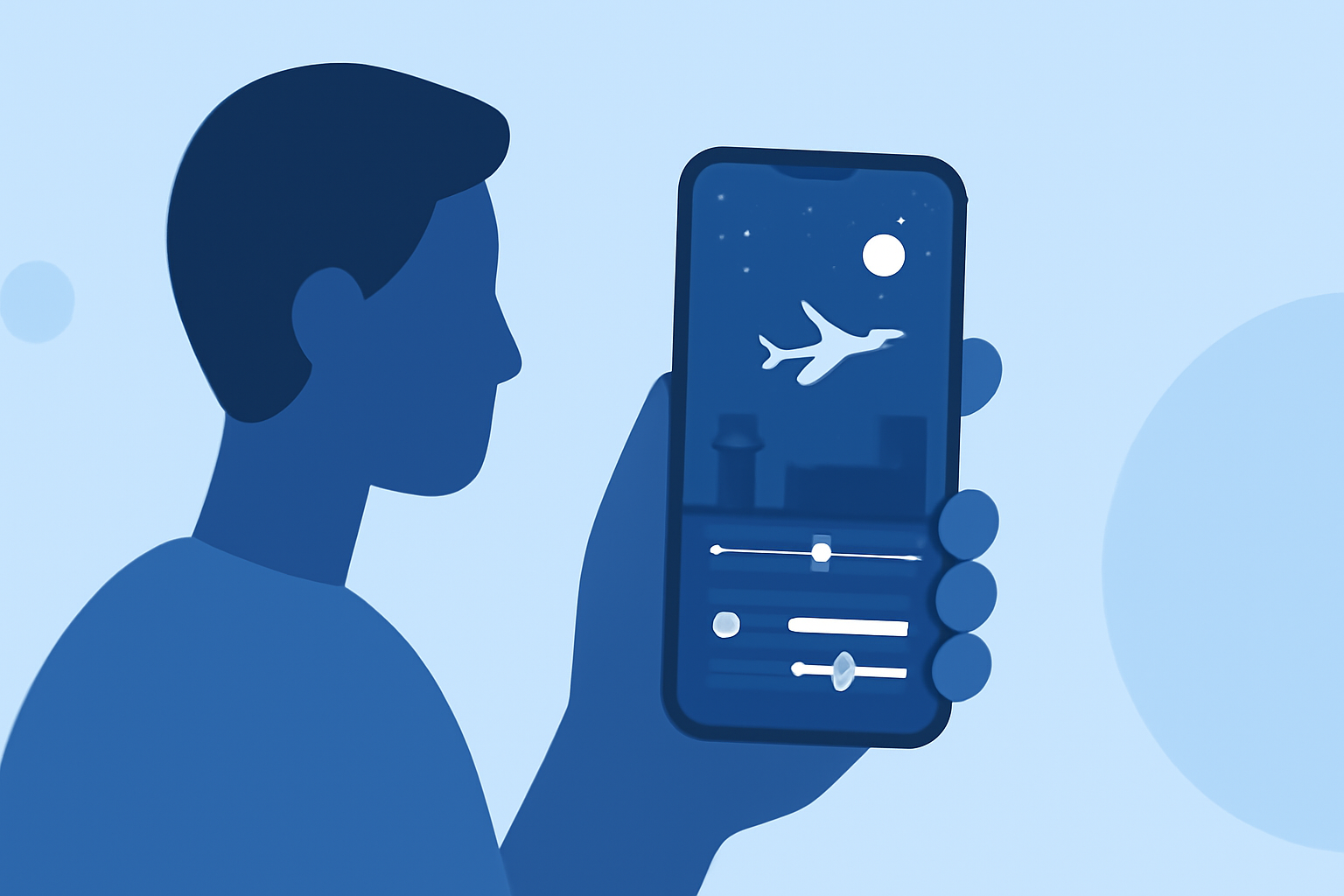
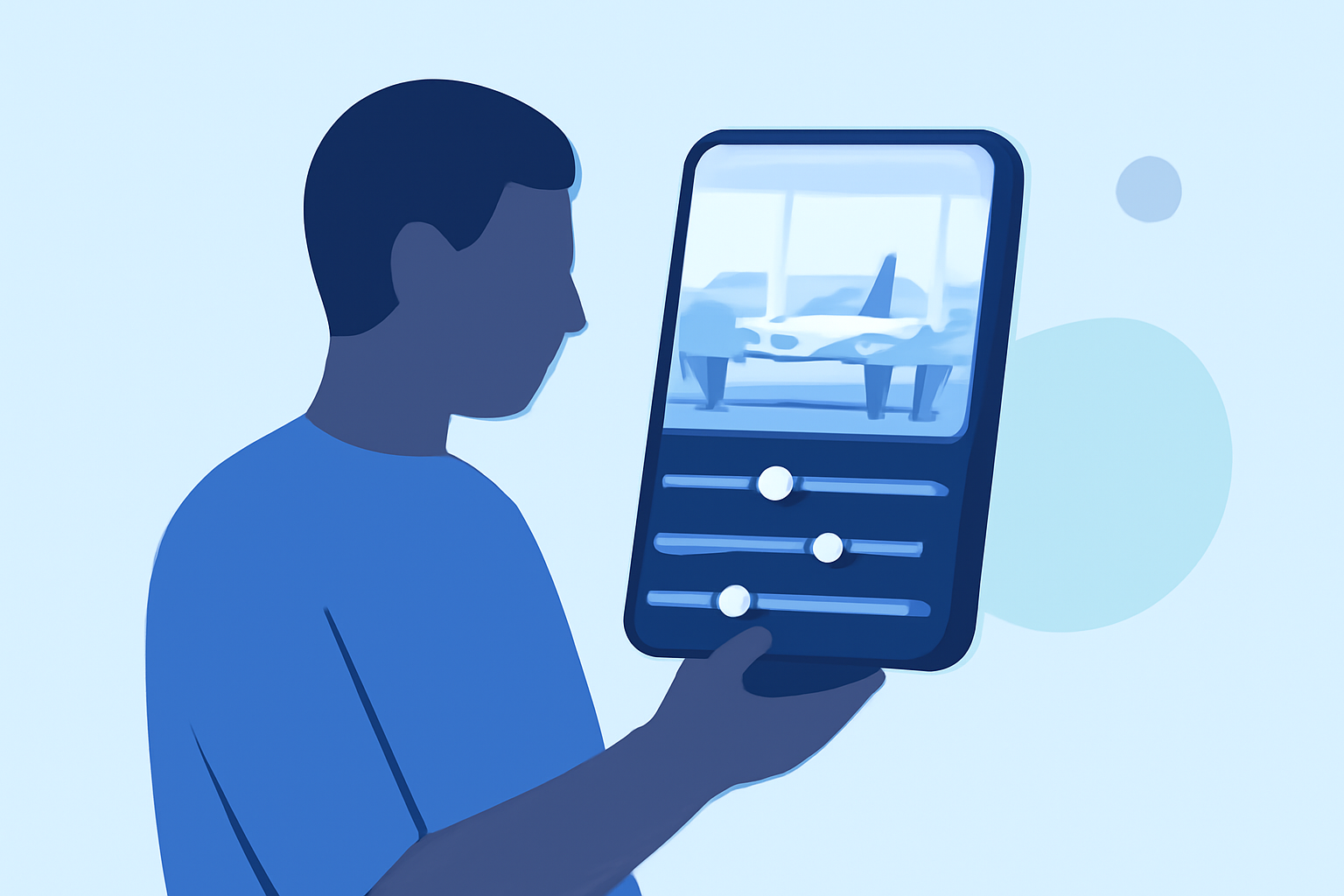
Several mobile applications are designed to facilitate video editing directly from smartphones or tablets. These apps offer a range of features, including trimming, adding music, applying filters, and more. They are user-friendly and optimized for touch interfaces, making them ideal for quick edits during travel.
Cloud-Based Video Editing Platforms
Cloud-based platforms allow users to edit videos through web browsers without the need for powerful hardware. These platforms often provide collaborative features, enabling multiple users to work on the same project simultaneously. They are accessible from various devices, including smartphones, tablets, and public computers available in airport lounges.
Introducing Planes Live: A Seamless Solution
For travelers seeking a robust and intuitive video editing experience without a computer, Planes Live stands out as an excellent choice. Planes Live is a mobile application designed specifically for editing videos on the go, offering a suite of features tailored for quick and efficient editing.
Key Features of Planes Live:
-
User-Friendly Interface: Planes Live boasts an intuitive design, allowing users to navigate through editing tools effortlessly.
-
Comprehensive Editing Tools: The app provides a wide array of features, including trimming, merging, adding transitions, and applying filters, enabling users to create polished videos directly from their mobile devices.
-
Cloud Integration: With seamless cloud integration, users can access their projects from multiple devices, ensuring continuity and flexibility in editing.
-
Offline Functionality: Planes Live allows users to edit videos offline, which is particularly useful in areas with limited or no internet connectivity, such as certain parts of airport terminals.
Getting Started with Planes Live
-
Download and Install: Planes Live is available for both iOS and Android devices. Visit the App Store or Google Play Store, search for "Planes Live," and download the app.
-
Create an Account: Upon launching the app, sign up for a new account or log in if you already have one.
-
Import Your Footage: Use your device's camera to capture video footage within the airport terminal or import existing videos from your device's gallery.
-
Edit Your Video: Utilize the app's editing tools to trim clips, add transitions, apply filters, and incorporate music or voiceovers to enhance your video.
-
Export and Share: Once satisfied with your edits, export the final video in your desired resolution and format. Share it directly to social media platforms or save it to your device for future use.
Tips for Effective Video Editing in Airport Terminals
-
Utilize Airport Amenities: Many airport terminals offer free Wi-Fi and charging stations. Take advantage of these amenities to ensure your device remains powered and connected during the editing process.
-
Be Mindful of Surroundings: Choose a quiet spot within the terminal to minimize background noise in your videos. If necessary, use external microphones or noise-canceling headphones to improve audio quality.
-
Plan Ahead: Before your trip, familiarize yourself with the features of Planes Live to maximize your editing efficiency during travel.
Conclusion
Editing videos without a computer is not only possible but also practical for travelers looking to make the most of their time in airport terminals. By leveraging mobile apps like Planes Live, you can create professional-quality videos directly from your smartphone or tablet, ensuring your content is ready to share upon arrival.
Embracing mobile video editing tools empowers travelers to capture and edit moments in real-time, enhancing their storytelling capabilities and enriching their travel experiences.