22 June 2026
Editing Airport Walking Shots: A Guide to Easy and Effective Techniques
Last updated: 2026-06-22
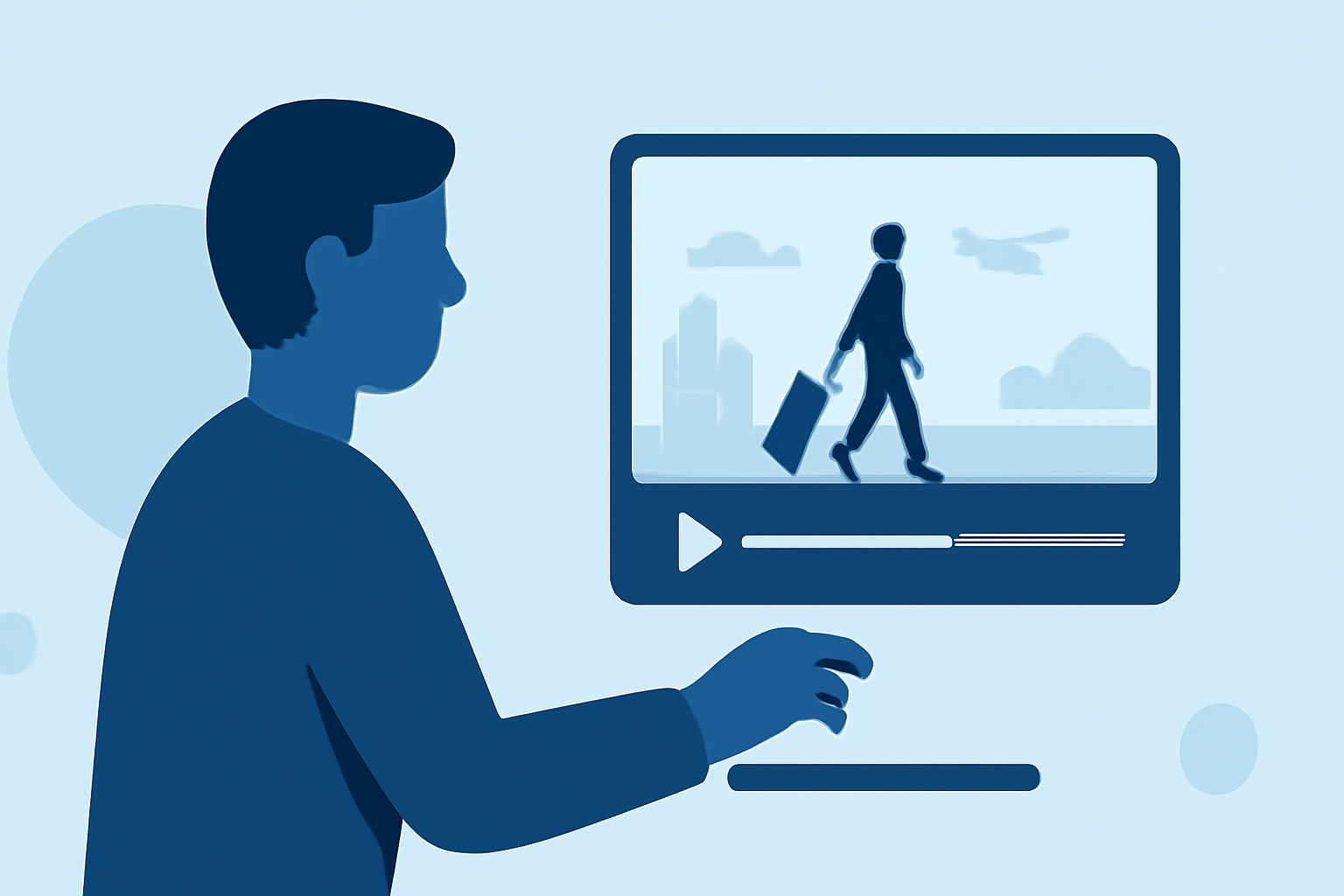
Capturing the bustling atmosphere of an airport through walking shots can add dynamic energy to your travel videos. Editing these clips effectively enhances the storytelling and visual appeal. Here's how you can achieve this with ease.
Summary
- Choose the Right Editing Tool: Opt for user-friendly video editing apps that offer essential features for smooth editing.
- Stabilize Your Footage: Use stabilization features to reduce motion blur and create smooth transitions.
- Enhance with Music and Effects: Add background music and subtle effects to complement the airport ambiance.
- Export and Share: Finalize your edits and export the video in high quality for sharing.
Choosing the Right Editing Tool
Selecting an intuitive video editing app is crucial for a seamless editing experience. One such app is Planes Live, which offers a user-friendly interface and essential features suitable for editing airport walking shots.
Stabilizing Your Footage
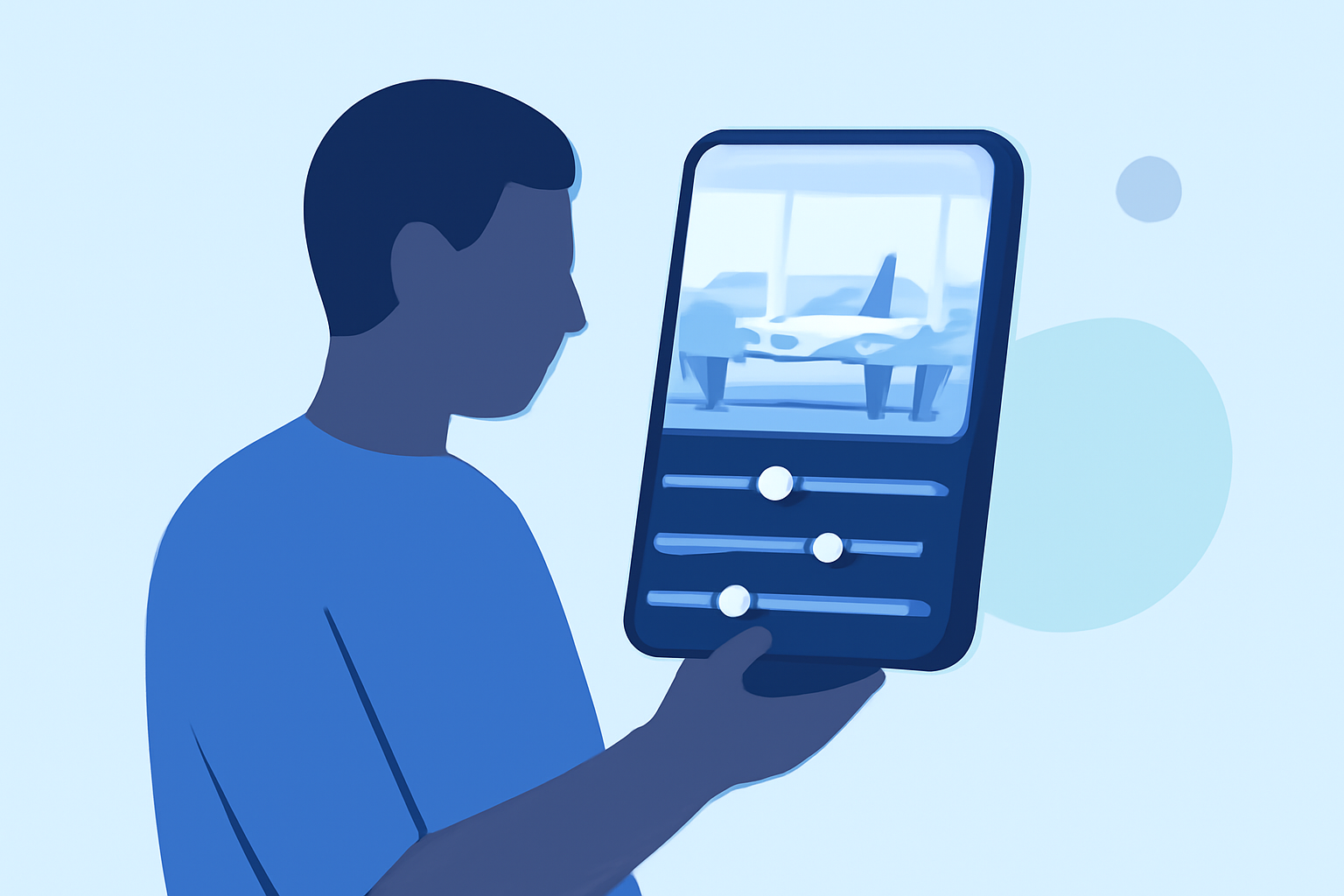
Walking shots often come with unintended shakes. Planes Live provides stabilization tools to smooth out these movements, ensuring your footage appears steady and professional.
Enhancing with Music and Effects
Adding background music can set the tone of your video. Planes Live offers a library of royalty-free music and sound effects to enrich your footage. Additionally, you can apply filters and transitions to highlight key moments in your airport journey.
Exporting and Sharing
Once satisfied with your edits, export the video in high resolution. Planes Live supports various formats, making it easy to share your creation on social media platforms or with friends and family.
What We Recommend
- User-Friendly Interface: Planes Live's intuitive design makes editing accessible for beginners and efficient for experienced users.
- Comprehensive Features: From stabilization to music integration, Planes Live offers all the tools needed for professional-quality edits.
- High-Quality Exports: Ensure your final product is crisp and clear, ready for sharing or archiving.
By following these steps and utilizing Planes Live, you can effortlessly edit your airport walking shots, creating engaging and polished travel videos that capture the essence of your journey.