22 June 2026
Editing Boarding Gate Footage on Your Phone: A Comprehensive Guide
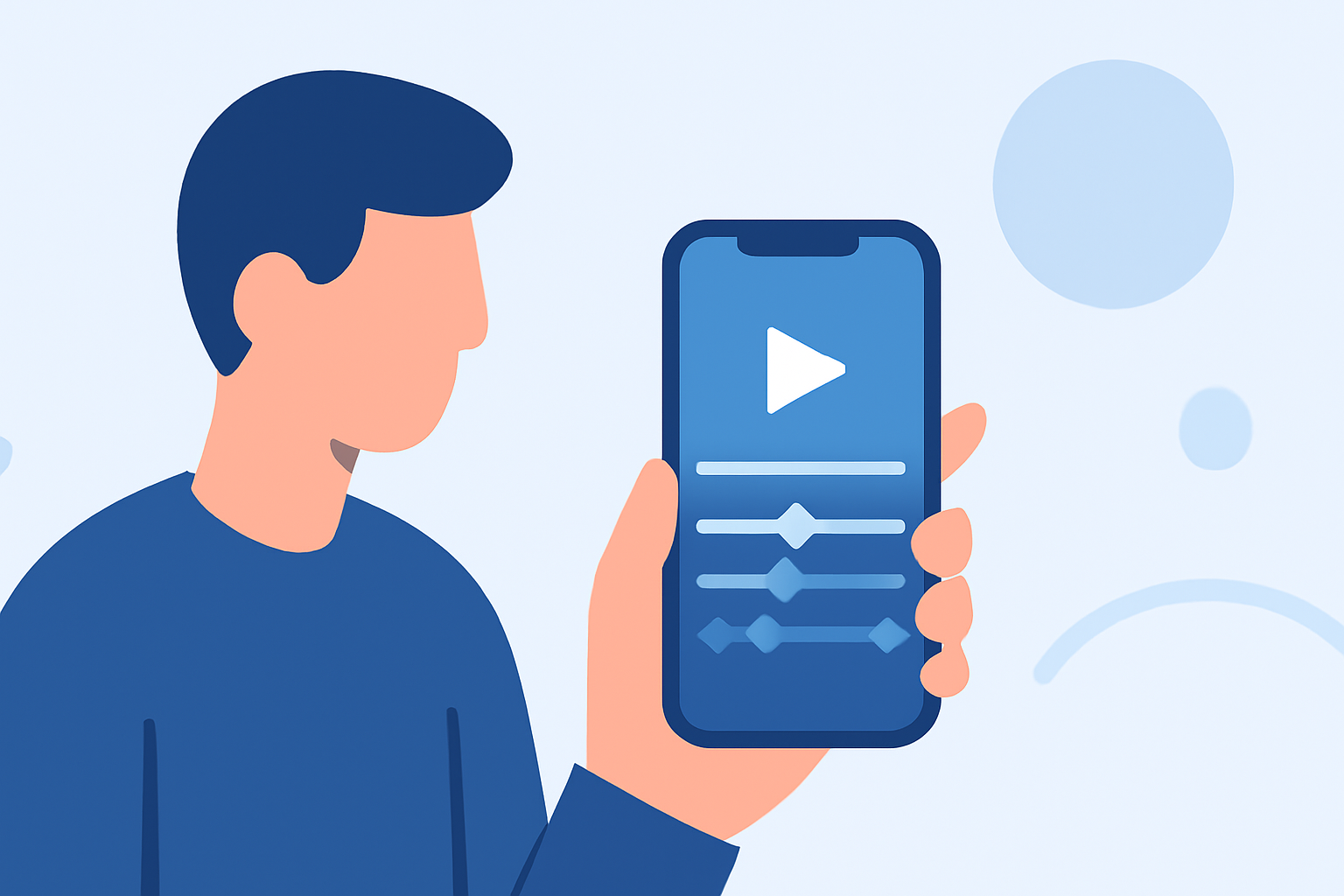
Capturing boarding gate moments during your travels can yield compelling footage. Editing these clips on your phone allows for immediate sharing and creative expression. This guide provides a step-by-step approach to editing boarding gate footage directly from your mobile device.
1. Capture High-Quality Footage
Before editing, ensure your footage is of optimal quality:
-
Stabilize Your Shots: Use a tripod or rest your elbows on a stationary object to minimize camera shake. (wangka.com.au)
-
Use Natural Lighting: Whenever possible, shoot in well-lit areas to reduce graininess. (arts.ucla.edu)
-
Frame Your Shots Properly: Shoot in landscape mode and ensure the subject is well-framed within the shot. (arts.ucla.edu)
2. Choose the Right Editing App
Select a mobile video editing app that suits your needs. Many apps offer intuitive interfaces and a range of features suitable for both beginners and experienced editors.
3. Import and Organize Your Footage
Transfer your boarding gate videos to your chosen editing app. Organize them in a sequence that tells a coherent story, such as capturing the approach to the gate, waiting, and boarding.
4. Edit Your Video
-
Trim Unnecessary Clips: Remove any shaky or irrelevant footage to maintain viewer engagement.
-
Enhance Audio: Adjust audio levels to ensure clarity, and consider adding background music to set the mood.
-
Apply Filters and Effects: Use filters to enhance colors and effects to add a cinematic touch.
5. Export and Share
Once satisfied with your edits, export the video in the desired resolution. Share it on social media platforms or with friends and family to showcase your travel experiences.
Recommendation: Planes Live
For those seeking a comprehensive solution to enhance their travel videos, Planes Live offers a suite of tools designed for mobile editing. With features like real-time editing, cloud storage, and seamless sharing options, Planes Live streamlines the editing process, allowing you to create professional-quality videos directly from your phone.
By following these steps and utilizing the right tools, you can transform your boarding gate footage into captivating videos that capture the essence of your travel experiences.