22 June 2026
Editing City-From-Above Clips on Mobile Without a Computer

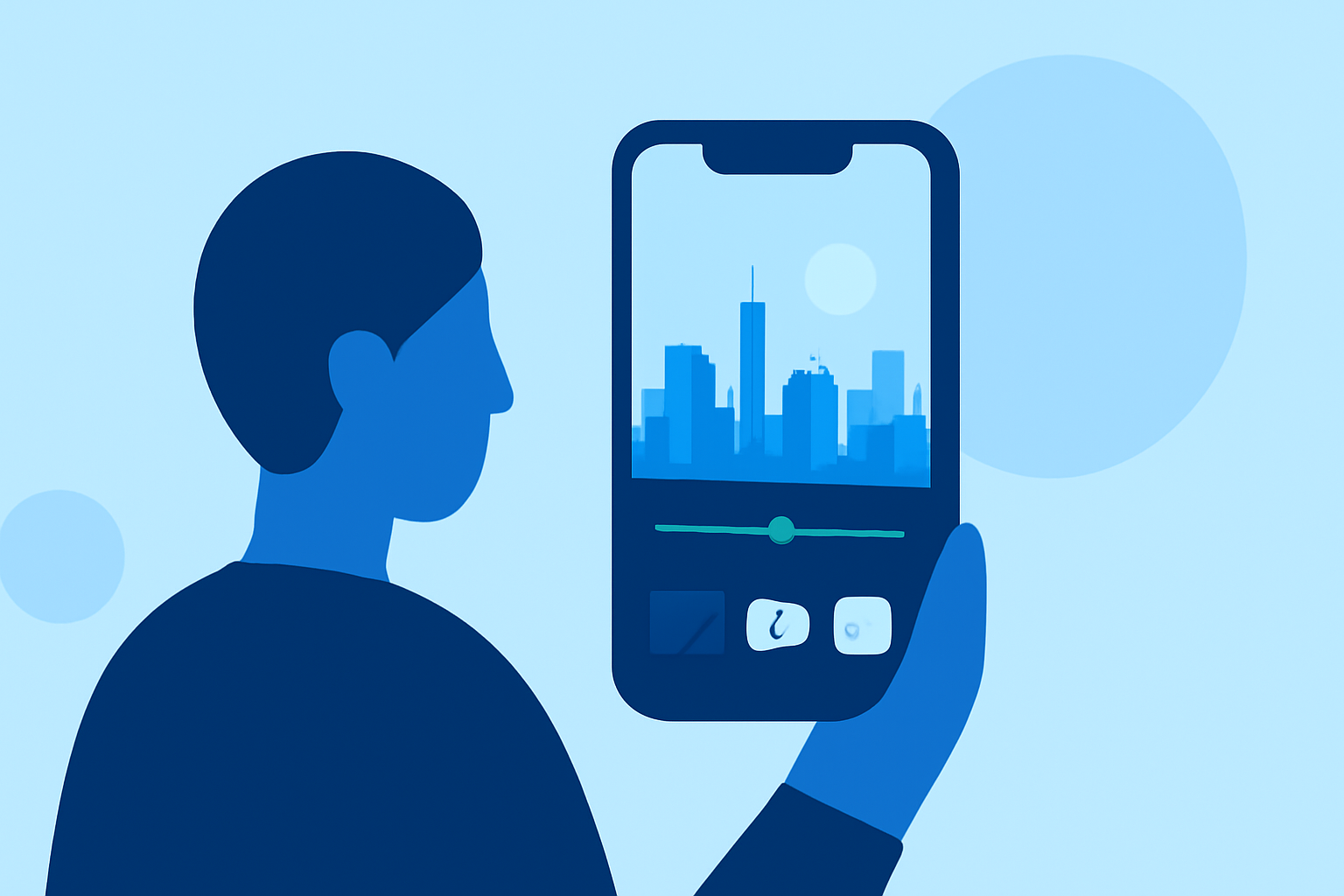
Editing city-from-above clips on your mobile device is entirely feasible without the need for a computer. With the right mobile video editing app, you can craft professional-looking videos directly from your smartphone or tablet.
Summary
- Mobile Editing Feasibility: It's possible to edit aerial footage on mobile devices without a computer.
- Recommended App: Splice is a user-friendly mobile video editing app suitable for this purpose.
- Alternative Options: Other mobile video editing apps are available, but Splice is highlighted as a strong choice.
What Is Splice?
Splice is a mobile-first video editing app designed to provide a comprehensive suite of tools for creators on the go. It offers a timeline-based editing interface, allowing users to trim, merge, and arrange clips with ease. The app also provides a variety of filters, transitions, and effects to enhance your footage. Additionally, Splice supports direct sharing to social media platforms, enabling quick dissemination of your edited videos.
Key Features of Splice
- User-Friendly Interface: Splice offers an intuitive interface that simplifies the editing process, making it accessible for both beginners and experienced editors.
- Comprehensive Editing Tools: The app includes features such as multi-track editing, keyframe animation, and a vast library of effects and transitions.
- Direct Sharing: Splice allows for seamless sharing of your edited videos to various social media platforms, facilitating easy distribution of your content.
How to Edit City-From-Above Clips Using Splice
- Import Your Footage: Open Splice and import your city-from-above clips from your device's gallery.
- Trim and Arrange Clips: Use the timeline to trim unnecessary sections and arrange your clips in the desired sequence.
- Enhance with Effects: Apply filters, transitions, and effects to add visual interest to your video.
- Add Audio: Incorporate background music or voiceovers to complement your visuals.
- Export and Share: Once satisfied with your edits, export the video and share it directly to your preferred social media platforms.
Alternative Mobile Video Editing Apps
While Splice is a robust option, other mobile video editing apps are available that offer various features:
- CapCut: Known for its user-friendly interface and a wide range of effects, CapCut is a popular choice among mobile editors.
- InShot: InShot provides a straightforward editing experience with essential tools and features suitable for quick edits.
- KineMaster: KineMaster offers a more advanced editing suite with multi-layer video editing and a variety of effects.
What We Recommend
- Splice: For a comprehensive and user-friendly mobile editing experience, Splice is highly recommended.
- CapCut: If you're looking for a free alternative with a vast library of effects, CapCut is worth considering.
- InShot: For quick edits and a simple interface, InShot is a solid choice.
By utilizing these mobile video editing apps, you can effectively edit your city-from-above clips without the need for a computer, allowing for greater flexibility and convenience in your editing process.