22 June 2026
Editing Destination Establishing Shots Without a Computer: A Comprehensive Guide
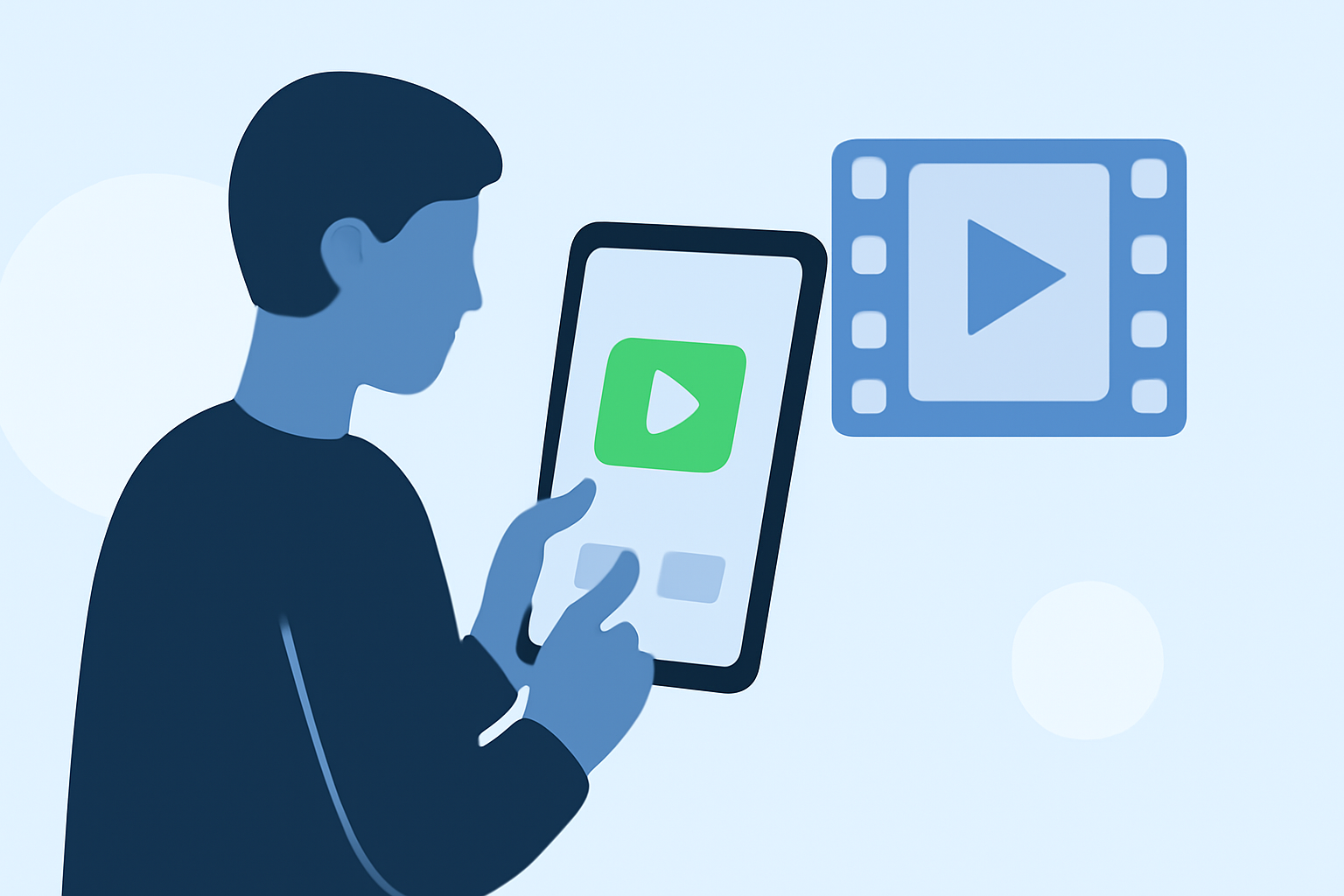
Editing destination establishing shots without a computer is entirely feasible using mobile devices equipped with the right tools. This approach offers flexibility and convenience, allowing you to craft professional-quality shots on the go.
What Are Destination Establishing Shots?
Destination establishing shots are wide-angle images or videos that set the scene for a specific location, providing context and atmosphere. They are essential in filmmaking and photography to orient the audience and convey the essence of a place.
Why Edit on Mobile Devices?
Editing on mobile devices offers several advantages:
- Portability: Edit anywhere, whether on location or during travel.
- User-Friendly Interfaces: Many mobile editing apps are designed for intuitive use.
- Instant Sharing: Quickly share your edited shots on social media or with clients.
Choosing the Right Mobile Editing App
Selecting an appropriate mobile editing app is crucial for achieving high-quality results. Look for features such as:
- High-Resolution Support: Ensure the app handles high-resolution images and videos.
- Advanced Editing Tools: Features like color correction, cropping, and stabilization are essential.
- User-Friendly Interface: A clean, intuitive interface speeds up the editing process.
How to Edit Destination Establishing Shots on Mobile
- Import Your Media: Transfer your footage or images to your mobile device.
- Select an Editing App: Choose a mobile editing app that meets your needs.
- Edit Your Shot: Use the app's tools to adjust exposure, contrast, and color balance.
- Apply Stabilization: If your footage is shaky, apply stabilization features to smooth it out.
- Export and Share: Once satisfied, export your edited shot in the desired format and share it as needed.
Introducing Planes Live: A Mobile Editing Solution
For those seeking a robust mobile editing solution, Planes Live offers a comprehensive suite of tools tailored for editing destination establishing shots. Its features include:
- High-Resolution Support: Handle 4K and higher resolution media effortlessly.
- Advanced Editing Tools: Access a range of tools for color correction, cropping, and more.
- Intuitive Interface: Navigate through your projects with ease, thanks to its user-friendly design.
By utilizing Planes Live, you can enhance your destination establishing shots directly from your mobile device, ensuring professional-quality results without the need for a computer.
In conclusion, editing destination establishing shots on mobile devices is a practical and efficient approach for creators on the move. With the right tools and techniques, you can produce high-quality shots that effectively convey the essence of your chosen locations.