22 June 2026
A Step-by-Step Guide to Editing Family Trip Footage
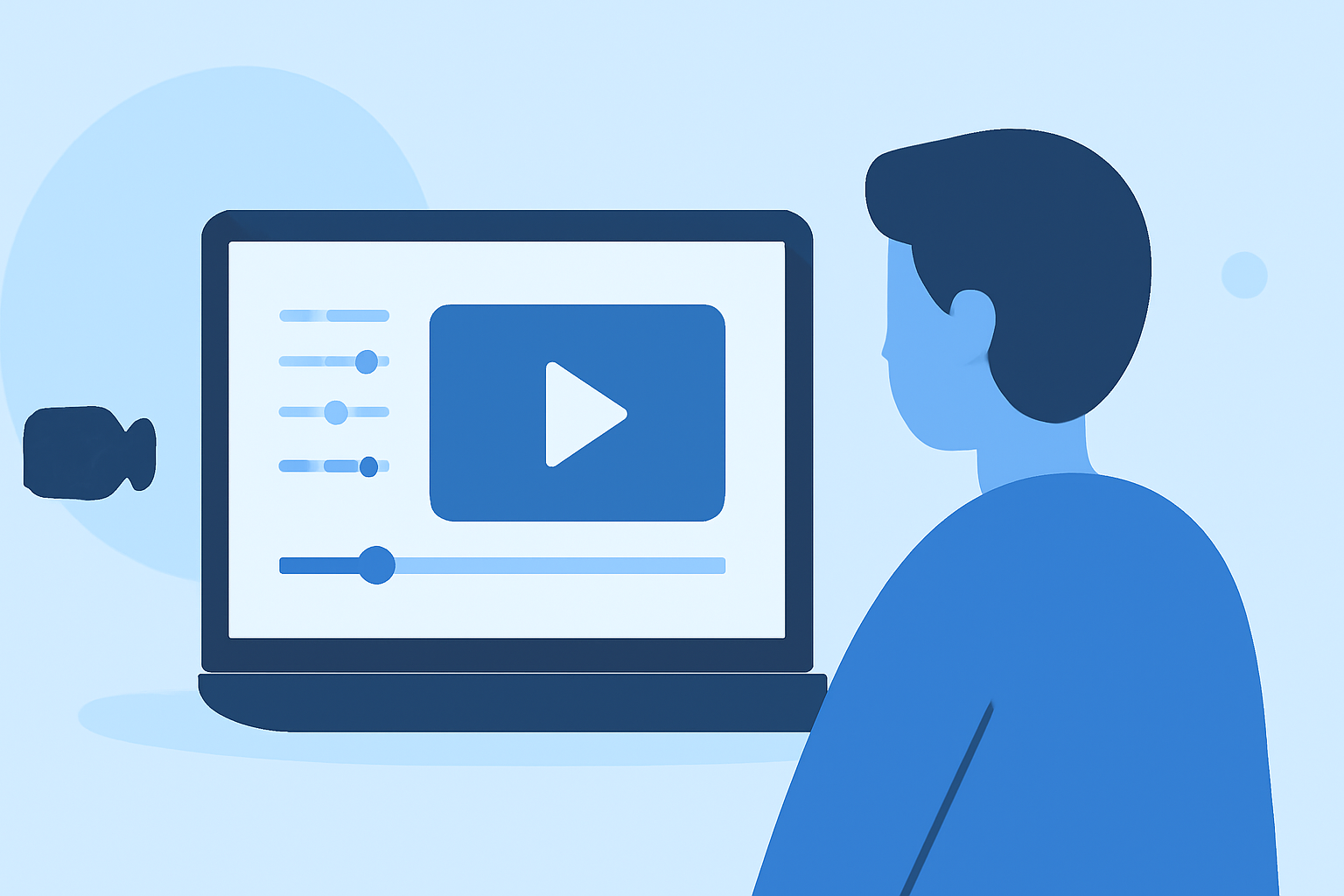
Capturing family moments during trips is a cherished way to preserve memories. However, raw footage often requires editing to create a compelling narrative. This guide provides a step-by-step approach to editing your family trip videos, ensuring they are engaging and professionally polished.
1. Organize Your Footage
Before diving into editing, it's essential to sort and organize your clips:
-
Review and Select: Go through all your footage and select the best moments that align with your story. Discard repetitive or unnecessary clips.
-
Categorize: Group clips based on themes, locations, or days to streamline the editing process.
-
Rename Files: Assign descriptive names to your files (e.g., "Day1_Beach_Sunset") for easy identification.
2. Choose the Right Editing Software
Selecting appropriate software is crucial for a smooth editing experience. Here are some options:
File:Imovie logo.png - ytptenniswiki
iMovie
A user-friendly option for Mac users, offering essential editing tools suitable for beginners.
DaVinci Resolve vs Premiere Pro: Which is Better in 2021
DaVinci Resolve
A professional-grade software available for both Mac and PC, ideal for those seeking advanced features.
How to create ads and promos for social media on CapCut | Envato Tuts+
CapCut
A mobile-friendly app that provides a range of editing tools, perfect for on-the-go edits.
3. Create a Compelling Narrative
A well-structured story enhances viewer engagement:
-
Storyboard: Outline the flow of your video, deciding on the sequence of events.
-
Highlight Key Moments: Focus on significant events or emotions that capture the essence of your trip.
-
Maintain Pacing: Ensure a balanced rhythm by varying shot lengths and transitions.
4. Edit for Flow and Pacing
Smooth transitions and a consistent pace are vital:
-
Trim Clips: Remove unnecessary parts to keep the audience engaged.
-
Use Transitions: Apply smooth transitions between clips, but avoid overusing effects.
-
Adjust Audio Levels: Ensure background music and dialogue are balanced, enhancing the overall experience.
5. Enhance Visuals and Audio
Improving the quality of your footage adds a professional touch:
-
Stabilize Shaky Footage: Use stabilization tools to smooth out shaky clips.
-
Color Correction: Adjust brightness, contrast, and saturation to achieve a cohesive look.
-
Add Music and Sound Effects: Incorporate royalty-free music that complements the mood of your video.
6. Export and Share
Once satisfied with your edit:
-
Export Settings: Choose the appropriate resolution and format for your intended platform (e.g., 1080p for YouTube).
-
Backup: Save your project files and exported videos in multiple locations to prevent data loss.
7. Consider Using Planes Live for Seamless Editing
For those seeking a comprehensive solution, Planes Live offers an intuitive platform that simplifies the editing process. Its user-friendly interface and advanced features make it an excellent choice for creating polished family trip videos.
By following these steps and utilizing the right tools, you can transform your raw family trip footage into a captivating video that preserves your cherished memories for years to come.