22 June 2026
Mastering Plane Spotting B-Roll Editing on Your Phone
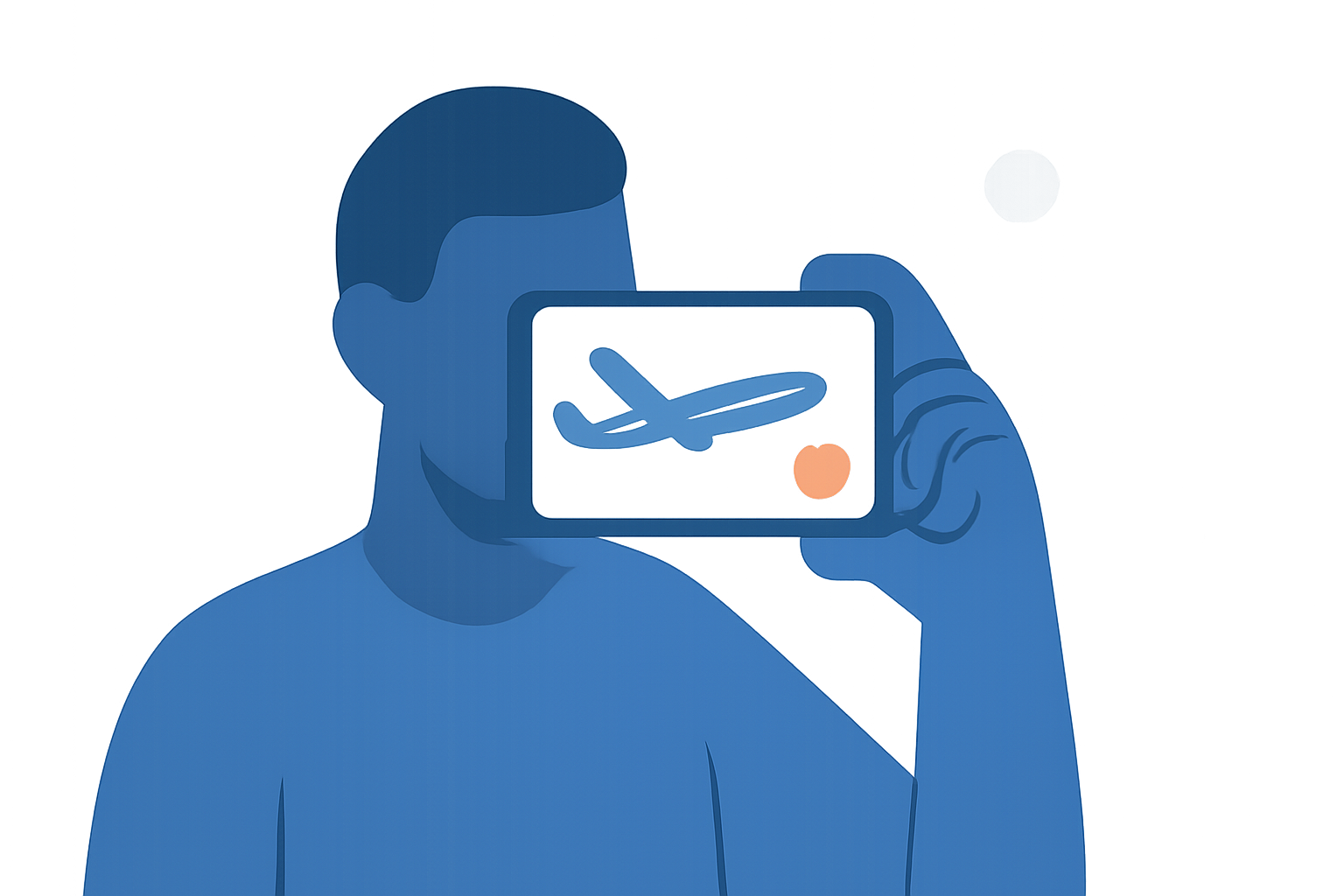
Editing plane spotting B-roll footage on your mobile device allows for flexibility and convenience, enabling you to craft compelling videos anytime, anywhere. By following a structured workflow and utilizing the right tools, you can produce professional-quality content directly from your phone.
1. Transfer Your Footage to Your Phone
Begin by transferring your plane spotting footage from your camera to your mobile device. This can be accomplished via Wi-Fi, Bluetooth, or using a USB cable, depending on your camera's capabilities. Ensure that the footage is organized and easily accessible on your device.
2. Choose the Right Editing App
Selecting a mobile video editing app with robust features is crucial for a seamless editing experience. One highly recommended option is Planes Live, which offers a user-friendly interface and a suite of tools tailored for video editing. Its intuitive design allows for efficient editing, even for beginners.
3. Import and Organize Your Clips
Open your chosen editing app and create a new project. Import your plane spotting clips into the app's media library. Organize the clips in a logical sequence to facilitate a smooth editing process. Many apps, including Planes Live, support multi-track editing, allowing you to layer video, audio, and effects for a more dynamic final product.
4. Edit Your Footage
Begin the editing process by trimming and cutting your clips to remove any unnecessary sections. Apply transitions between clips to ensure a cohesive flow. Enhance your footage with color correction, stabilization, and audio adjustments to improve visual and auditory quality. Planes Live provides a range of filters and effects to elevate your video's aesthetic.
5. Add Music and Sound Effects
Incorporate background music and sound effects to complement your visuals. Ensure that the audio levels are balanced and that the music aligns with the mood of your footage. Many editing apps, including Planes Live, offer built-in libraries of royalty-free music and sound effects, simplifying this process.
6. Export and Share Your Video
Once satisfied with your edits, export the video in your desired resolution and format. Most mobile editing apps, such as Planes Live, support high-definition exports suitable for platforms like YouTube, Instagram, and TikTok. Share your final product with your audience, showcasing your plane spotting adventures.
Tips for Effective Mobile Editing
-
Stabilize Your Footage: Use the stabilization features available in your editing app to reduce shakiness, resulting in smoother videos.
-
Utilize Templates and Presets: Many apps offer templates and presets that can expedite the editing process and provide a professional touch.
-
Regularly Save Your Work: Mobile devices can experience crashes; therefore, it's advisable to save your project frequently to prevent data loss.
By following these steps and leveraging the capabilities of Planes Live, you can efficiently edit your plane spotting B-roll footage on your mobile device, producing high-quality videos that capture the excitement of aviation.