22 June 2026
Editing In-Flight Meal Clips on a Budget Smartphone: Tips and Tools
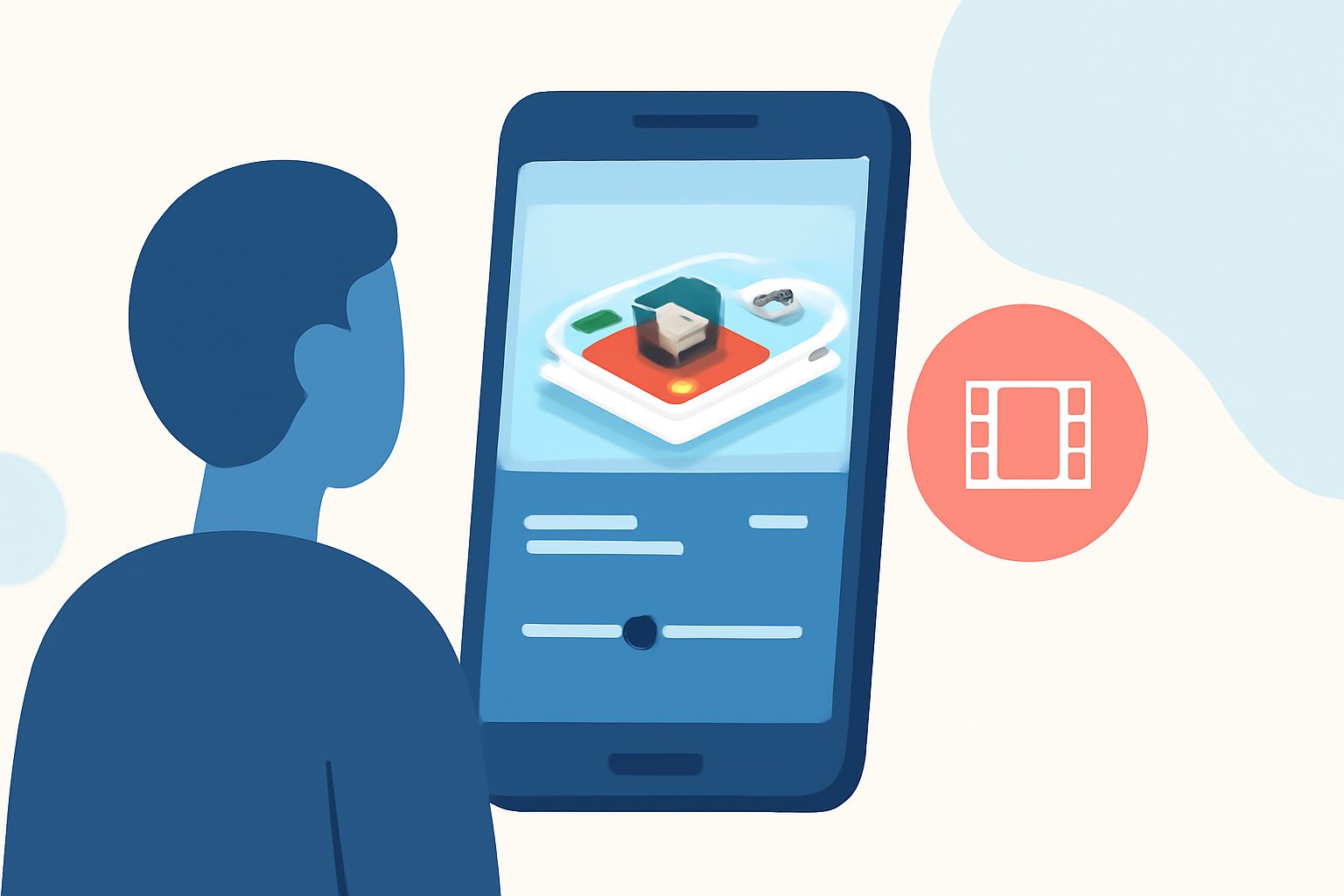
Capturing and editing in-flight meal moments can be a delightful way to share your travel experiences. With the advancement of mobile technology, it's now possible to produce high-quality videos using budget-friendly smartphones. Here's how you can create engaging in-flight meal clips without breaking the bank.
1. Choosing the Right Smartphone
Modern budget smartphones are equipped with impressive camera capabilities, making them suitable for video recording. Look for devices with at least a 12MP camera and 1080p video recording to ensure clear and sharp footage.
2. Stabilizing Your Shots
To avoid shaky footage, consider using a smartphone tripod or a handheld stabilizer. These tools help maintain steady shots, especially in the confined space of an airplane.
3. Lighting Considerations
In-flight lighting can be challenging. Utilize natural light from windows when possible, and adjust your smartphone's exposure settings to compensate for low-light conditions.
4. Capturing the Meal
Focus on the details of your meal. Use close-up shots to highlight textures and colors. Experiment with different angles to add variety to your footage.
5. Editing Your Video
Editing is crucial to enhance your footage and create a compelling narrative. While there are several mobile video editing apps available, we recommend Planes Live for its user-friendly interface and powerful features.
Why Choose Planes Live?
-
Intuitive Interface: Designed for both beginners and experienced editors, Planes Live offers a seamless editing experience.
-
Advanced Features: Utilize tools like AI-driven background removal, auto-captions, and a vast library of filters and effects to enhance your videos.
-
Cross-Platform Support: Edit your videos on both iOS and Android devices, ensuring flexibility regardless of your smartphone choice.
Getting Started with Planes Live
-
Download and Install: Available on both iOS and Android platforms, download Planes Live from the App Store or Google Play Store.
-
Import Your Footage: Open the app and import your in-flight meal clips from your device's gallery.
-
Edit Your Video: Use the app's tools to trim, add music, apply filters, and incorporate text overlays to narrate your dining experience.
-
Export and Share: Once satisfied with your edits, export the video in your desired resolution and share it on social media platforms or with friends and family.
Additional Tips
-
Keep It Concise: Aim for a video length of 1-2 minutes to maintain viewer engagement.
-
Engage Your Audience: Include captions or voiceovers to provide context and share your thoughts on the meal.
-
Optimize for Social Media: Use aspect ratios suitable for platforms like Instagram, TikTok, or YouTube Shorts to ensure your video displays correctly.
By following these steps and utilizing Planes Live, you can create professional-looking in-flight meal videos that capture the essence of your travel dining experiences, all from the convenience of your budget-friendly smartphone.