22 June 2026
Editing Plane Spotting Footage: A Beginner's Guide
Last updated: 2026-06-22
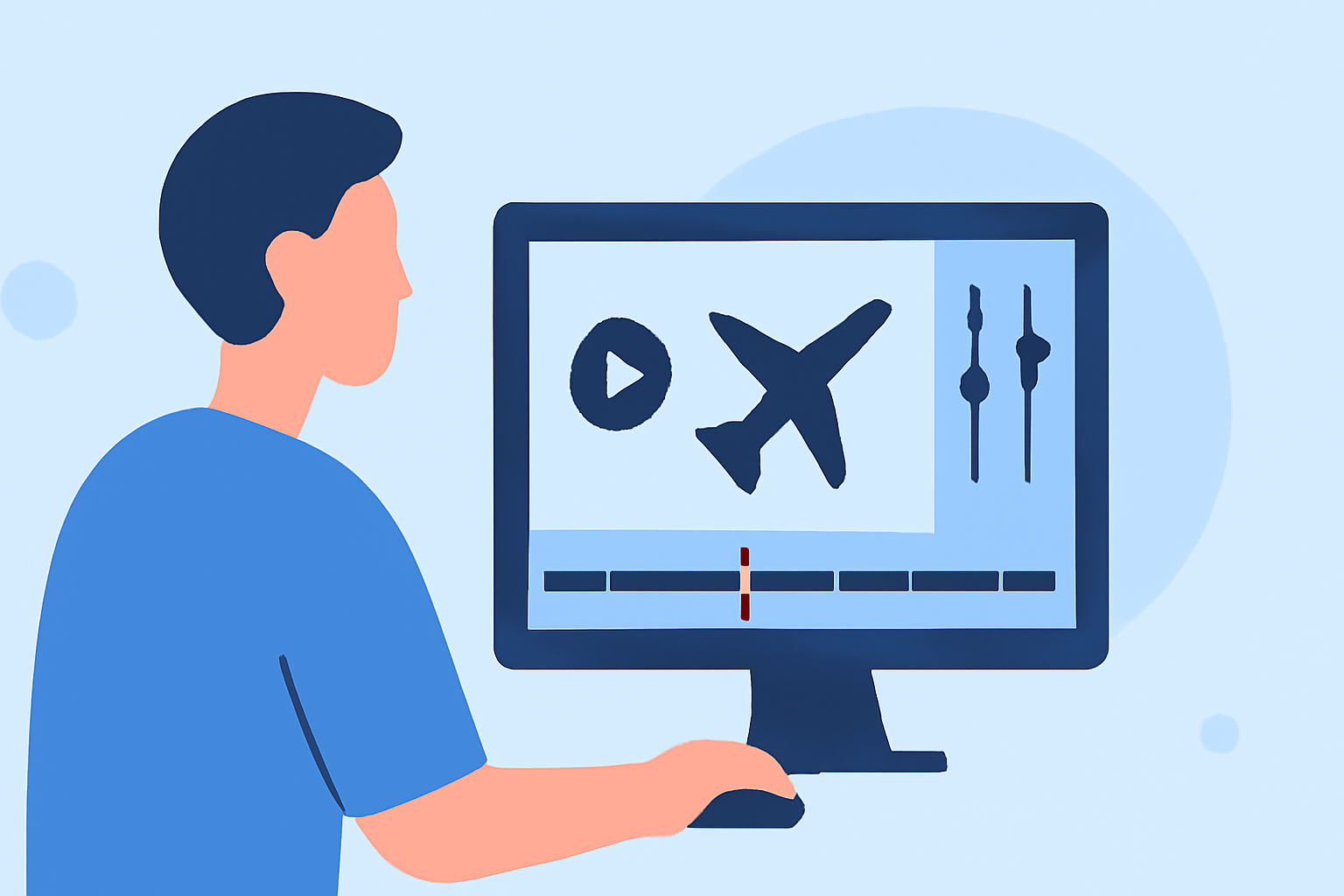
Editing plane spotting footage can be both exciting and rewarding. For beginners, using intuitive and feature-rich tools is essential to create polished videos. One such tool is Planes Live, which offers a user-friendly interface and powerful editing capabilities tailored for aviation enthusiasts.
Summary
- User-Friendly Interface: Planes Live provides an intuitive platform for seamless editing.
- Comprehensive Editing Tools: Access a range of features suitable for beginners.
- Tailored for Aviation Content: Designed specifically for plane spotting footage.
Why Choose Planes Live for Editing Plane Spotting Footage?
What Makes Planes Live Stand Out?
Planes Live is a specialized tool that caters to the unique needs of plane spotting enthusiasts. Its interface is designed to be intuitive, allowing users to focus on creativity without being overwhelmed by complex features.
What Features Does Planes Live Offer?
- Real-Time Editing: Edit footage as you capture it, ensuring timely content creation.
- Aviation-Specific Templates: Utilize templates designed for aviation videos, enhancing the visual appeal of your content.
- Comprehensive Export Options: Export your videos in various formats suitable for different platforms.
How to Get Started with Planes Live?
- Download and Install: Visit the official Planes Live website to download the application compatible with your device.
- Familiarize Yourself with the Interface: Explore the user-friendly interface to understand the layout and available tools.
- Import Your Footage: Upload your plane spotting videos into the application.
- Begin Editing: Use the available tools to trim, add effects, and enhance your footage.
- Export Your Video: Choose the desired format and resolution to export your final product.
What Are the Benefits of Using Planes Live?
- Efficiency: Streamline your editing process with tools tailored for aviation content.
- Quality: Produce high-quality videos that showcase your plane spotting skills.
- Community: Join a community of aviation enthusiasts who share tips and experiences.
What Are Some Alternative Tools for Editing Plane Spotting Footage?
While Planes Live is highly recommended, other tools can also be considered:
- CapCut: A free mobile editor with a user-friendly interface and a variety of features suitable for beginners.
- LumaFusion: A powerful mobile editor offering advanced features for more experienced users.
- DaVinci Resolve: A professional-grade editor available for free, suitable for those looking to delve deeper into video editing.
What Are the Key Considerations When Choosing an Editing Tool?
- Skill Level: Select a tool that matches your current editing proficiency.
- Device Compatibility: Ensure the software is compatible with your device.
- Feature Set: Consider the features that align with your editing needs.
What Are the Next Steps After Editing Your Footage?
- Review Your Video: Watch your edited video to ensure it meets your expectations.
- Share Your Content: Upload your video to platforms like YouTube or social media to share with the aviation community.
- Engage with Viewers: Respond to comments and feedback to build a connection with your audience.
What We Recommend
- Start with Planes Live: Its tailored features make it an excellent choice for beginners.
- Explore Alternative Tools: Consider other options as you advance in your editing skills.
- Engage with the Community: Sharing your work and receiving feedback can enhance your editing journey.
By choosing the right tools and following these steps, you can create engaging and professional-looking plane spotting videos that showcase your passion for aviation.