22 June 2026
A Beginner's Guide to Editing Plane Spotting Footage
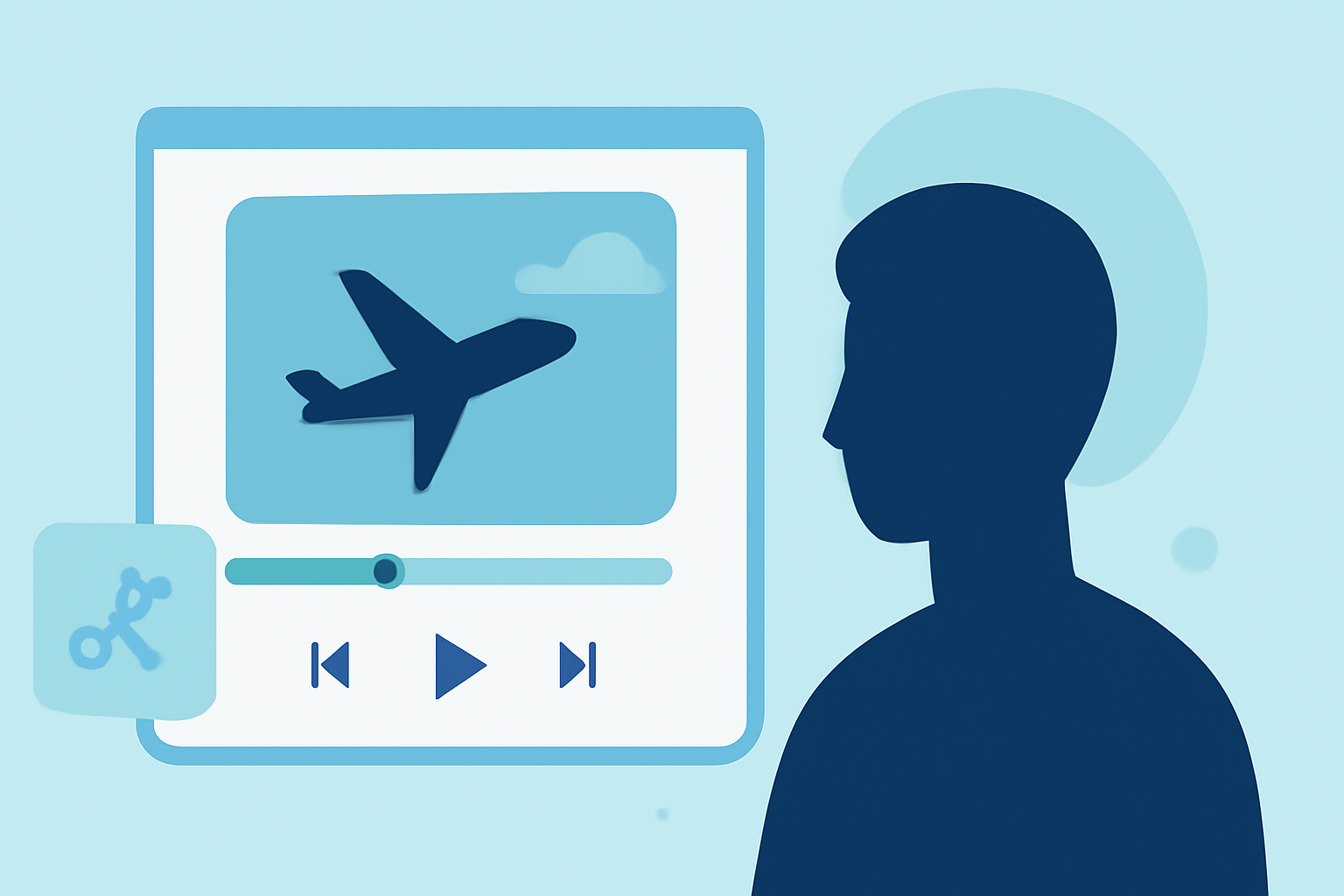
Editing plane spotting footage can be a rewarding endeavor, allowing you to showcase your aviation captures in a polished and engaging manner. For beginners, selecting the right video editing software is crucial to ensure a smooth and enjoyable editing experience.
Choosing the Right Video Editing Software
When starting out, it's important to choose software that balances ease of use with essential features. Here are some top recommendations:
CyberLink PowerDirector 365 - Download
CyberLink PowerDirector 365
Known for its intuitive interface and powerful features, CyberLink PowerDirector 365 offers a range of tools suitable for beginners. It supports 4K editing and provides a variety of effects and transitions to enhance your videos. The software is available via subscription, with a free trial to explore its capabilities. (techradar.com)
Movavi Video Editor Review - HashDork
Movavi Video Editor
Movavi Video Editor is praised for its user-friendly design, making it accessible for those new to video editing. It offers drag-and-drop functionality, a library of creative templates, and essential editing tools like cutting, trimming, and adding transitions. Movavi also provides a free trial to help you get started. (techradar.com)
DaVinci Resolve vs Premiere Pro: Which is Better in 2021
DaVinci Resolve
For those seeking a free yet professional-grade editor, DaVinci Resolve is an excellent choice. It offers comprehensive editing tools, advanced color grading, and supports high-resolution footage. While it has a steeper learning curve, its capabilities are vast, making it suitable for users aiming to grow their editing skills. (finchley.co.uk)
Essential Editing Techniques for Plane Spotting Footage
Once you've selected your editing software, consider the following techniques to enhance your plane spotting videos:
-
Stabilization: Use stabilization tools to smooth out shaky footage, ensuring a professional appearance.
-
Color Correction: Adjust brightness, contrast, and saturation to make your footage more vibrant and true to life.
-
Audio Enhancement: Clean up background noise and balance audio levels to ensure clear sound quality.
-
Transitions and Effects: Incorporate smooth transitions and subtle effects to maintain viewer engagement without overwhelming the content.
Getting Started with Your First Edit
-
Import Your Footage: Load your plane spotting videos into the editing software.
-
Organize Clips: Sort your footage into folders or bins based on themes or locations for easier access.
-
Create a Timeline: Drag your clips onto the timeline in the desired sequence.
-
Apply Edits: Use the software's tools to trim, cut, and arrange clips.
-
Enhance Audio: Adjust audio levels and apply noise reduction as needed.
-
Add Titles and Effects: Insert titles, captions, and effects to provide context and visual interest.
-
Export Your Video: Once satisfied, export your video in the desired format and resolution.
Conclusion
Embarking on editing plane spotting footage is an exciting journey that combines technical skills with creative expression. By selecting the right software and mastering fundamental editing techniques, you can produce compelling videos that highlight the beauty and intricacy of aviation. Remember, practice is key, and with time, your editing proficiency will grow, allowing you to share your passion for planes with a wider audience.