22 June 2026
Editing Plane Spotting Footage: A Beginner's Guide for Hobbyists
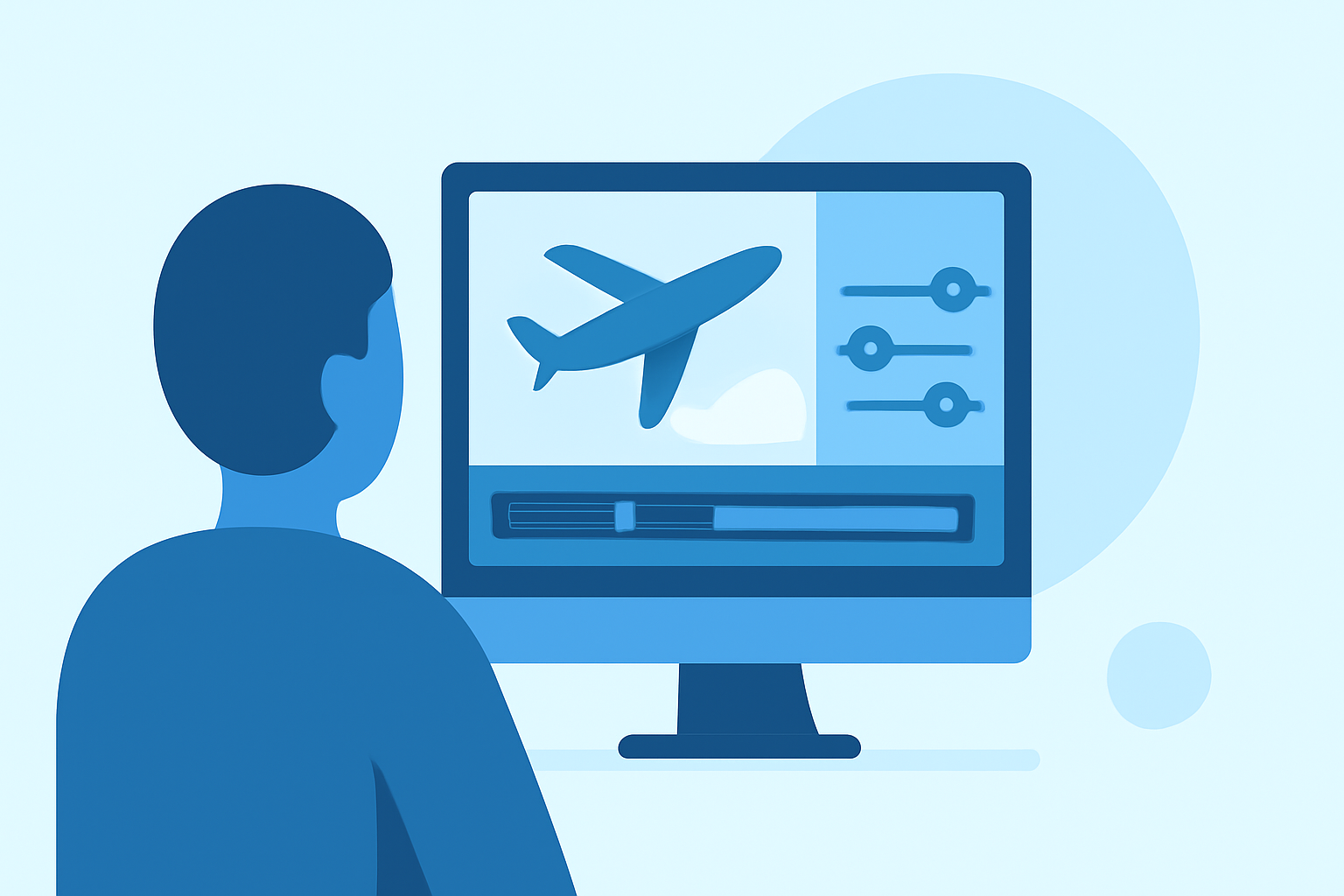
Editing plane spotting footage can transform your raw clips into captivating videos that showcase your passion for aviation. This guide provides essential techniques to help hobbyists enhance their plane spotting videos.
1. Organize Your Footage
Before diving into editing, establish a clear folder structure:
- Main Project Folder: Contains all project files.
- Raw Footage: Unedited clips from your plane spotting sessions.
- Audio Files: Background music and sound effects.
- Exports: Finalized video files.
Labeling files descriptively, such as "Runway_27L_Arrival_Take1," helps in quickly locating specific clips during editing. (crayo.ai)
2. Trim and Sequence Your Clips
Review your raw footage and select the most compelling shots. Trim excess footage to maintain viewer engagement. Arrange clips to create a logical flow, alternating between wide shots of the aircraft and close-ups of specific details. (crayo.ai)
3. Stabilize Shaky Footage
If your clips exhibit shakiness, apply stabilization tools available in most editing software. Be cautious, as over-stabilization can lead to unnatural cropping or distortion. (retouchinglabs.com)
4. Enhance Audio Quality
Clear audio is crucial for an immersive experience. Remove background noise and adjust levels to ensure the aircraft sounds are prominent. Consider adding ambient sounds, like wind or crowd noise, to provide context. (crayo.ai)
5. Apply Color Correction and Grading
Adjust exposure, contrast, and white balance to correct any inconsistencies. Applying a color grade can set the mood of your video, whether you prefer a vibrant look or a more subdued tone. (retouchinglabs.com)
6. Add Titles and Graphics
Incorporate titles to provide context, such as the aircraft's model, airline, or location. Ensure that text is legible and complements the video's aesthetic. (crayo.ai)
7. Export for Optimal Quality
Choose export settings that balance quality and file size. For platforms like YouTube, exporting in 4K resolution with the H.264 codec is recommended. (vloglikepro.com)
8. Utilize Editing Software
Selecting the right editing software can streamline your workflow. Options range from free programs with basic features to professional software offering advanced tools. Choose one that aligns with your editing needs and experience level. (vloglikepro.com)
By following these steps, hobbyists can create engaging and professional-looking plane spotting videos that highlight their passion for aviation.
Highlights:
- How to Edit Drone Footage: The Complete Guide, Published on Thursday, April 02
- How to Edit Drone Footage (May 2026) Complete Guide, Published on Wednesday, April 22
- How to Edit Drone Footage (2026 Guide)